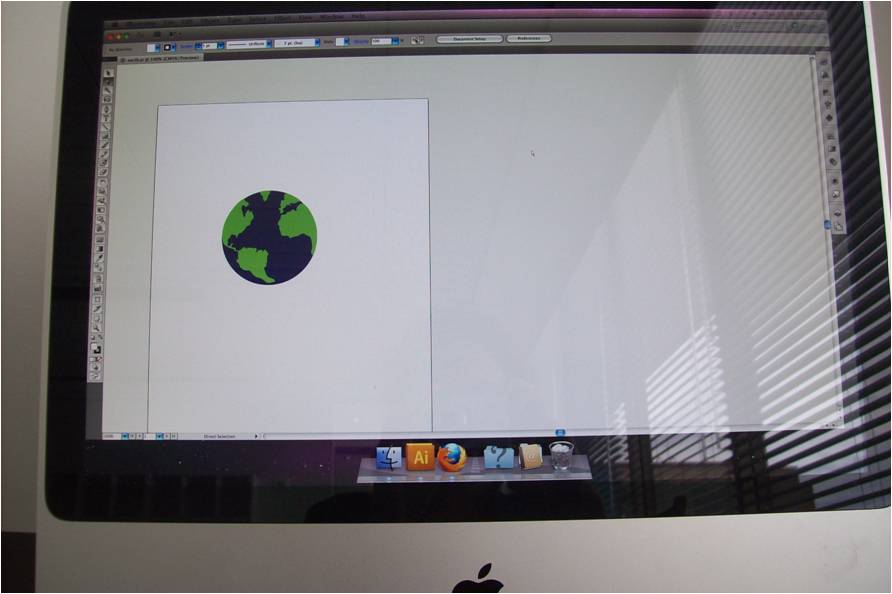
Today’s lesson in Adobe Illustrator first boggled me… Macs are tricky. I didn’t know how to load the application… I kept clicking and at first it didn’t have any of the plug-ins, which are crucial for manipulating objects in the program… that’s what it’s for… so after that technical glitch, I was on my way. Playing with the given shape, the earth was really fun. I abstracted it somewhat by making the subtle silhouette of the continents into jagged horizontal spires that looked like they were copied and pasted from an eighties’ sweater. And making Africa red because the teacher was teaching us about isolation and grouping. Subliminal message about Africa?
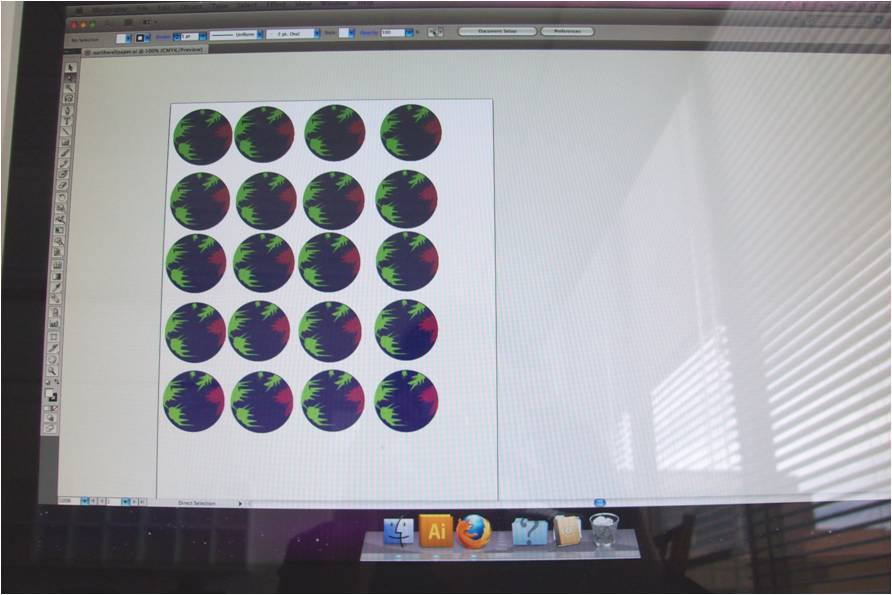
Here, (see the serial earths) I learned what the option button and shift button can do when they work together.
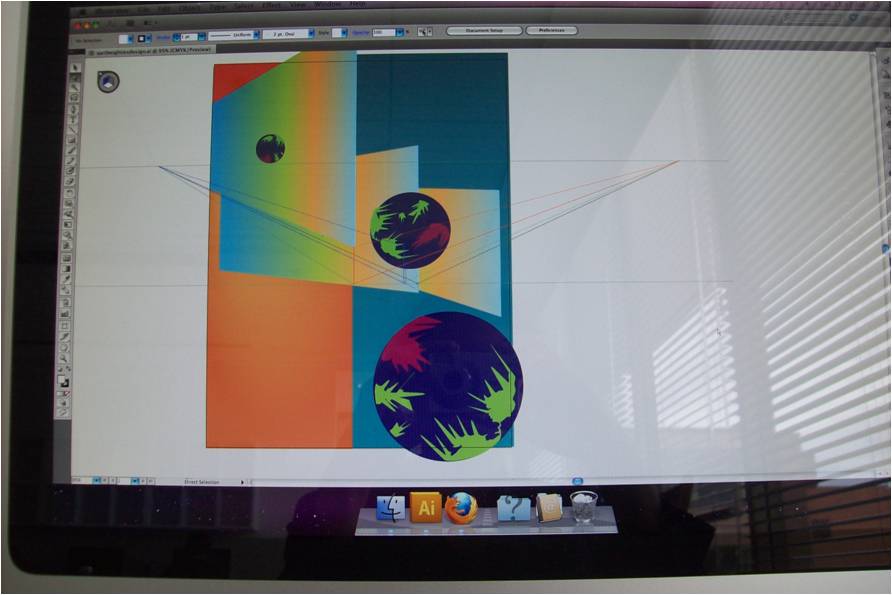
I really liked this. When I left the school, I realized that I should have saved these things as jpegs rather than photograph them, but I wanted to depict the mac interface. Photographs become my proof. I did use a Mac and I did use Illustrator and I am a winner. #winningthefuturebyusingamac
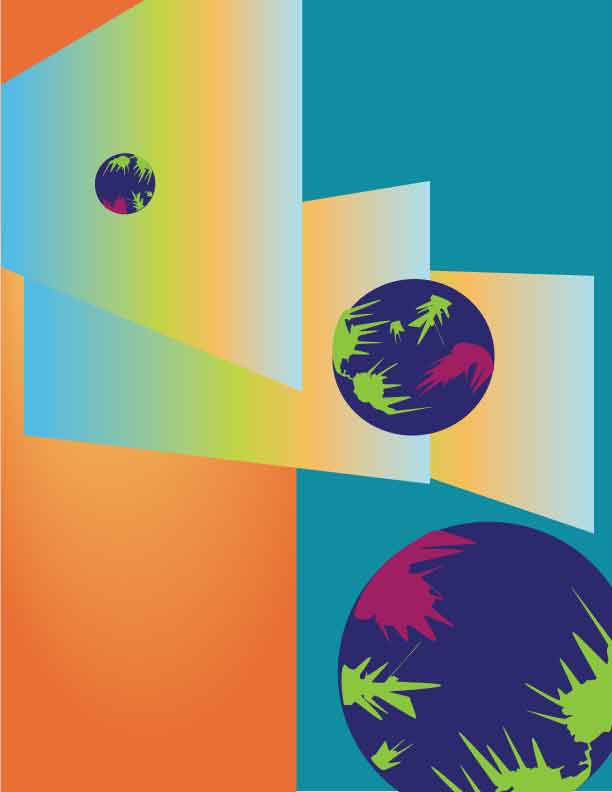
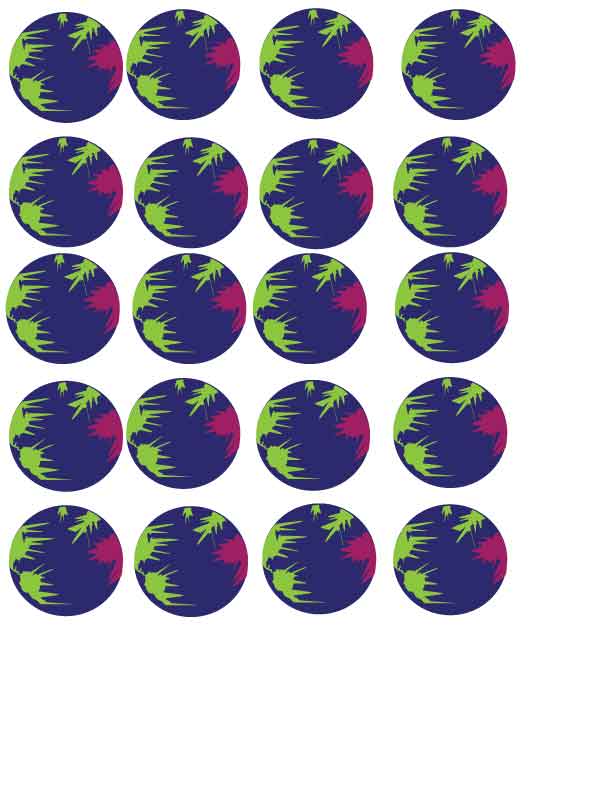
Update 10-17-11: I figured out how to save for web.

Ha. This is me at the Capitol Hill Library computer using a PC–and a pencil– to revise my school budget and make this blog post. I like being surrounded by books as I am connected to the world wide web.
 Kismet Arts Tangent
Leave a comment