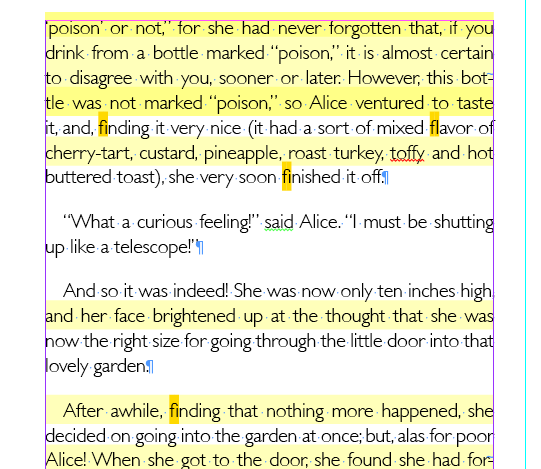
Today, Chris Sullivan went over Preferences to have set up for working in InDesign. Without opening up a file, but after launching InDesign, you can change the defaults for the rest of the time you are working with the software. Here’s what I recommend changing from the standard default. You can change these when you are working on specific documents that may require other settings, but this is a great place to start.
List of things to change:
Set your workspace to [advanced] (located in the upper right corner)
(InDesign->Preferences->Type)
Check Enable in Layout View
Check Delete Empty Pages
(InDesign->Preferences->Composition)
Check everything in the highlight section
(InDesign->Preferences->Units & Increments)
The cursor key: .003″
Kerning/Tracking: 10/1000em
Rulers: [inches]
Keyboard increments: 1pt
(InDesign->Preferences->Spelling)
Check Enable Dynamic Setting (typos look very unprofessional)
(InDesign->Preferences->File Handling)
Snippet Import… Position at [Original Location]
And there you have it.
 Kismet Arts Tangent
Leave a comment