Today, Erik Fadiman walked us through some of the lastest frameworks for responsive web design.
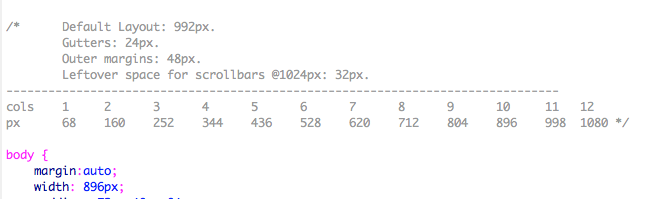
Exploring Frameworks– speed and efficiency: Less Framework 4. Desktop first. Gives a lot of padding to ensure visibility on all devices. Snaps to sizes. Uses pixel dimensions (not percentages–things break if you do). Reliable. Orient yourself with the styles’ media query sections because you can get lost in the css because all of the styles live on one page. Simple package: index.html and style.css
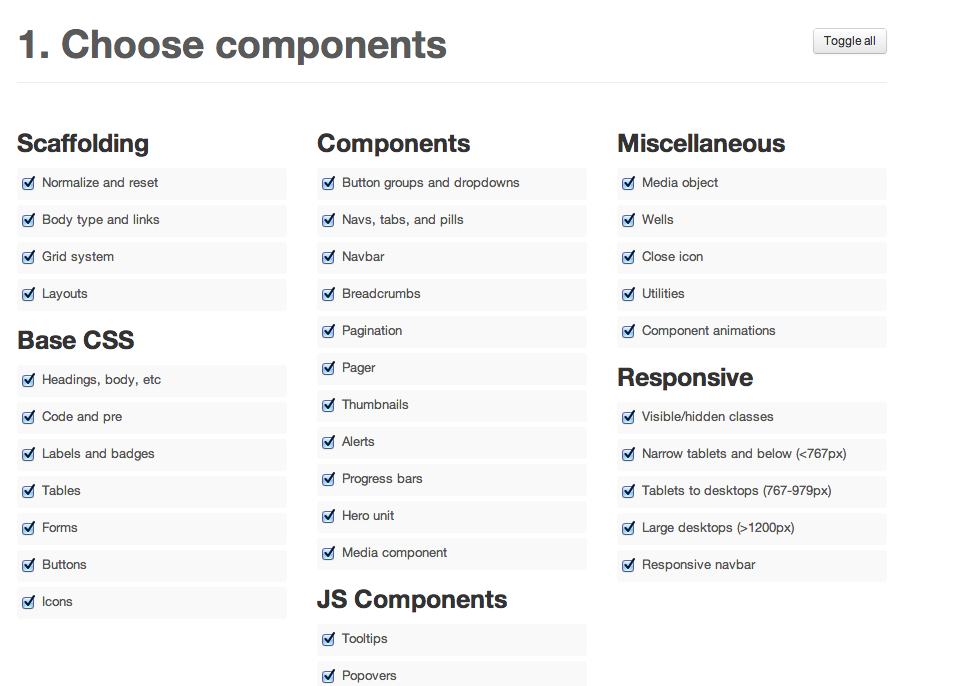
Bootstrap. Popular Framework right now. Steep learning curve, but “you’re going to see it when you get out of school.” Customizable. Navigation bar at top collapses in mobile. (That’s becoming the standard in the industry.) This is practically a permanent fixture. Fluid grid. Customizable before downloading– read template building. Uses fluid layout (percentages, not pixels). 12-column grid. You need command+F to find things in the CSS. Complex package: css and javascript for all of the bells and whistles. You must hook up your index.html yourself. File size adds up quickly.
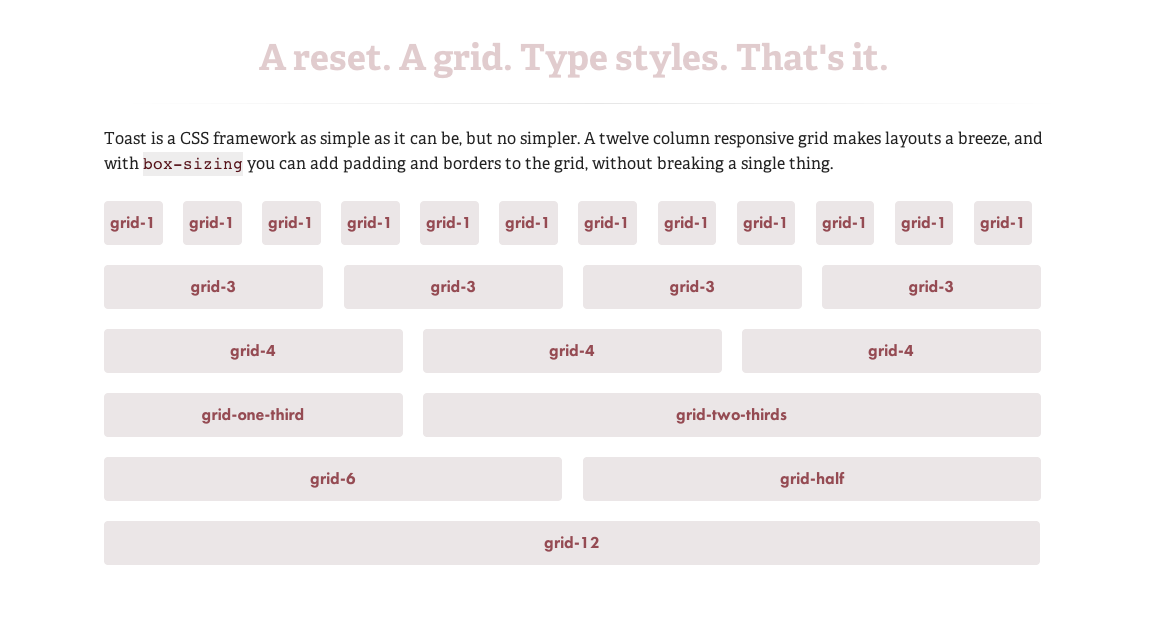
Toast | A simple CSS framework. Very simple to 1140px (The 1140px CSS Grid System · Fluid down to mobile) that I have been working with. Two break points. Simple package: style.css, rest.css, grid.css, toast.css
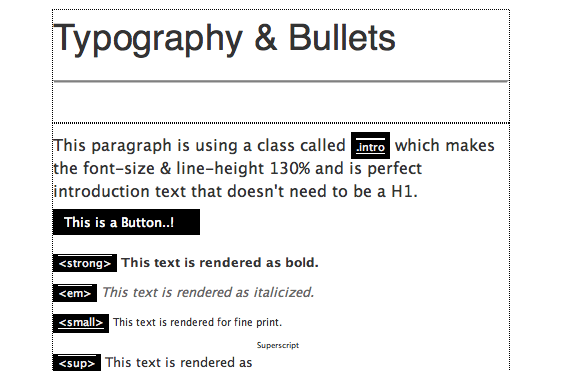
Amazium – The responsive web framework..!. Includes typography. Fluid grid (percentages). Medium package: 3 css files and 4 js.
”
HTML
- index.html: The base html page with all the includes setup for you as well as some examples for you to use quickly like Tables & Forms.
CSS
- base.css: All the generic styling you would expect I .e. h1, h2, h3, h4, h5, h6, blockquote’s, Links, Bulleted list’s etc. and your standard generic CSS reset.
- amazium.css: The backbone for controlling the 960 grid, depending on what device you are looking on and you shouldn’t need to change any of this.
- layout.css: A blank place to add all the CSS that makes your site look awesome.
Images
- favicon.ico: Standard 16px x 16px favicon
- apple-touch-icon (x3): All three sizes of Apple touch icons for iPhone 3, iPad and iPhone 4 with retina.”
Skeleton: Beautiful Boilerplate for Responsive, Mobile-Friendly Development. Comes with a 16 col psd to make a mock-up. The website is a lot more informative about the framework, includes examples and extensions.
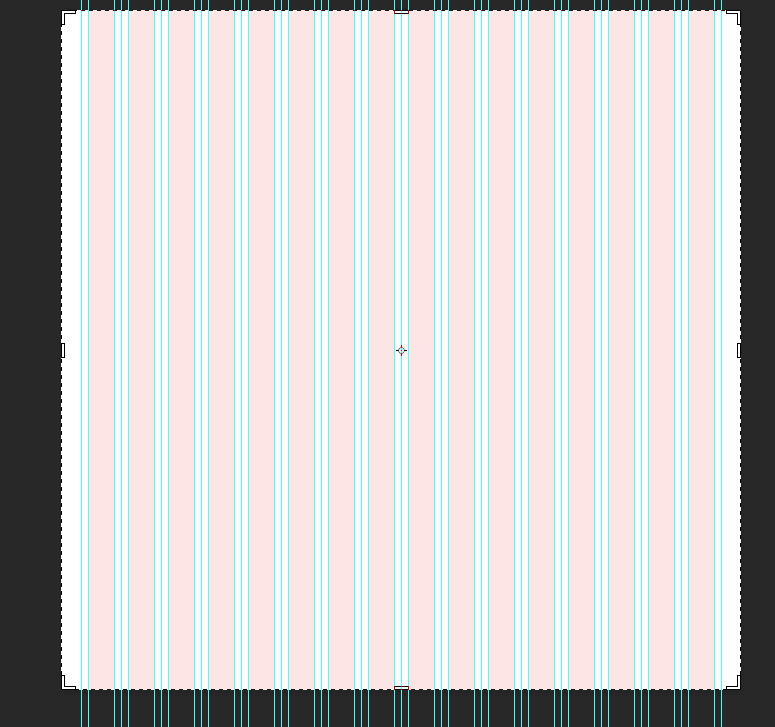
“The file structure for Skeleton is:
- index.html: The base html page that includes the necessary initial markup
- stylesheets (folder)
- base.css: Basic styles of Skeleton
- skeleton.css: The glorious Skeleton grid
- layout.css: File with no specific styles, but a variety of useful media queries
- images (folder):
- favicon.ico: Standard 16×16 favicon
- apple-touch-icon (x3): All three sizes of Apple touch icons for iPhone 3, iPad and iPhone 4 with retina.”


 Kismet Arts Tangent
Leave a comment