• Assignment: Interactive Strategy Portfolio Website (team project)

    • Do  a project estimate
    • Make 2 design solutions (homepage, desktop)
    • Build wireframes for other sizes
    • Build all 5 pages
    • Test on all devices
    • Create final invoice (be honest regardless if you go over or under estimate)

    Phase 1 of Web Design

    1. structure information with user-centered considerations (Site Map–provided for by instructor) *Research the competitors (Links) and content (write the html, link the pages correctly). I remembered to change each title for each page. The different page names are a part of  Search Engine Optimization good practices.

      • Home
        • Mobile is evolving and you need to get on board if your business is going to be competitive
        • What we do
        • Why we do it
        • Why hire us
      • About us
        • Mission
        • Creative Director
        • Technology Director
        • Business Development
      • Services
        • Overview
        • Mobile app design and devlopment
        • Mobile marketing strategy
        • Developing brands for the mobile user experience
        • Responsive web design
        • Strategy and consulting
      • Projects
        • Client testimonials
        • Porfolio section. 6 pieces and a brief description of each project
      • Contact us
        • map
        • directions


    Competitors

    Brand Experience Design Agency – Hornall Anderson.

    Artefact.

    frog.

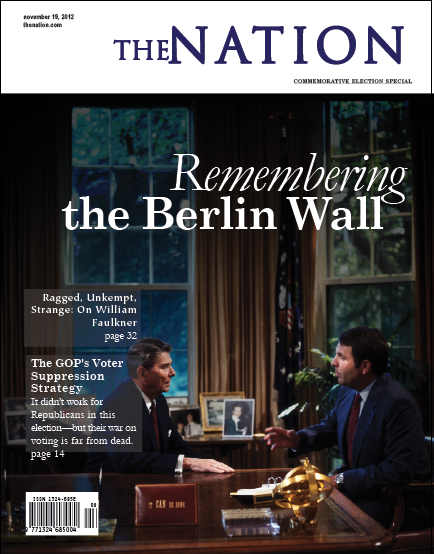
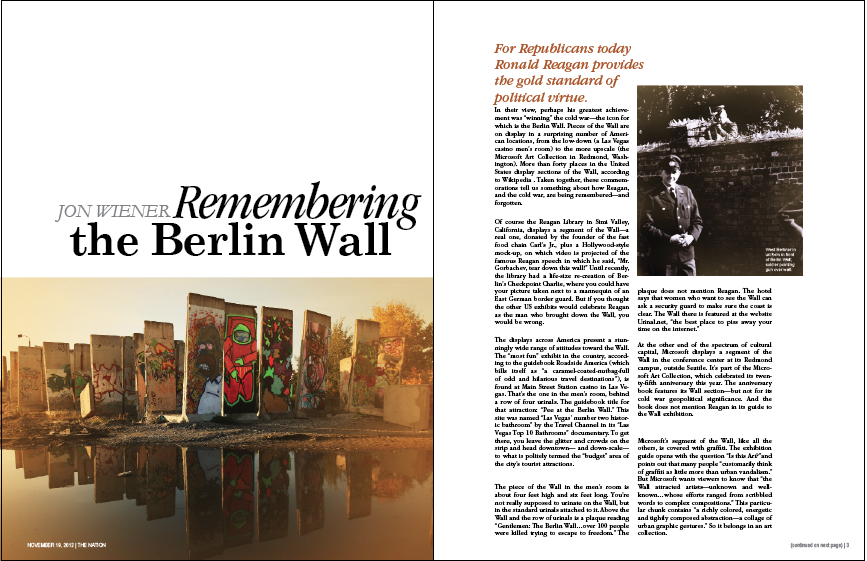
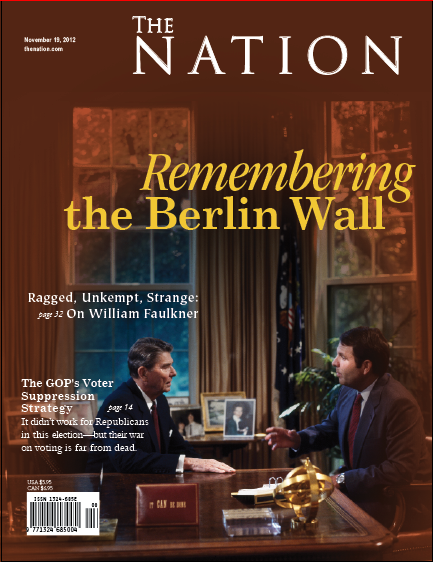
    2. communicate style and function Branding: This is a team effort and I have the primary role as coder/content manager. We will have a meeting soon about the brand and wireframes from there. The brand is currently “to be determined.” As part of the brand language/interface, our savvy client has requested no skeuomorphs. (Say Farewell: Apple’s Skeumorphism Hall of Shame [PICS])

    3. understand mobile strategy and other media requirements Client wants 3 layouts– mobile, tablet (landscape), and desktop and 2 design concepts (photoshop documents of two distinct solutions for the website’s homepage on a desktop) as well as saving weekly iterations along the way. Responsive logo, Responsive jQuery slideshow and/or Video, Embedded fonts from Fontsquirell.com,  needs to work on IE8, all modern browsers, phones and tablets.


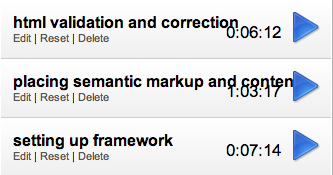
    chrome time tracker

    Chrome Web Store – Chrome Time Track

    I used chrome time track for this set of tasks. Setting up framework was easy, a matter of copying files from a zip from github:Toast | A simple CSS framework. I haven’t styled anything, yet. Semantic mark-up and content, I didn’t create many divs, yet. That will come later with photos and after we have established placement (through Photoshop comps and wireframes for responsive layouts). I did cannibalize a few sites for content as well as writing some of my own copy. Html validation crucial. Stuff like <h3>headline<h3> (note, that’s not an endtag) copied and pasted a few times can lead to many errors, luckily solved with a little find+replace.


    Katsite. I created the index of the project’s components on my project site.

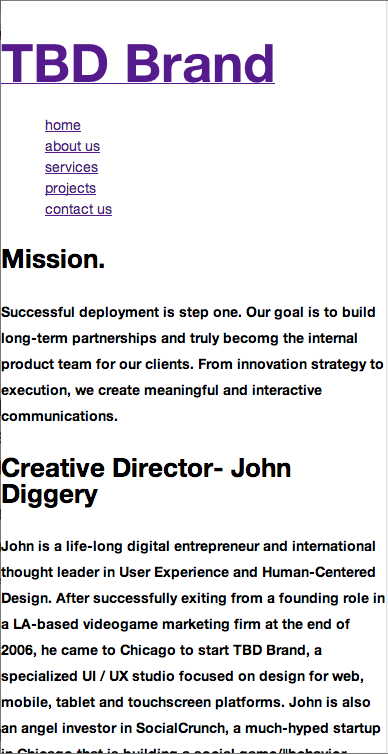
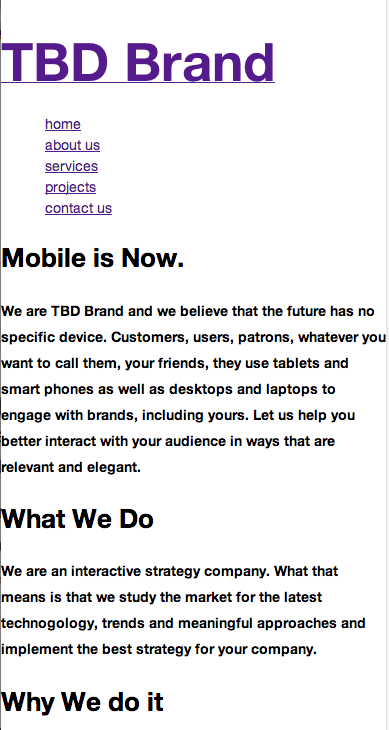
    TBD Brand. This is a working un-styled prototype of Project 3.

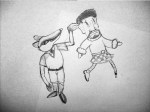
  • At today’s drawing club meeting (consisting of myself and Nino), we did a collaborative drawing exercise where you draw one figure and your drawing partner draws the other. The other exercise we did was drawing from doodle where the draftspeople draw one line at a time, taking turns trying to incorporate into a picture of something. Then one draftsperson fleshes out the drawing paying attention to line quality and shading bringing the doodle into focus.

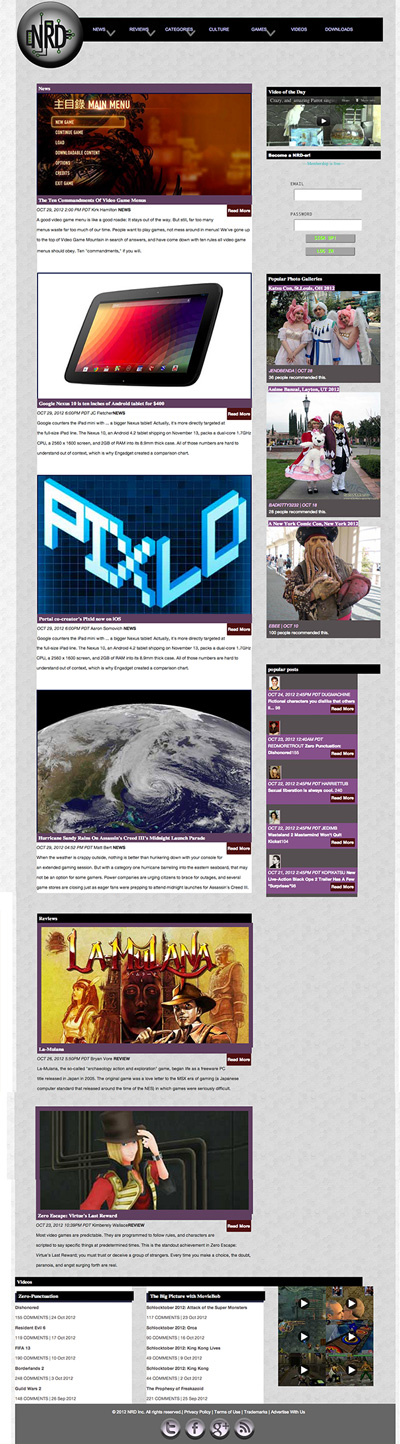
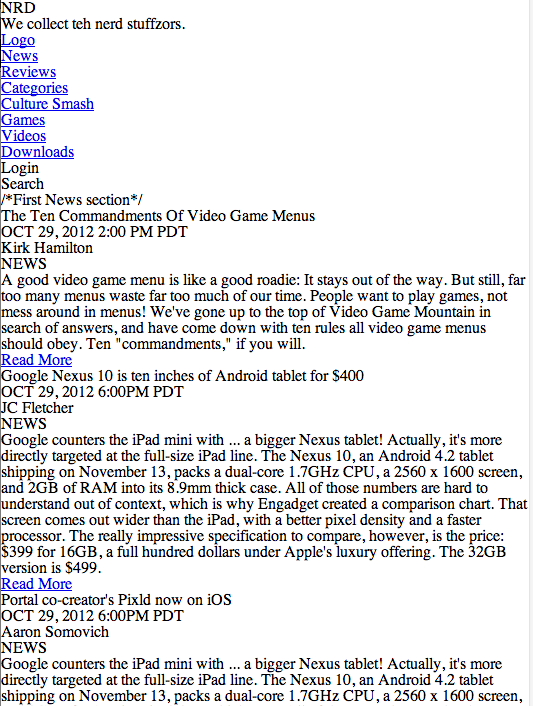
  • website screenshot as of presentation day
    website screenshot as of presentation day

    Katsite Project 2

    Today, I gave a two minute presentation on this site. I talked about user generated content, social media, user validation by other users and the content strategy of expert editors with reviews and news.

    What I wished I talked about: Information hierarchy, uniform reading experience, mobile first, user testing, unique user-centered considerations, emphasis on community, lifestyle and identity and making a digital environment using tone and typography.

    (Earlier Post Relating to This Project)

  • Today, Erik Fadiman walked us through some of the lastest frameworks for responsive web design.

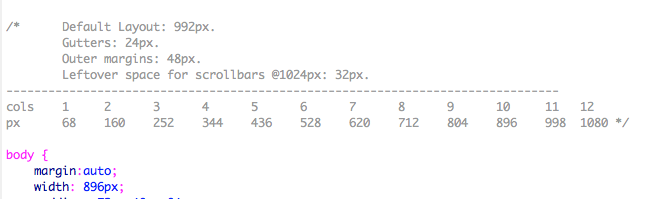
    Exploring Frameworks– speed and efficiency: Less Framework 4. Desktop first. Gives a lot of padding to ensure visibility on all devices. Snaps to sizes. Uses pixel dimensions (not percentages–things break if you do). Reliable. Orient yourself with the styles’ media query sections because you can get lost in the css because all of the styles live on one page. Simple package: index.html and style.css

    less framework column guide
    less framework column guide

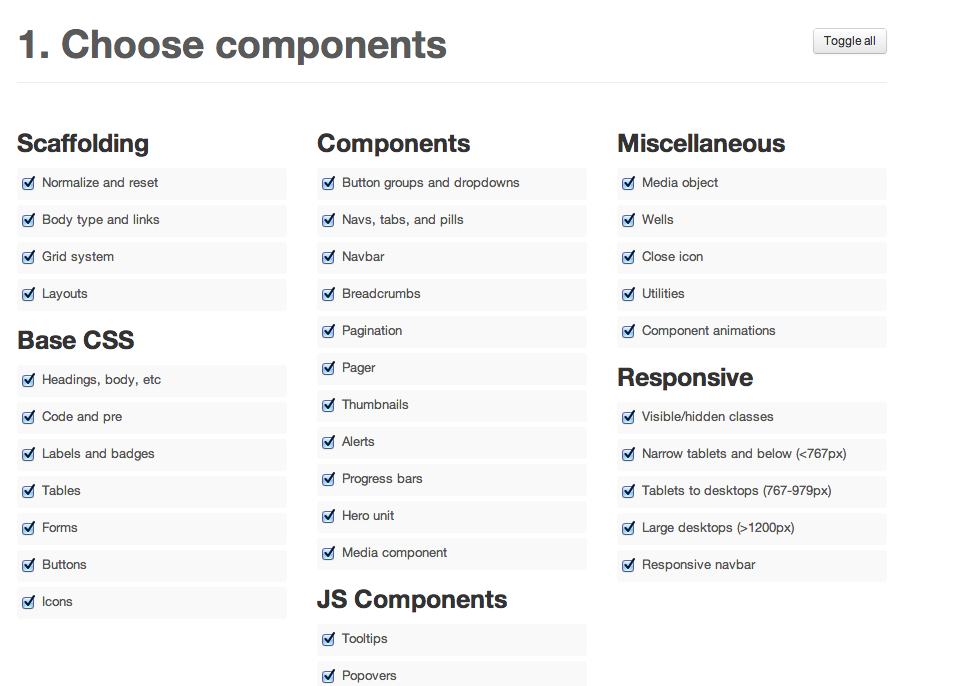
    Bootstrap. Popular Framework right now. Steep learning curve, but “you’re going to see it when you get out of school.” Customizable. Navigation bar at top collapses in mobile. (That’s becoming the standard in the industry.) This is practically a permanent fixture. Fluid grid. Customizable before downloading– read template building. Uses fluid layout (percentages, not pixels). 12-column grid. You need command+F to find things in the CSS. Complex package:  css and javascript for all of the bells and whistles. You must hook up your index.html yourself. File size adds up quickly.

    Screen Shot from Bootstrap website
    Screen Shot from Bootstrap website

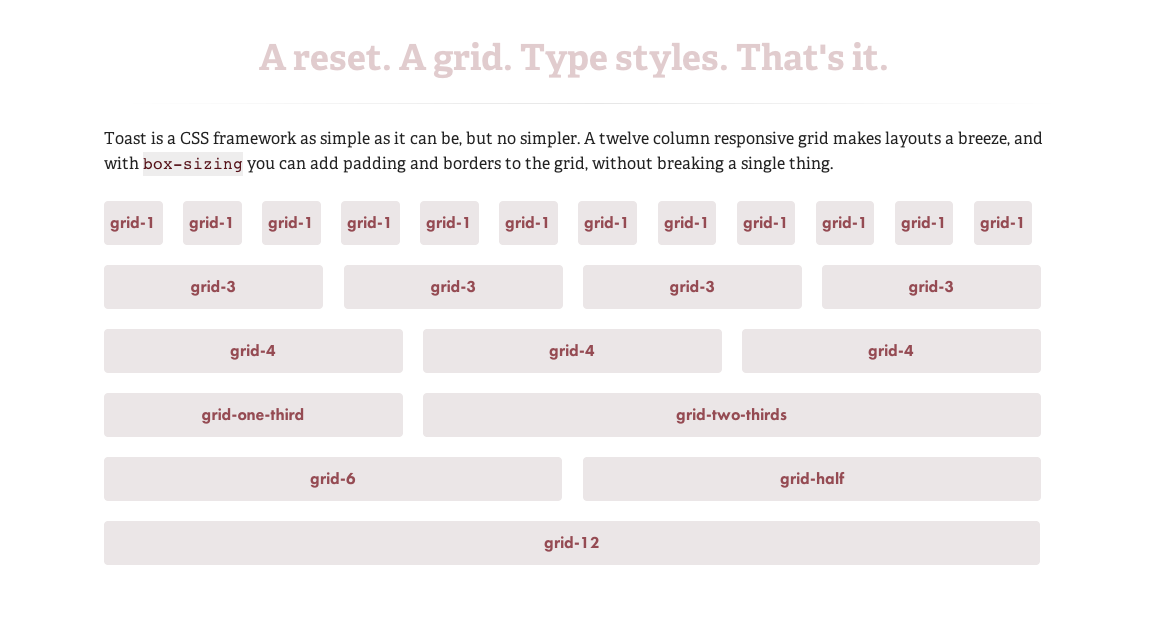
    Toast | A simple CSS framework. Very simple to 1140px (The 1140px CSS Grid System · Fluid down to mobile) that I have been working with. Two break points. Simple package: style.css, rest.css, grid.css, toast.css

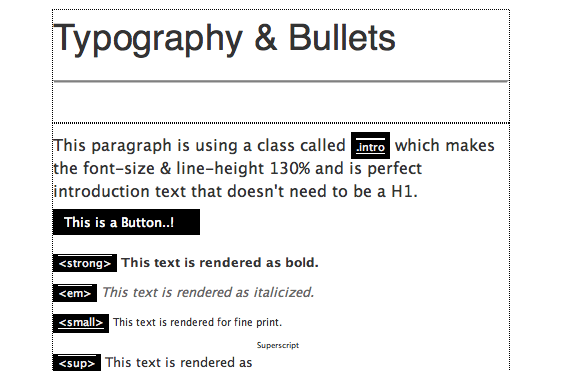
    Amazium – The responsive web framework..!. Includes typography. Fluid grid (percentages). Medium package: 3 css files and 4 js.

    HTML

    • index.html: The base html page with all the includes setup for you as well as some examples for you to use quickly like Tables & Forms.

    CSS

    • base.css: All the generic styling you would expect I .e. h1, h2, h3, h4, h5, h6, blockquote’s, Links, Bulleted list’s etc. and your standard generic CSS reset.
    • amazium.css: The backbone for controlling the 960 grid, depending on what device you are looking on and you shouldn’t need to change any of this.
    • layout.css: A blank place to add all the CSS that makes your site look awesome.

    Images

    • favicon.ico: Standard 16px x 16px favicon
    • apple-touch-icon (x3): All three sizes of Apple touch icons for iPhone 3, iPad and iPhone 4 with retina.”
    Screen Shot of amazium
    Screen Shot of amazium

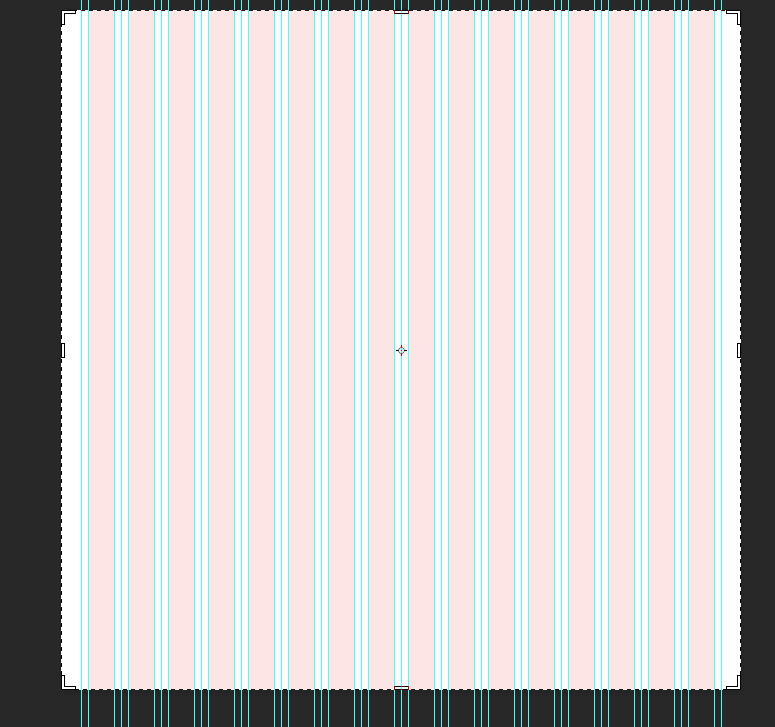
    Skeleton: Beautiful Boilerplate for Responsive, Mobile-Friendly Development. Comes with a 16 col psd to make a mock-up. The website is a lot more informative about the framework, includes examples and extensions.

    Screen Shot of psd template
    Screen Shot of psd template

    “The file structure for Skeleton is:

    • index.html: The base html page that includes the necessary initial markup
    • stylesheets (folder)
      • base.css: Basic styles of Skeleton
      • skeleton.css: The glorious Skeleton grid
      • layout.css: File with no specific styles, but a variety of useful media queries
    • images (folder):
      • favicon.ico: Standard 16×16 favicon
      • apple-touch-icon (x3): All three sizes of Apple touch icons for iPhone 3, iPad and iPhone 4 with retina.”