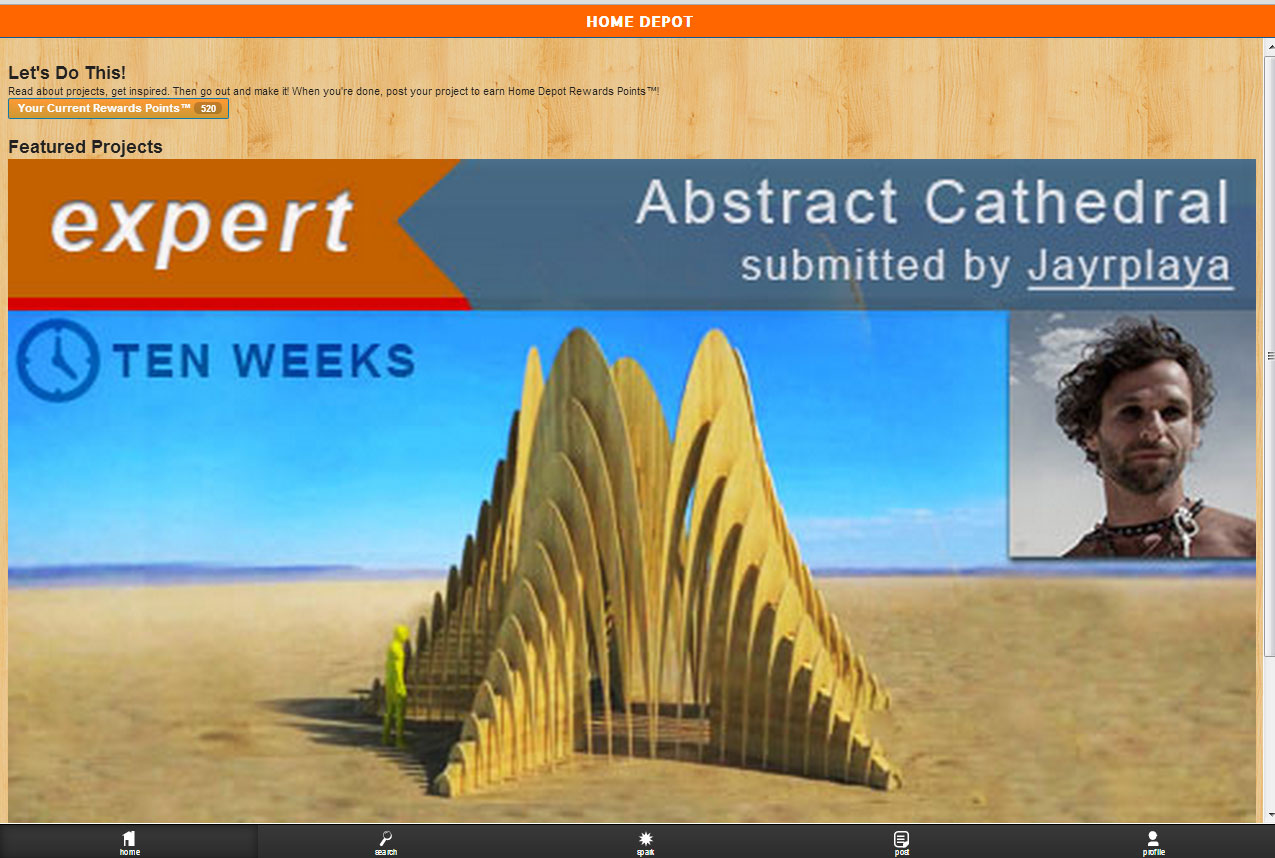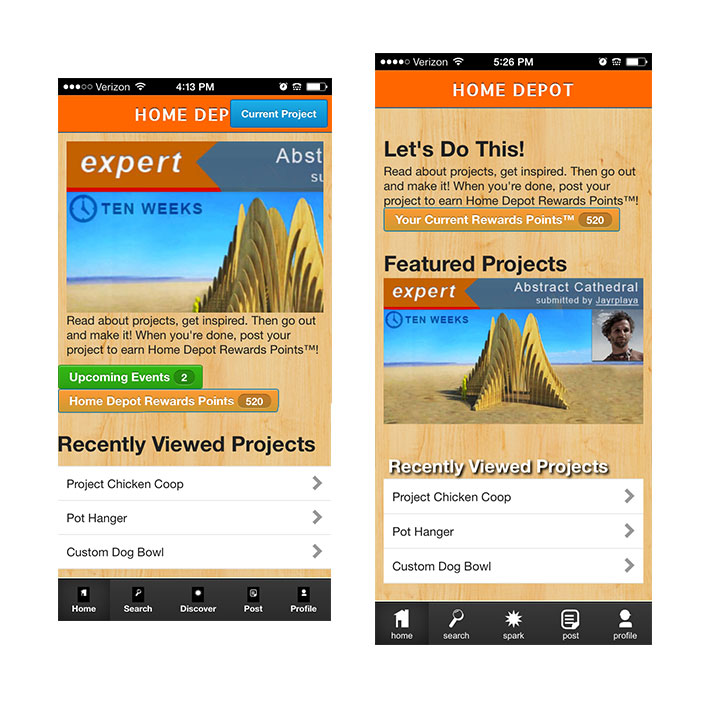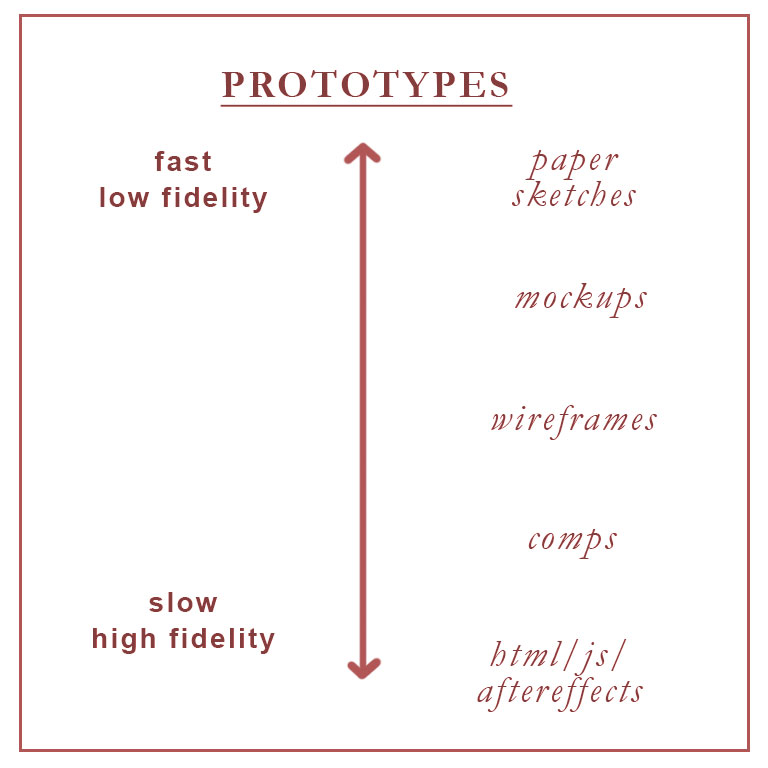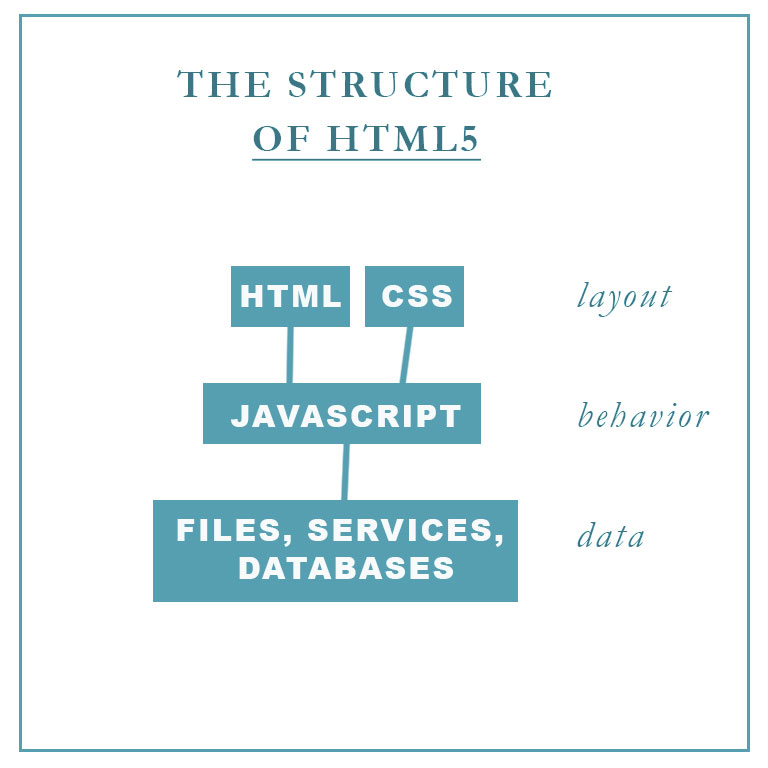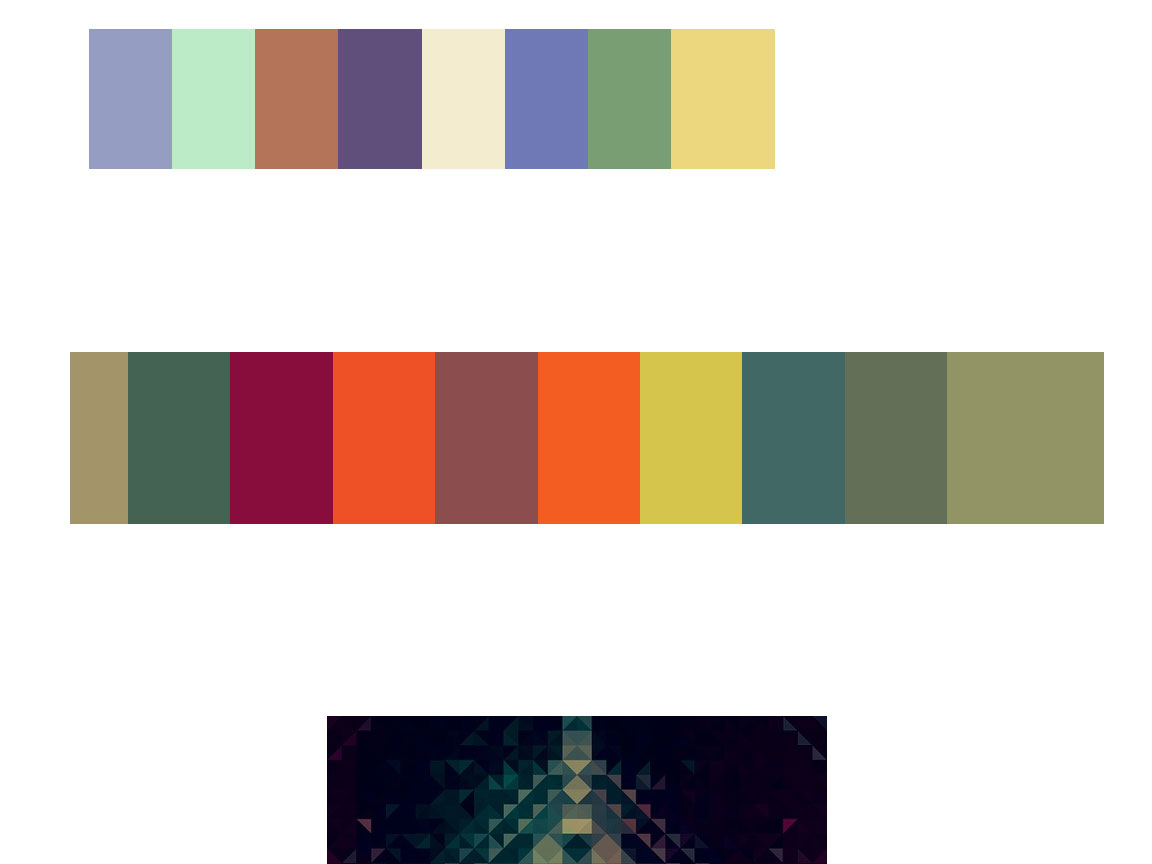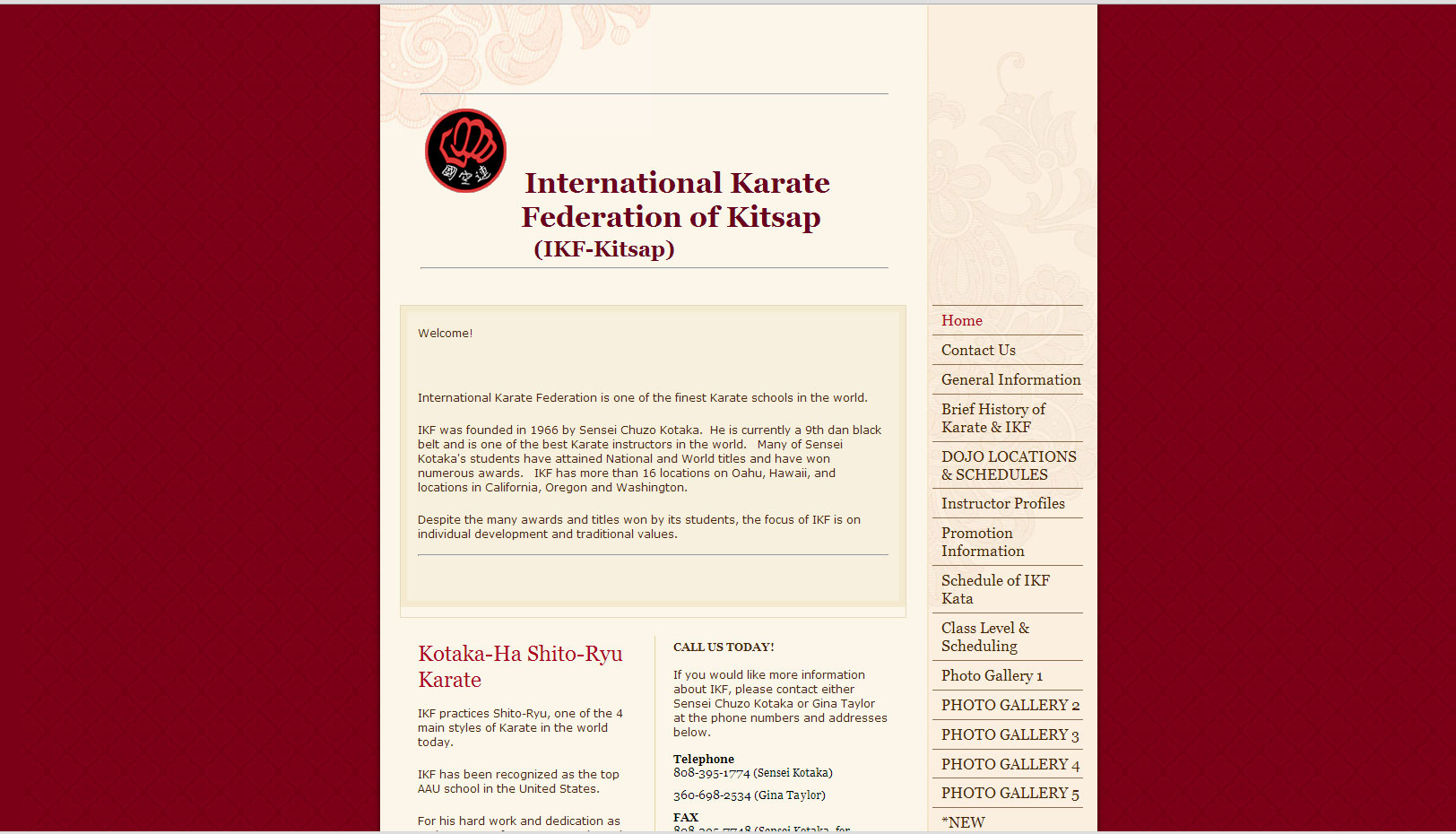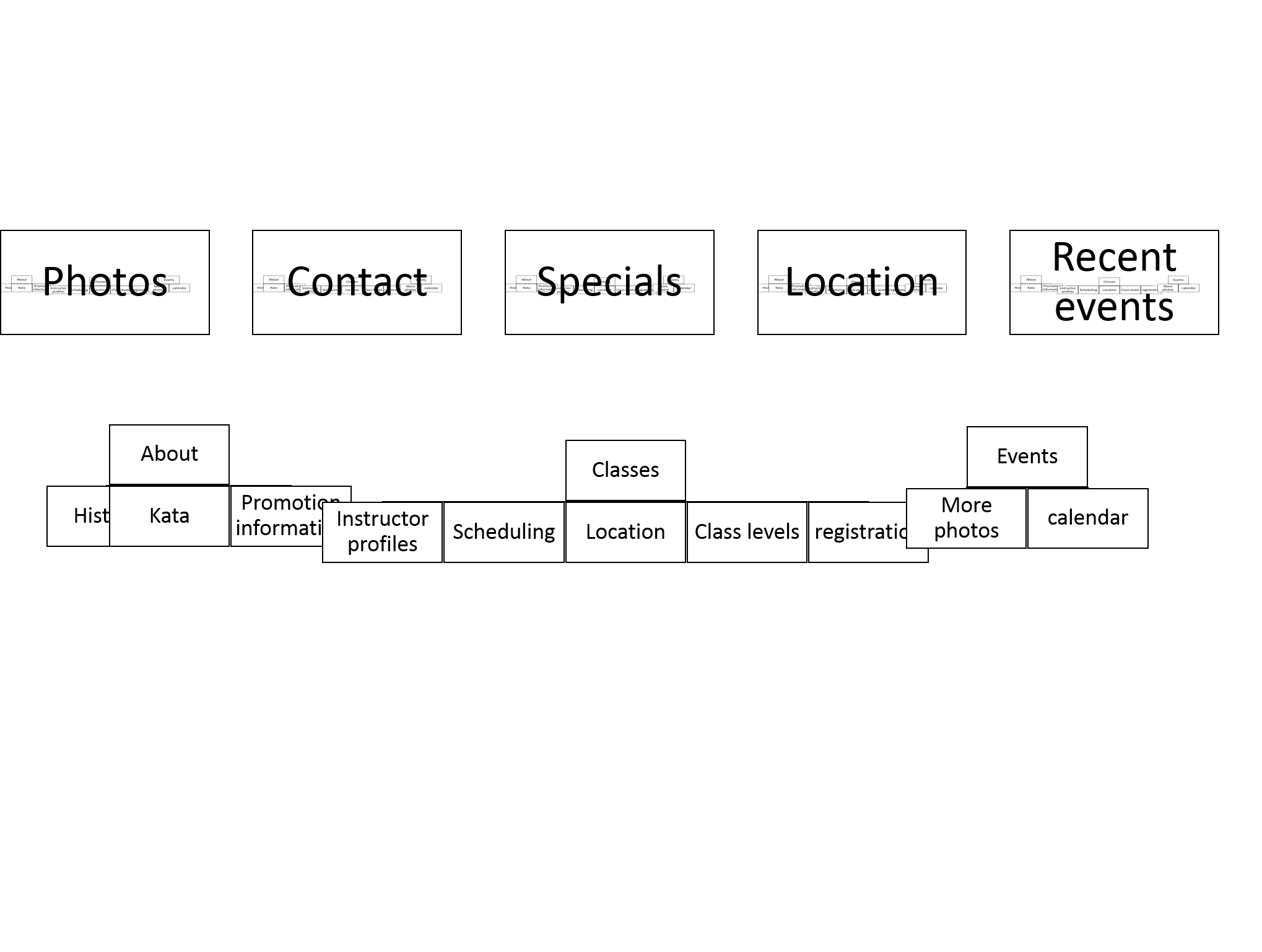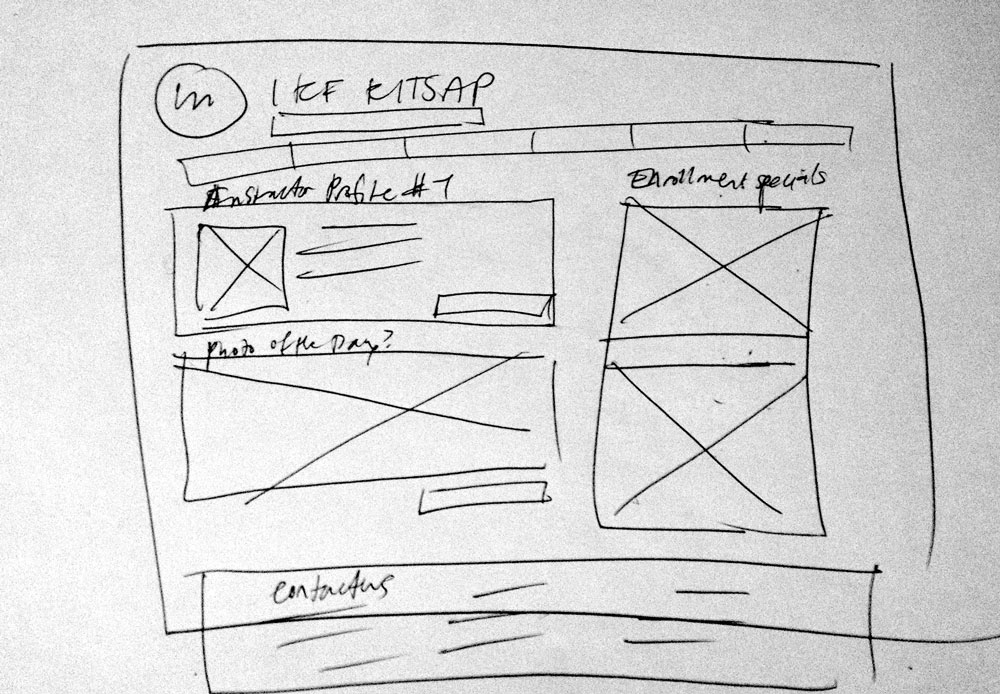
This is composite of images. A reference photo for a commission for a birthday present. I think most of my paintings are birthday presents.
Here’s after three hours at the canvas. I think I’m going to add a yellow wash and then a darker wash over the rockface to make it a little more pleasing to look at. I sent the image to my sister/comissioner. Hopefully she likes it!
Today, I stepped back into code land. With my layout complete from my last session, I started on methods so the buttons would actually do something when clicked. Note: in the button’s description, you must add the “onClick” part, otherwise it is an inactive button. I needed to have the program to have the id of the button to perform the button-specific task. So, I call it.
This is what I see when I look at the code now.Int means integer. This code wouldn’t actually fly. Computers like their naming done in a particular way.This is code to simply add digits to the output screen corresponding to the button pressed.
Try Block
The concept of the try block is fabulous. Say there’s an input that does not compute, like divide by zero or letters or whathaveyou. Without the try block, the program crashes. The try block “catches” exceptions like that and essentially says “chill, we just won’t do this one.” I like computers. They are really dogged. They will try to the point of crashing. But, that trait really isn’t desirable when life hands you so many exceptions. So, the try block will be that code that I imagine will come up a lot. Thanks, try block.
This is for a particular application found on the internet. I did not use Protein as a variable for my calculator app.
Boolean Logic
Today, I used my first “or” statement in programming. It was: io_value == “0”||io_value == “-0.” I’ve never used pipes for anything and now I get to use the “double pipe.” More fun operators here. My favorite part about this is the symmetry of that equation. I’ve forgotten the elegance of mathematics. This time was hooking up the number pad and the tricky plus or minus button. Next session will be quite tricky, actual functions.
I recently went to New York and I had a great time there. It was a time of thinking. The end of summer approaching. My first summer as a certified graphic designer (I just graduated in June) and I felt a little bit like I was going to a Mecca of design. I walked a lot and I wanted to capture this time in my life. How I feel like my horizon is stretched out in front of me. I thought about how I wanted to save this experience in a website. How it acts like a bubble to keep my memories fresh.
As part of this year’s Seattle Design Festival: Design in Health, I attended a “design-thinking” workshop. The design leaders at Substantial executed a hands-on workshop that illuminated the first step of problem-solving within the context of creating a minimum viable product (MVP) in an agile environment.
Ryan Harasyn and Steve Shapero first talked about how an agile environment means having a shared vision with both the developers and designers at the table for the initial stages of the project. The three steps in creating great solutions, they said, are: Discovery, defining the problem; Stabilization, where you consolidate resources and data and start defining your solution; and Repeatability. During the discovery phase, you’ll wittle down your hypotheses after foreseeing problems, considering assumptions, and doing a fair amount of research into a minimum viable strategy. After validating this strategy –with more research!– then and only then should you start to develop the minimum viable product based on that strategy.
three steps in creating solutions
In this particular workshop, we split into groups of five and were then given a prompt.
Each group was to discuss the problems and assumptions of the scenario and begin to form hypotheses. Members of the presentation went around the room to individually assist each team how to deal with the vagueness of the prompt. In my group we talked about the definitions of “chronic illness” and “engage.” We also discussed how targeting a particular segment of the patient population would make it easier to identify specific foreseeable problems and areas of research or clarification. We wanted to know what are role was in this. Were we part of a team of medical experts or are we hired by them? One of the Substantial team members said ti was important to identify the players and some of their needs. The players include stakeholders, investors and the users. They called this part, the mapping of your understanding. Having both developers and designers at this stage was vital to creating a shared vision, better cooperation and a better end product.
A map of my understanding
After about twenty minutes of this, the presenting team instructed us to find a partner from a different group for an Interview. It was interesting because they didn’t tell us what to ask. Forming an interview from no time to prepare was a little nerve wracking. I focused on one part of my hypothesis to help steer the conversation. Through the understanding process, I was convinced that a solution for chronic illness was something that needed to be a routine. I was interested in how my interviewee developed habits. I asked “How do you begin to engage with something often?” He said discipline building, immediate results, a profess bar of some kind and positive reinforcement were factors that would affect his ability to form a routine. I asked him about a specific activity that he regularly engages in and he said jogging. I asked why he did it regularly and he said “I like it. It’s good for me and I feel immediate benefits.” He also said it was encouraging to read up articles written by fellow joggers that recommended amounts of jogging per week, ex. three times a week.
I was his interviewee as well and he asked me about insurance companies and if they issued a program for preventative care, would I follow it and other things related to that scenario.
This is a truncated process, very quick and insufficient for a real MVS, but it was amazing to see what we could get done in less than an hour!
So, we regrouped in our original groups of five and discussed our findings and invent a way to validate our MVS. Most of us had some nuggets of wisdom from personal testimonials but our answers were only as good as our questions. One person had an interviewee with chronic lower back pain and was able to pin point a clear MVS to bring back to the group. She said the MVS should be “We believe that walking daily and socializing will help alleviate chronic lower back pain.” I thought this was too specific and didn’t really speak to the how of the solution. I wanted to include something like building discipline over time creates a capable patient or something to that effect. But, a Substantial team member came by and said that this woman’s MVS is great, very concrete and actionable. Having a strategy that you can go back to is important when coming up with solutions, the strategy must be addressed, otherwise you’re not solving the problem you stated you’d solve.
The Presenters talked about how validating a strategy is important and doing experiments on a small test group can help you get data to support your strategy.
Summary of Discovery Process
Build trust between you (the organization) and the client.
Ask yourself, does the client need to be trained on something to be “business-ready?”
Tackle a broad problem.
Map your understanding. What is the client looking for?
Get to a place where you can start to look for validation.
Conduct research. Interview people. Aim for both positive and negative feedback. Aim for data-driven feedback.
Regroup and take a stab at a Minimum Viable Strategy (you have to start somewhere) Use the phrase “we believe that…”
After some discussion with your client about your strategy and the go-ahead to explore that line of inquiry, start on defining some key user experiences. Prioritize these and work on the ones with high impact. Break the project into smaller chunks to learn more quickly about the nature of your solution. Get more data to validate your direction.
I loved this workshop. This was my first user experience workshop and I feel a lot more confident in my ability to make apps that actually solve problems with an elegant and experimental process. The lessons learned here can definitely apply outside of the healthcare industry, though I am really excited about putting more power into patient’s hands regarding their health.
px
Pixels – corresponds to actual pixels on the screen.
in
Inches – based on the physical size of the screen.
mm
Millimeters – based on the physical size of the screen.
pt
Points – 1/72 of an inch based on the physical size of the screen.
dp
Density-independent Pixels – an abstract unit that is based on the physical density of the screen. These units are relative to a 160 dpi screen, so one dp is one pixel on a 160 dpi screen. The ratio of dp-to-pixel will change with the screen density, but not necessarily in direct proportion. Note: The compiler accepts both “dip” and “dp”, though “dp” is more consistent with “sp”.
sp
Scale-independent Pixels – this is like the dp unit, but it is also scaled by the user’s font size preference. It is recommend you use this unit when specifying font sizes, so they will be adjusted for both the screen density and user’s preference.
NOTE: comments can’t be insterted between tags
Strings
Every text displayed should be wrapped into a string for packaging sake. The program gets a little piffy (note the caution icon–yellow triangle– on “large text”) when you try to “hardcode” text. So, day one of coding my new app, Calcu, is making strings so the buttons have something legit to display. A big learning moment was installing the Obelus (the division symbol– yeah I didn’t know the name of it either!). Using a character map to find the unicode, I was able to reference this particular character with “÷.” Very exciting.
xml codeView using Eclipse’ WYSIWYGI made this using RelativeLayout
Text Alignment
I aligned the zero in the text box with gravity. Android:gravity=”top|right” different from html. I like it. I imagine a magic gravity wand drawing all text into that part of the box. It’s not a matter of alignment. It’s forces of nature at work!
Day 2 of Java. With the help of my teaching friend, we are creating a calculator app. For someone who’s never programmed their calculator in middle school, it’s quite a feat. This a great exercise in how to start thinking like a computer. I drew out the layout of the calculator and started to define what exactly the buttons do, which is surprisingly cognitively taxing.
This is also a great time to start some naming conventions. One of the hardest parts of programming and code in general (in my opinion) is remembering the names of all the variables. This Pseudocode, a planning step, is a great time for calmly and rationally naming things. When I am rushed, I often name my stuff unintelligible ranty words like “bullioncube” and then have no idea what it means later. This was fun because I was visualizing how a computer thinks, while anticipating how I would think about it. You have to give everything a name, but in a way, that name has to be so logical that you will know what it does without having to look up what it does in your notes. That’s why I thought it would be good to name the first number entry as “column_A” because I think about adding like a spreadsheet, where Column A is the first thing and Column B is the second. But, there are no columns in this program.
Another example: In this program, the input value and the output value show up in the output screen. We named that value, “io_value.”
We realized that some of our functions are made up of sub-tasks that can be reused in other functions. It’s very satisfying to note where the sub-tasks are reused. It feels like less work and overall more elegant and sophisticated. More on that, it’s a logic puzzle, where it helps to be familiar with the concepts presented in Boolean Algebra. If/then statements become your best friend.
I spent some time animating this next part. I am getting a sense of how AfterEffects works with this type of animation and it’s thrilling. The next iteration is going to be a lot more smooth and polished.
Android SDK | Android Developers I asked what is this? and my buddy said, a glorified word processor that’s specifically made for programming, with some libraries of other people’s code to reference.
At this downloading site, there are two options, 32-bit and 64-bit and it refers to the operating system you have. If you’re wondering as I was, go to your computers control panel > system and security > system to get this. (Yes, I named my computer Lemon.) It’s a huge zip, so downloading it might take a while.
My buddy said “activity_main” is important like “index.html” is important. It’s the first thing the program does.
Advice: Press “run” on the file .java. In Eclipse, press Ctrl + Shift + O to import missing classes (Cmd + Shift + O on Mac). Do not be intimidated by View view and Intent intent. Someone in the “default” department thought it would be illuminating to keep the name of the item and the type of the item the same to illustrate the part of speech. (Capitalization makes a difference. Classes are always capitalized.) Always remember “startActivity(intent);” I learned that the slow way.
I’m excited and nervous about this endeavor. I like how I am slowly getting this and there are a few correlating terms between Java and HTML5. I would recommend this to designers after and only after learning HTML and being fairly comfortable with. Java throws around “id” and “class” in similar but different and confusing ways. And don’t get me started on “static.” (For a sample, here‘s a thing I had to look up.)