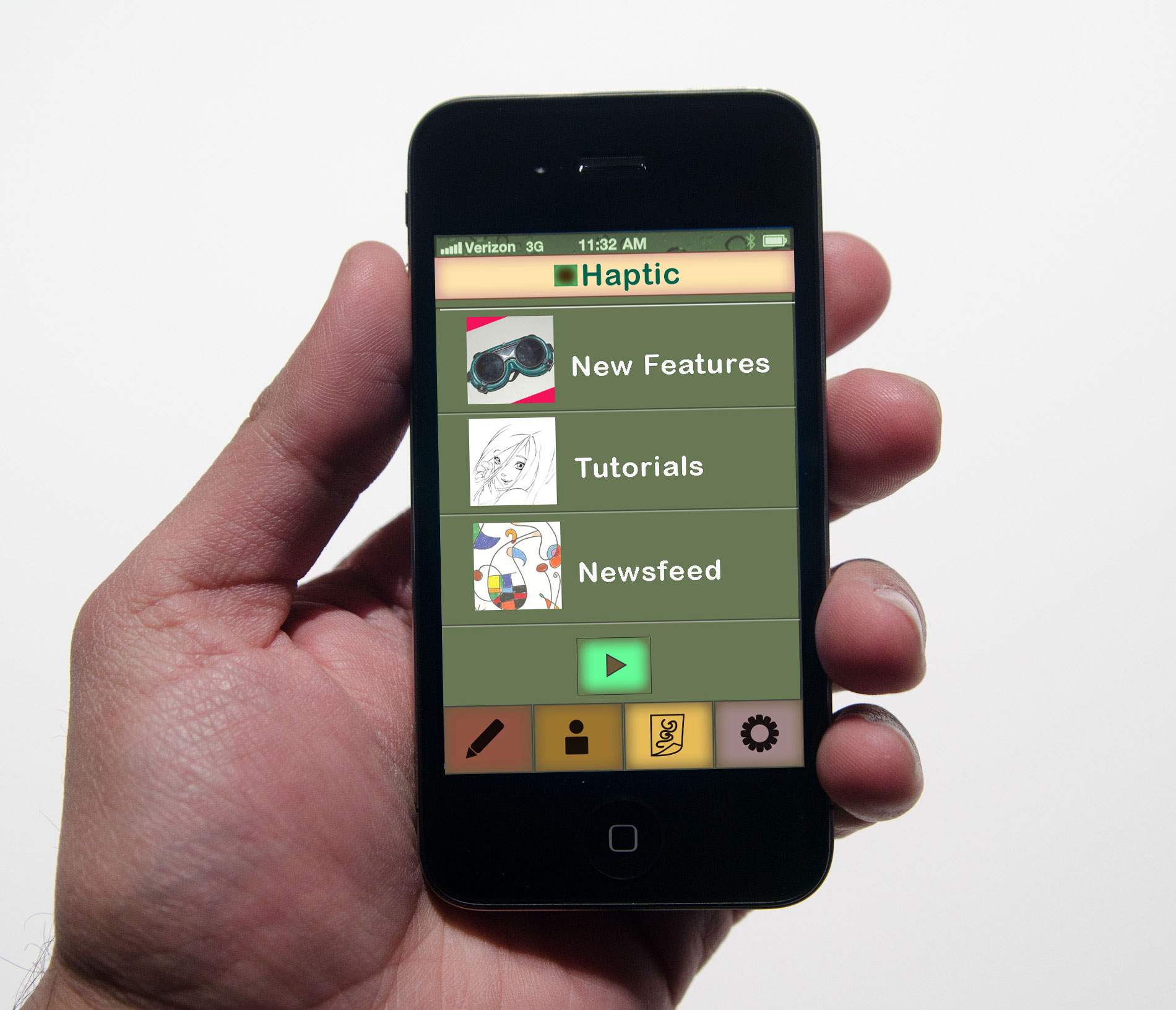
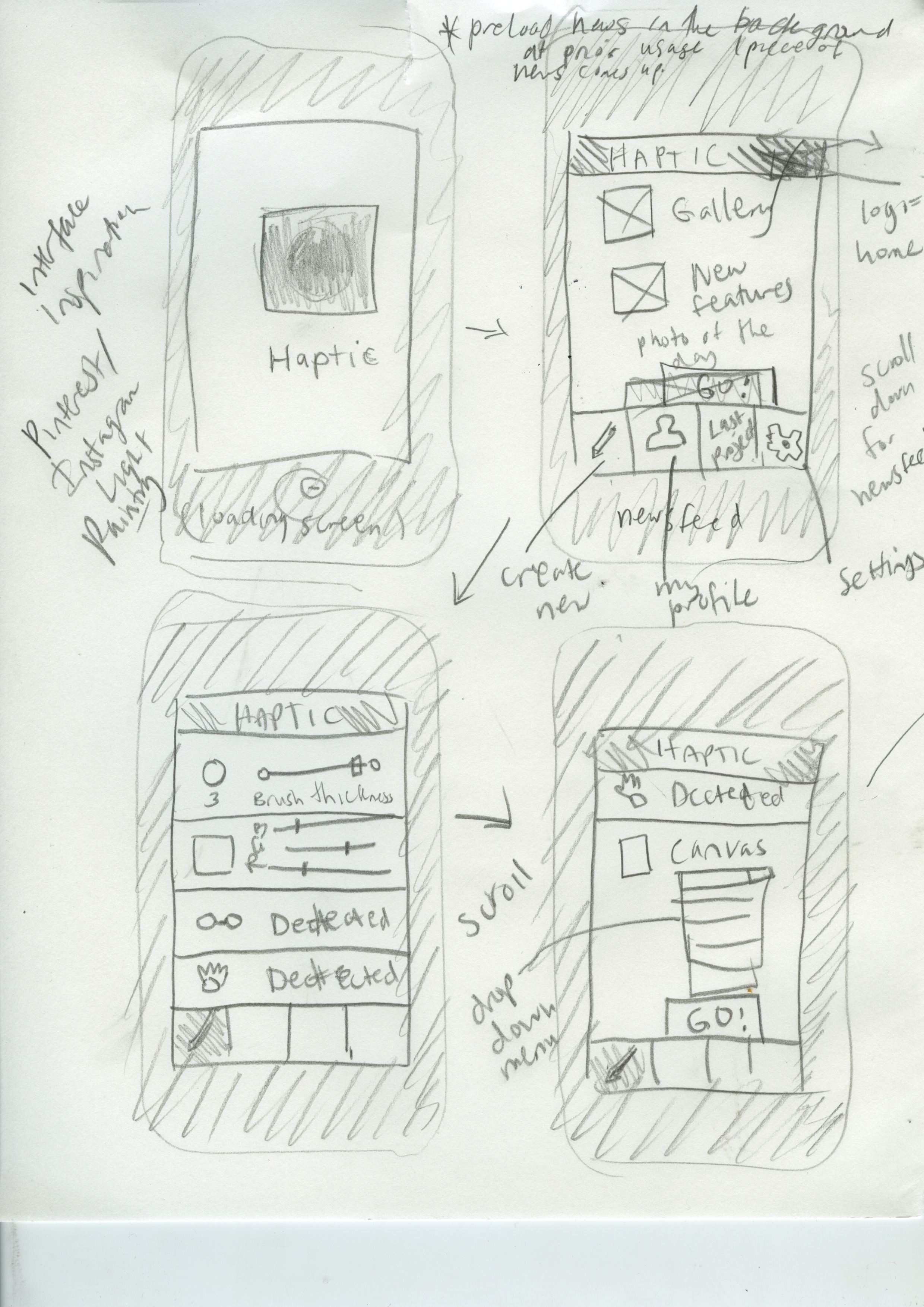
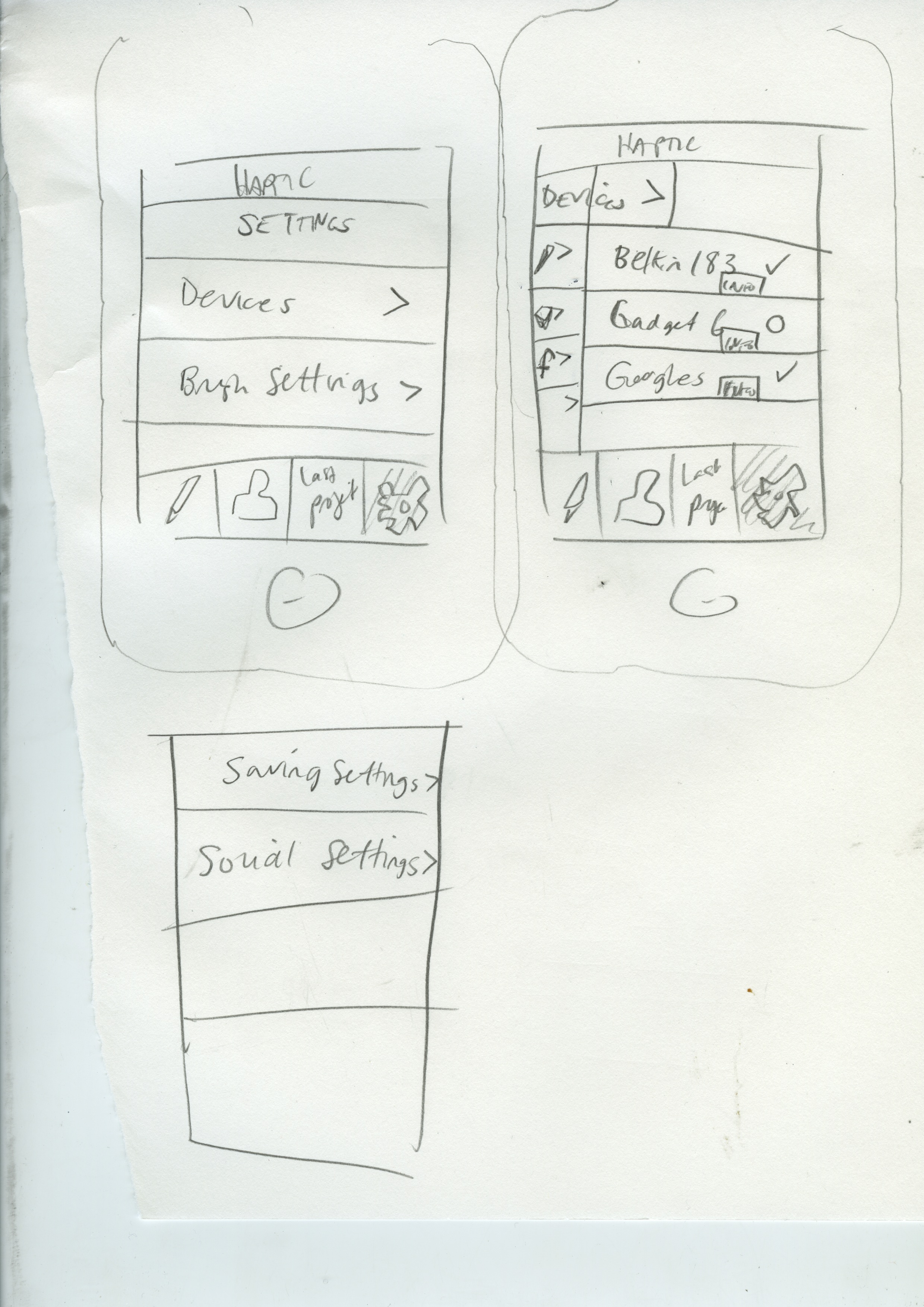
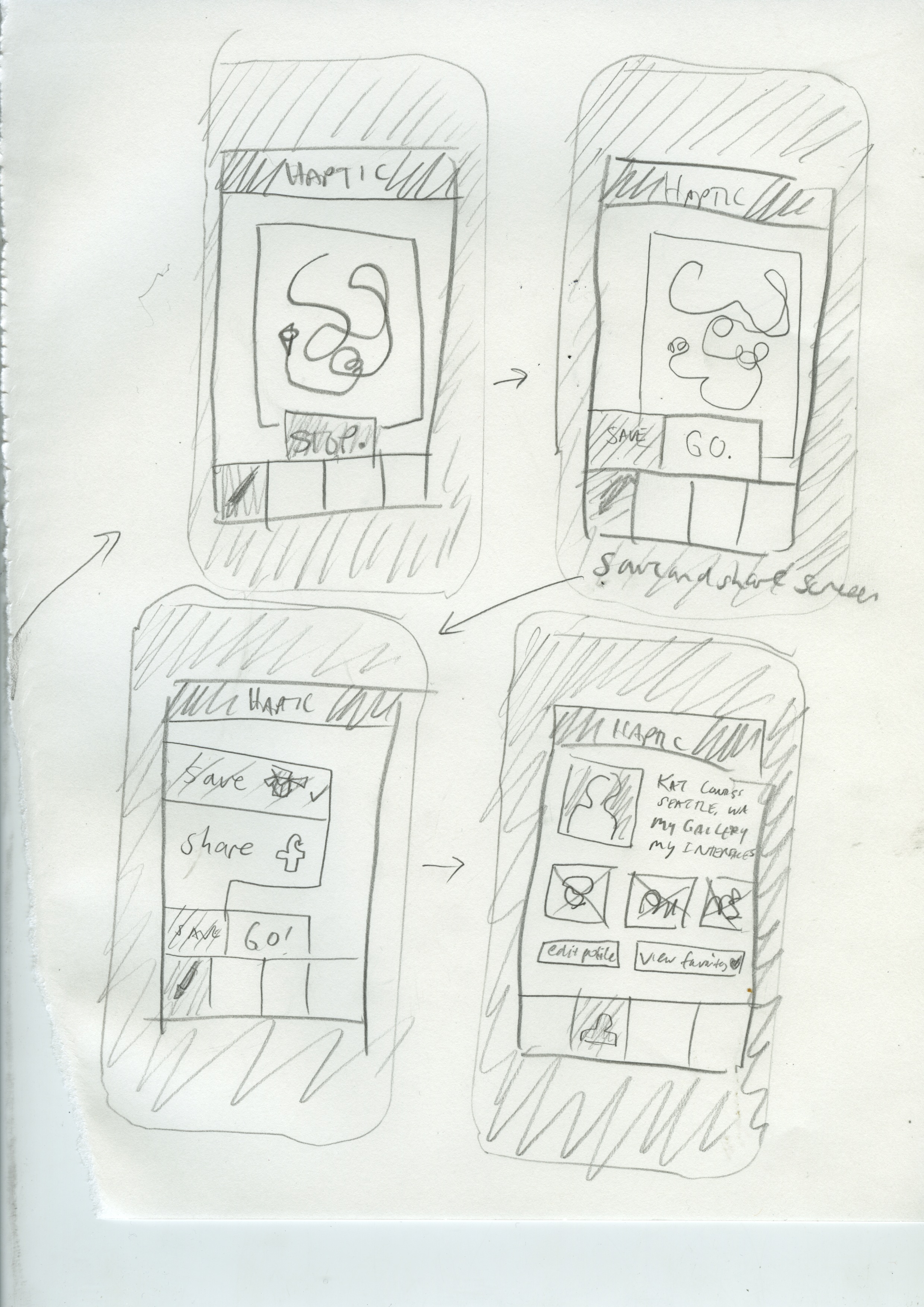
I’m presenting this to my instructor tomorrow to get some feedback on my latest project: Haptic, the App. Coming up with an app idea is difficult in the market that is so saturated with ideas. I think of it as a design assignment and I’m going to try my hardest to make this idea look good.
5-15-13 Post-critique: The group of “investors” (a few classmates and my instructor) said that the app is to generic in appeal as of now. We discussed the dropping price of technology like this. A big question was “why not a stylus?” I want to make this app for people with no small motor skills. I want to make drawing more accessible.
Solution: With technology and concepts teetering on the edge of “too futuristic,” the answer is, slow launch. Start with a narrow niche market and go from there. Ashlee brought up the idea of autistic children and how they really take to technologies like the iPad because of the need for certain kinds of stimulus and communication techniques. This would also be a great audience to get some research money and parents love helping their autistic children express themselves.
Slow launch: first special niche market, launch as a consumer product 24 months after that, future in open source.
As for the wireframes and one screen I did: the audience will help define the look, so I’m going revise this stuff a little bit.
Assignment: Make up an App, make 8-10 screens. Make a killer presentation and a landing page.
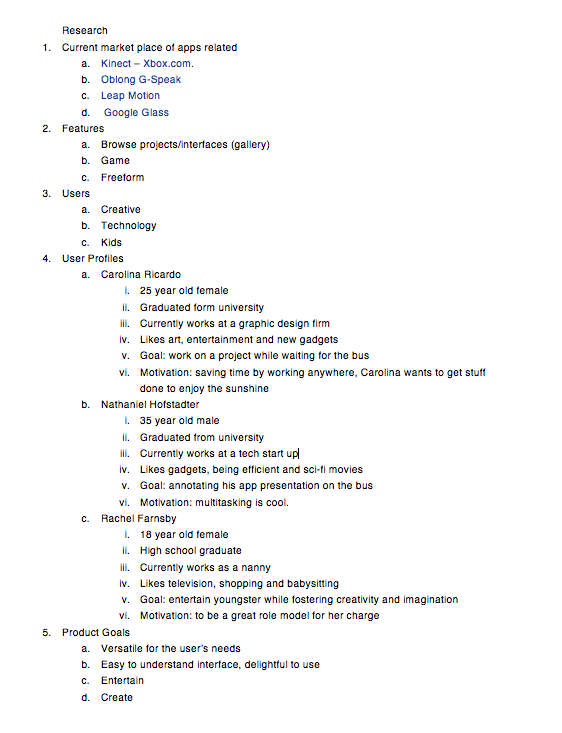
Phase 1: Research
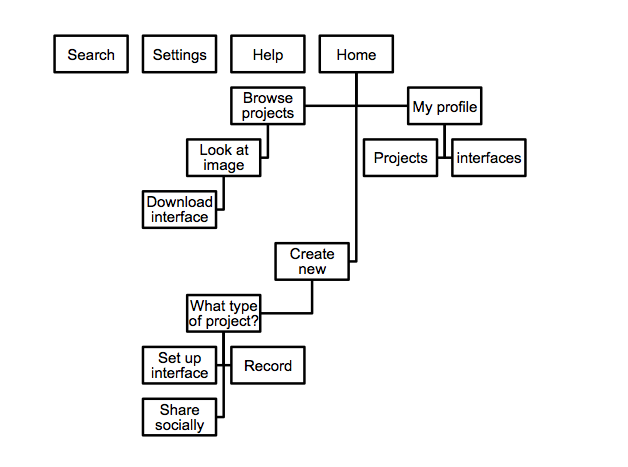
Phase 2 of App Design– Wireframes
I had a moment of clarity last night when I realized that this app is not incredibly realistic and I am happy about that. I wanted to make something forward looking. This app comes with bracelets and a set of goggles so the user can see a 3D interface and utilize space. This makes sense from a humanistic stand point. Our brains are better equipped to interact in a 3d space.
Update 5-14-13: This is what the instructor is asking for tomorrow as part of a midway check-in.
Define the user experience.
Show me that you have constructed a pathway that rewards, delights, or engages your users.
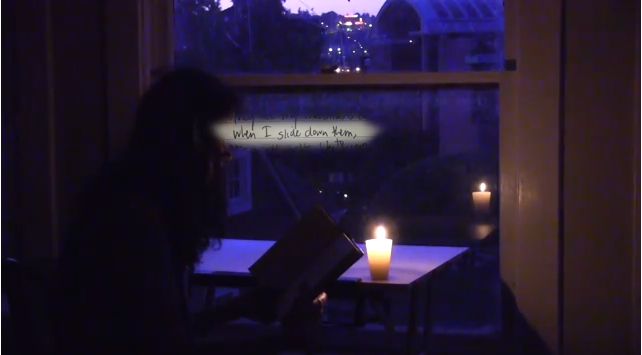
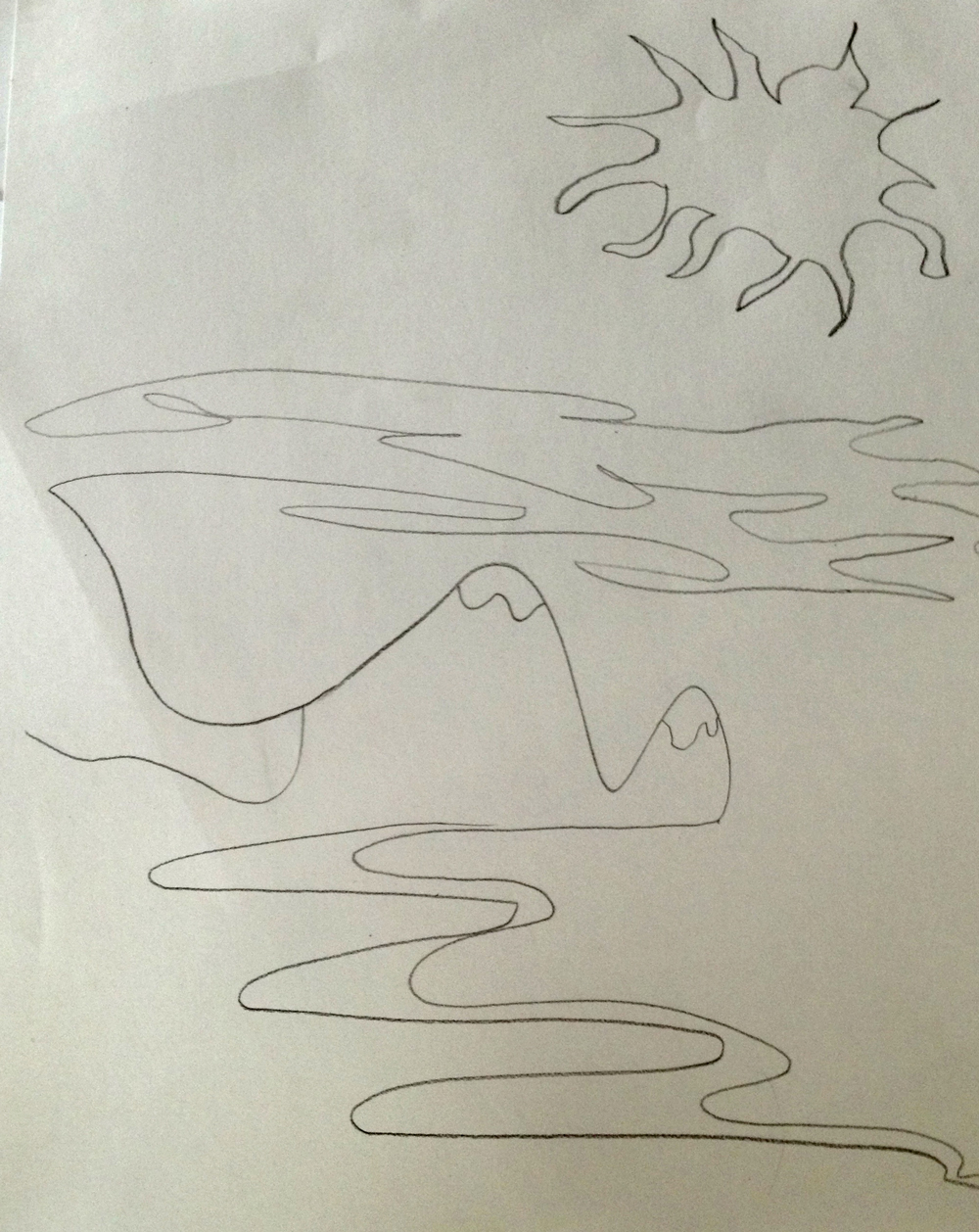
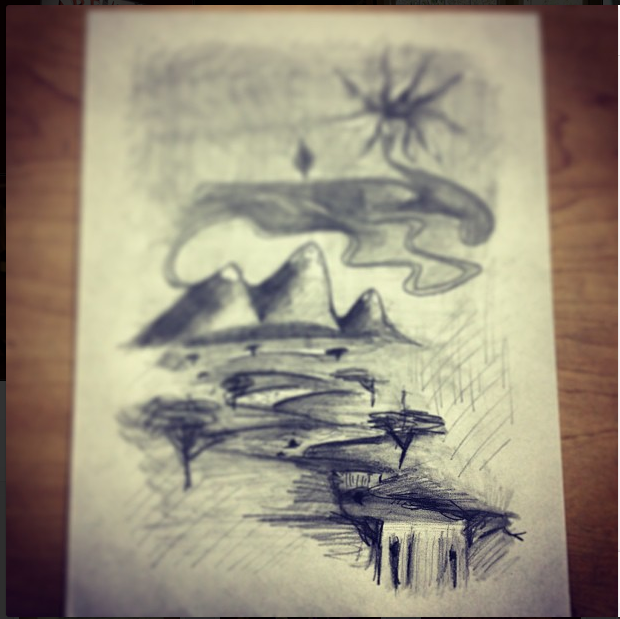
I had this urge to share my notebooks and journals with a new friend. It would have taken more than an evening to go through everything I wanted to share. I thought I would make a poem video so I could share things in small doses in a way I thought was meaningful. I’ve never done this and doing this, the process was new and I was working on a computer I was unfamiliar with in a lot of ways, so this is a rough draft of what I want to do. I tried to find an old poem about the similarities of spanish and french words, but I couldn’t. It annoyed me. I found this poem though. It’s from 2006 from a journal I named “Phoenix of Fidelity.” I was seventeen when I wrote it. It’s not my typical poem, but I like how simple it is. And it intrigued me when I read it. I’m interested in video like this. I’m interested in making video better than this. Something authentic and taking itself as seriously as it can. I wish I was better at editing sound.
Here’s the poem:
They are my mountains covered with velvet.
When I slide down them,
the world melts to syrup.
When I sit between their ridges,
the sky weeps soft tears.
When I reach up
to touch the falling rain,
I see you crying.
I see you laughing.
I see you smiling.
With me.
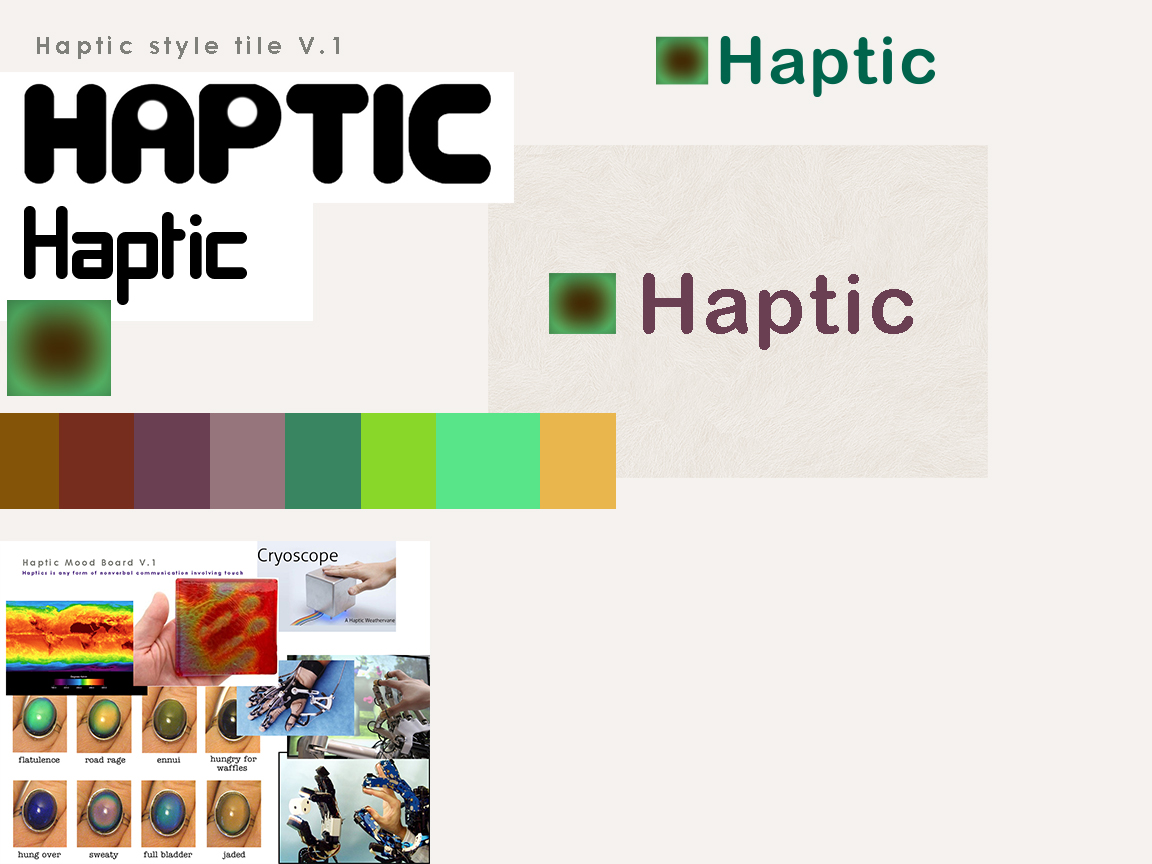
2. communicate style and function Branding (style Tile) Version 1
3. understand mobile strategy and other media requirements I need 3 layouts– mobile, tablet (landscape), and desktop. I have Amazium – The responsive web framework..!. working for me. So, I’m good for the scope and time of this project. It meets the needs.
4. Users: audience, demographic. Who is this for? How should that influence the website? Users. Must do some more research.
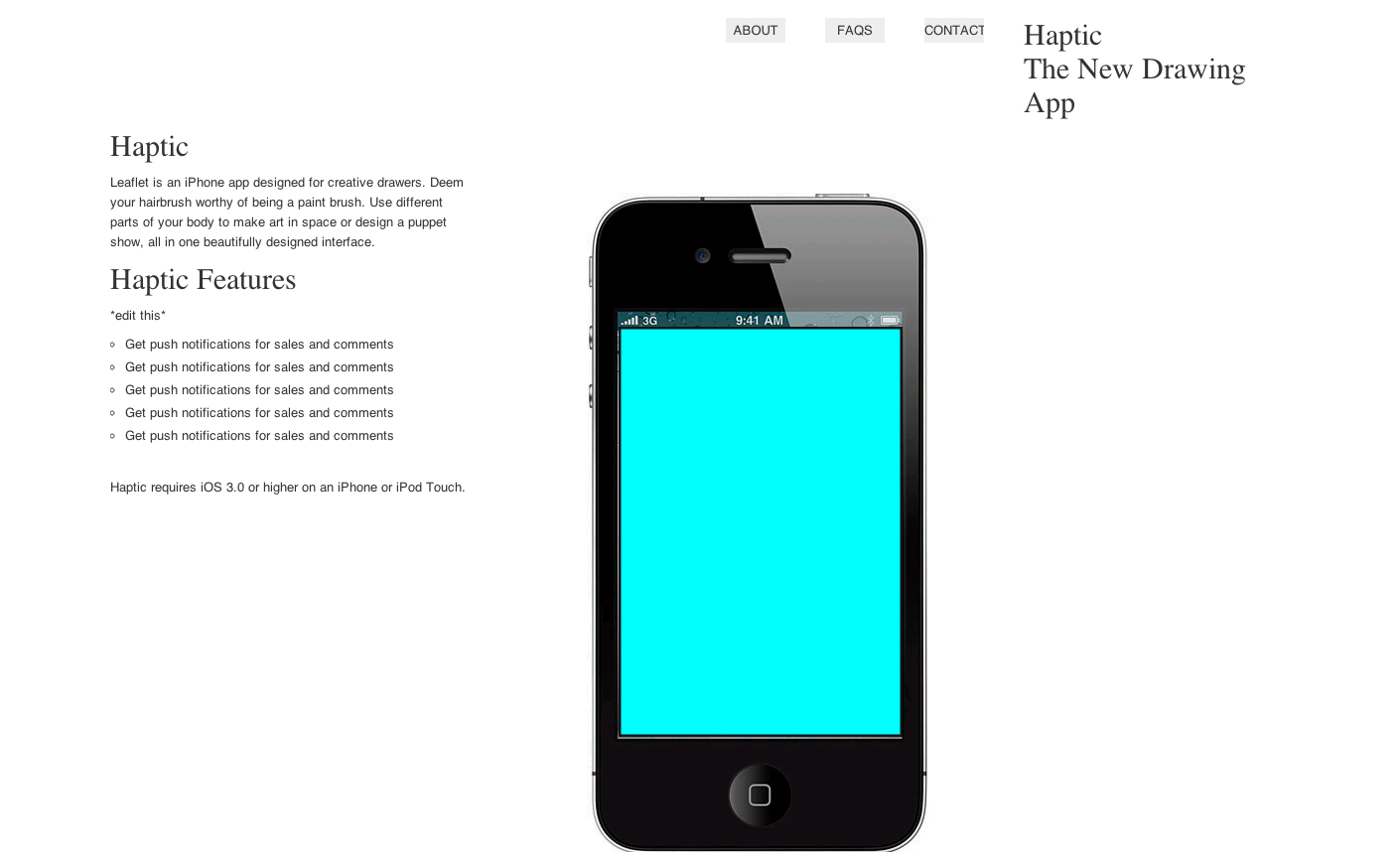
5. Iteration 1: Sans branding (copied the structure of the copy– will edit– of Leaflet‘s simple and elegant landing page), placeholder images
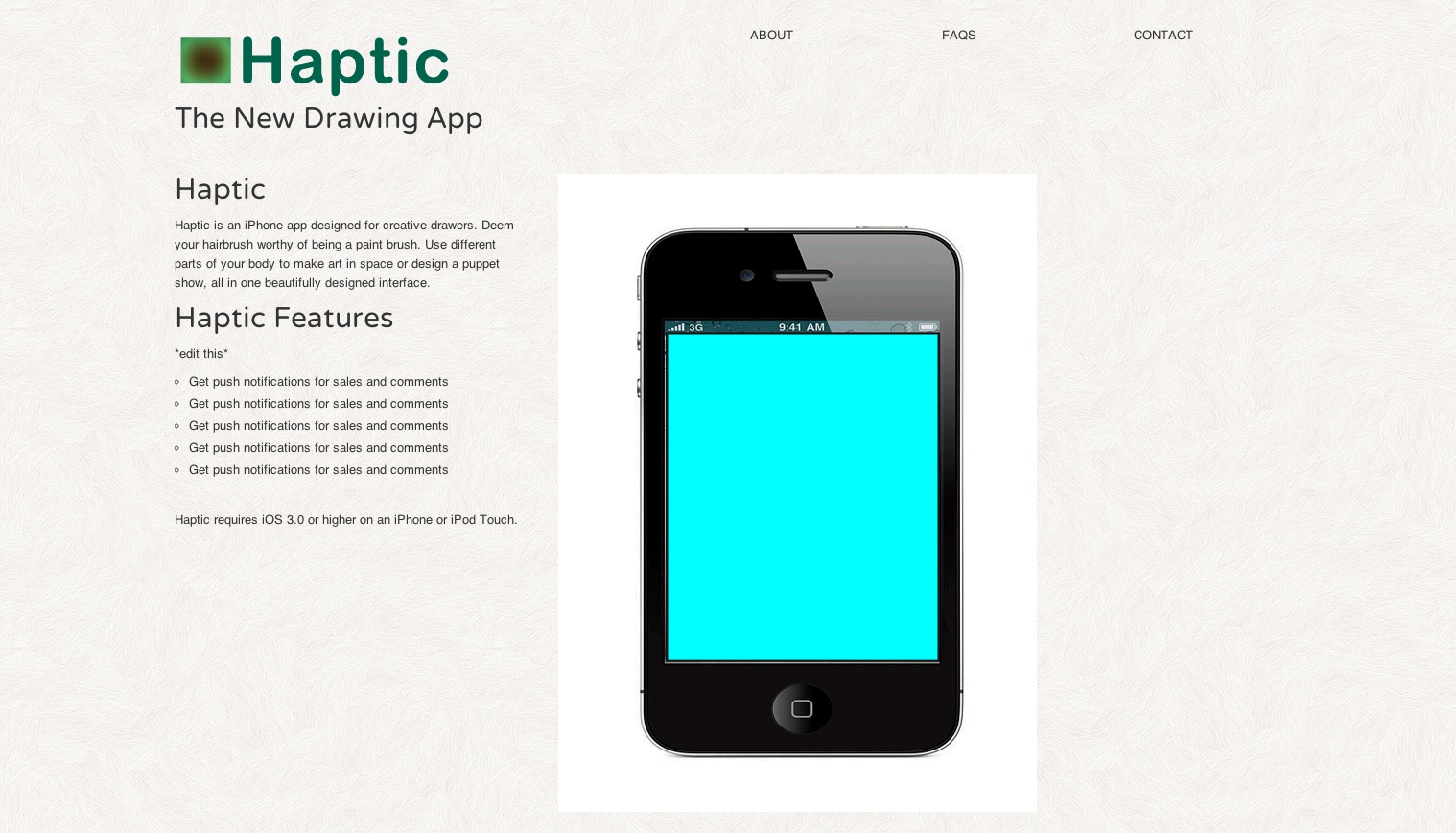
6. Iteration 2: Added the logo, some texture, rounded font
Links: Haptic, the App. (this is where my app’s landing page will live.
So, I go to this website. I can’t really set up my profile. Where are the buttons for submit?
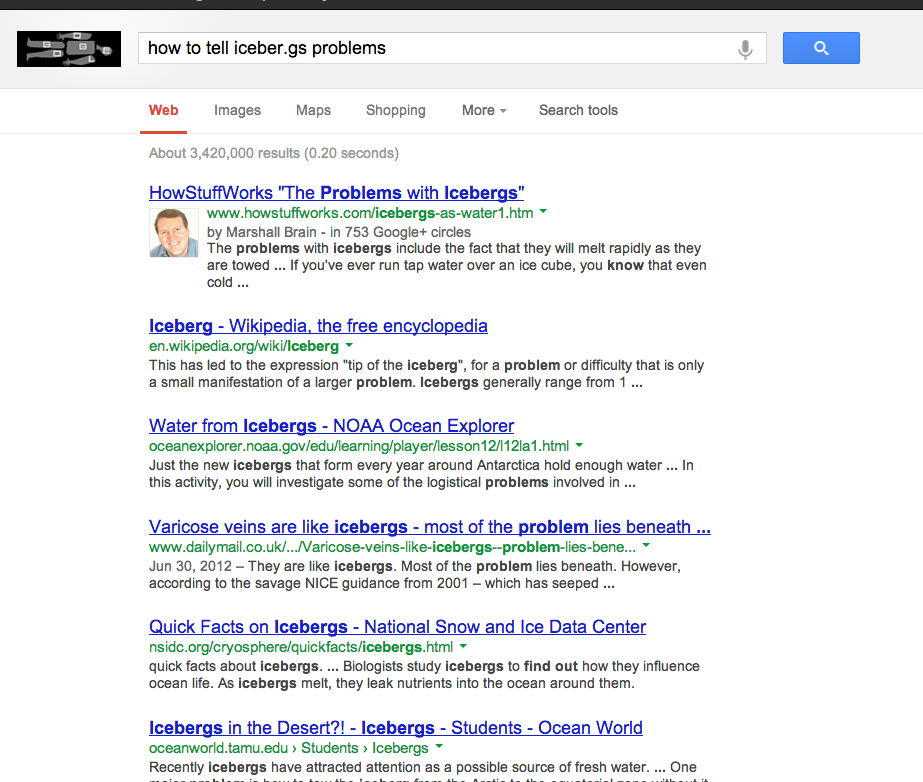
The browser tool button they had me install also seems dudly and I have to stare at this thing. The email said that they want feedback but didn’t give an email for that feedback. I tried looking for a place for feedback, but Google doesn’t seem to understand my question. #namefail
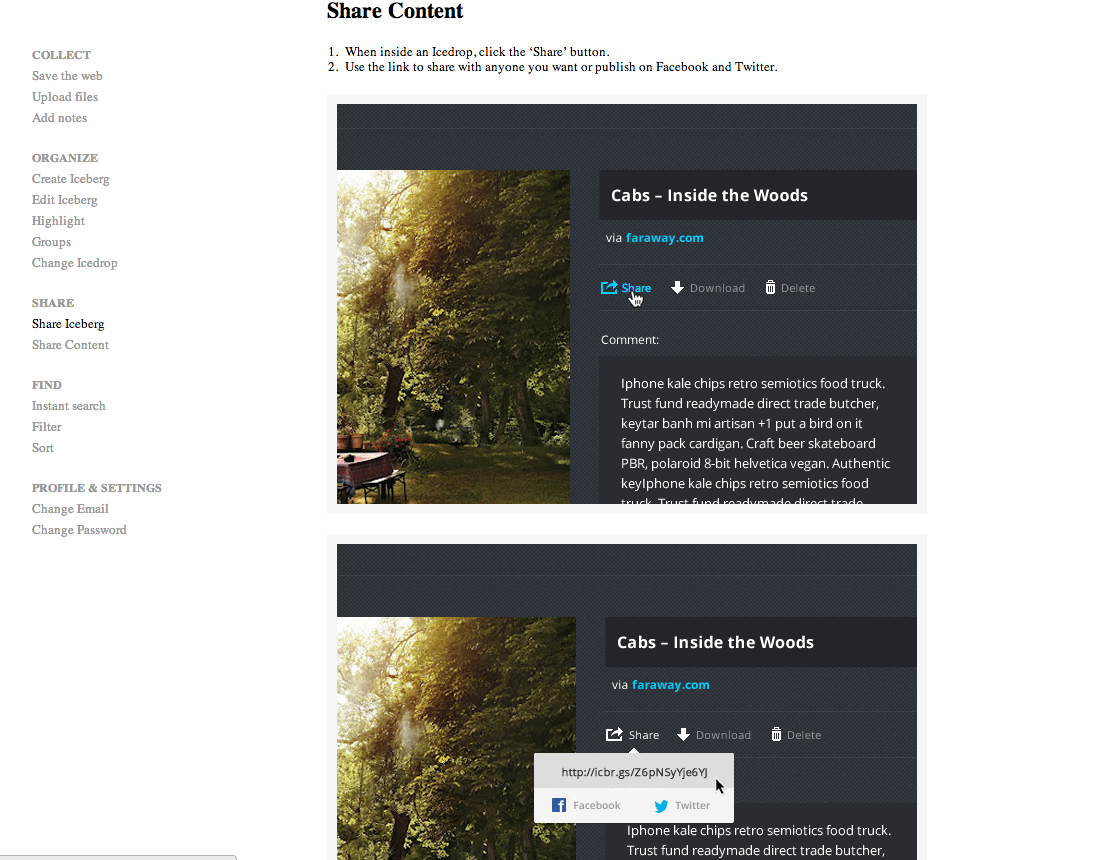
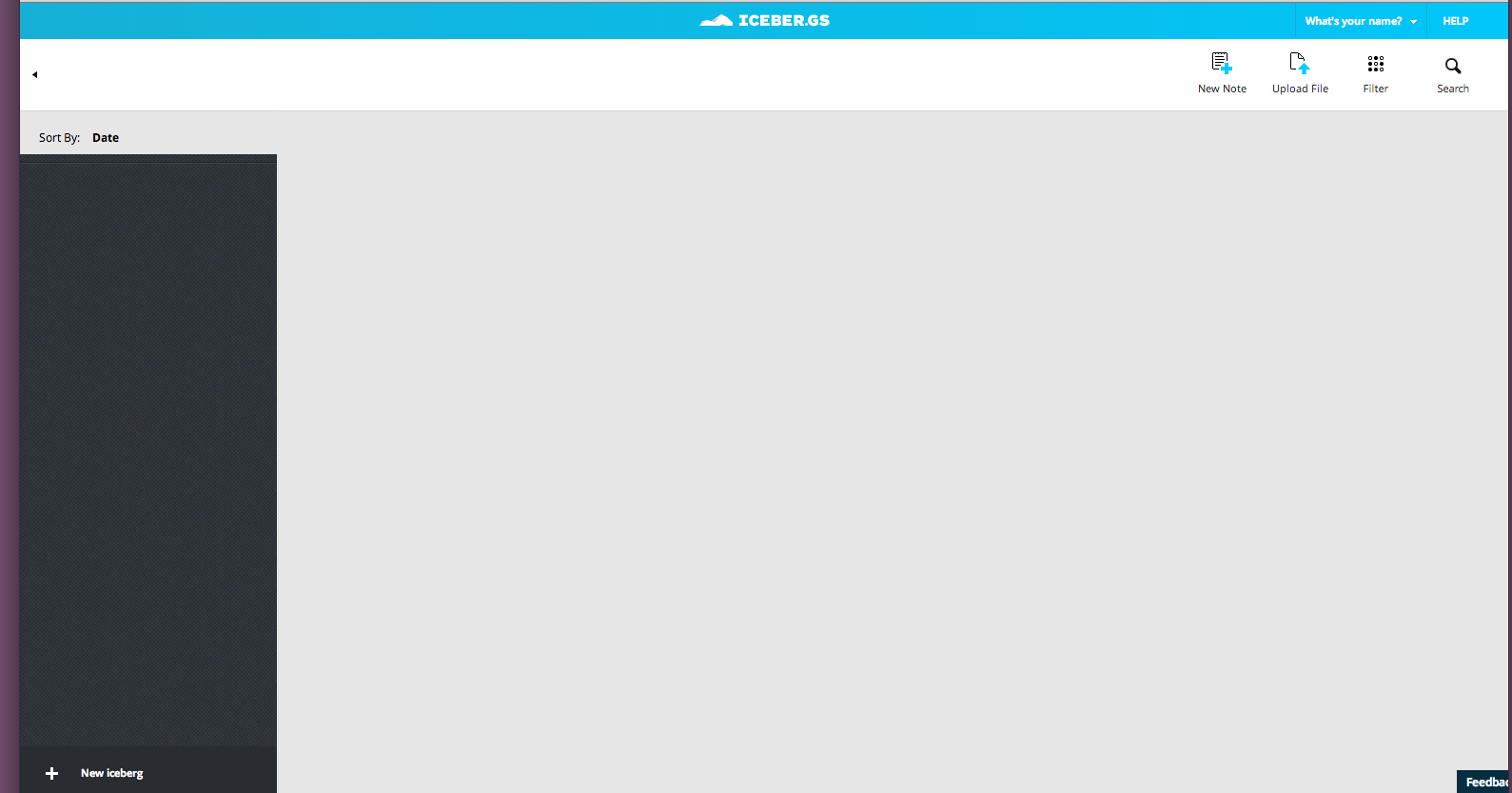
I thought this would be a cross between Pinterest and Dropbox and Evernote, but it is so empty. I feel like it’s an extra step because I can organize my files on my drive or dropbox. So, there’s no network (you end up just sharing to twitter or facebook, great choices :P).
There’s no reason why I would go to a place for creatives if there’s no network of other industry or like minded people (or any people). Early adoption sucks.
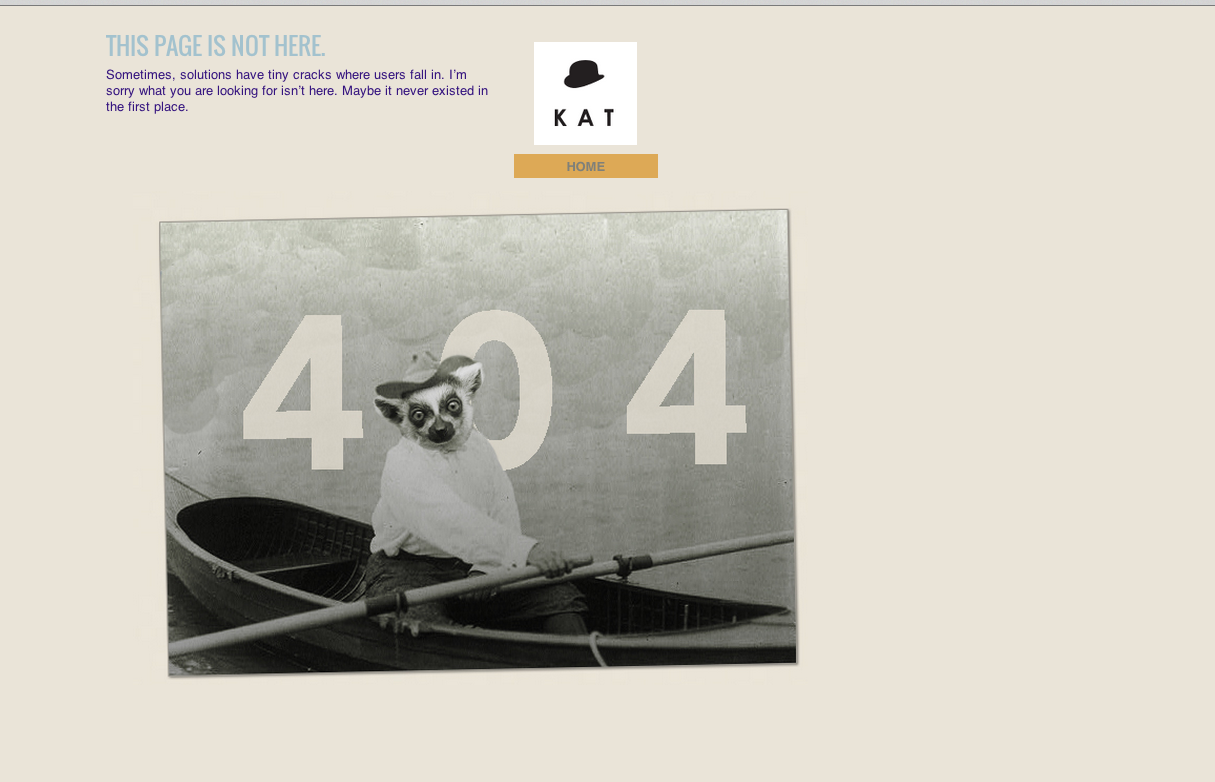
I really like adding error pages in the initial iterations because when I click on empty links, I get an affirmation that something I linked up works. In this case, it’s my error lemur.
update 5-17-13: I talked to Tom. I should have a neutral-colored background. His advice: Keep it simple. Especially with my brand, I agree that should be the road I take.
Update 5-20-13: Pinstripes! and a projects page
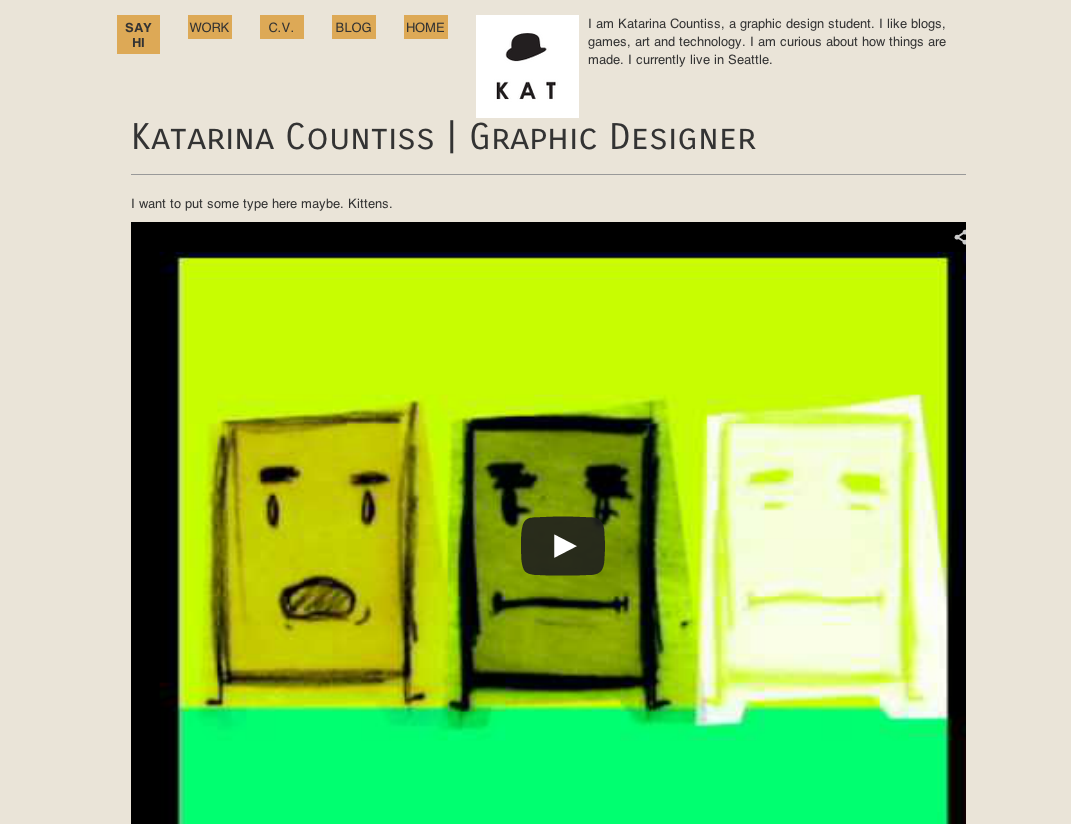
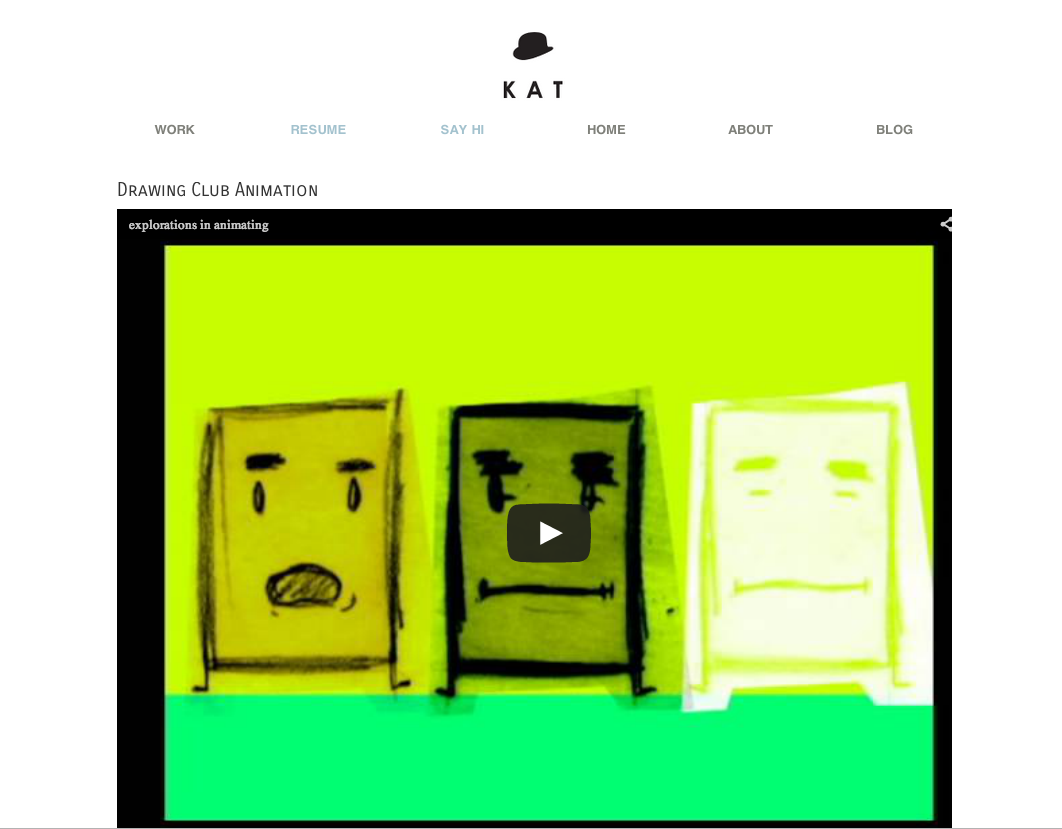
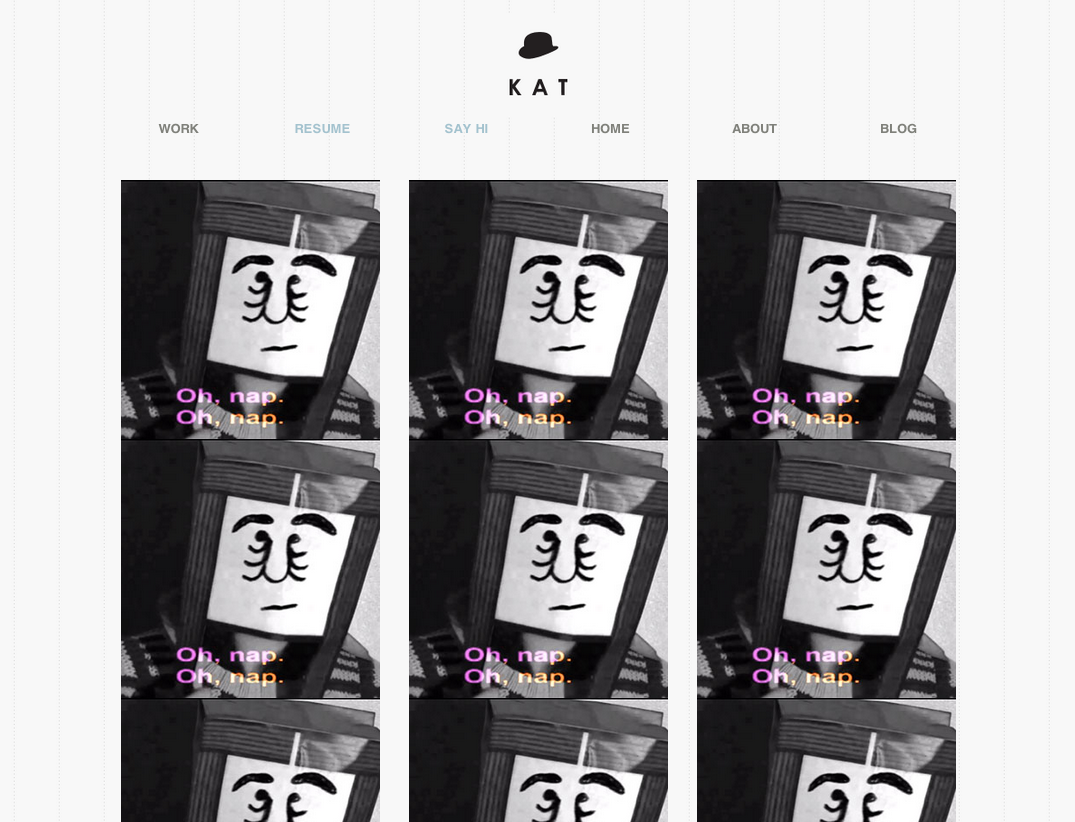
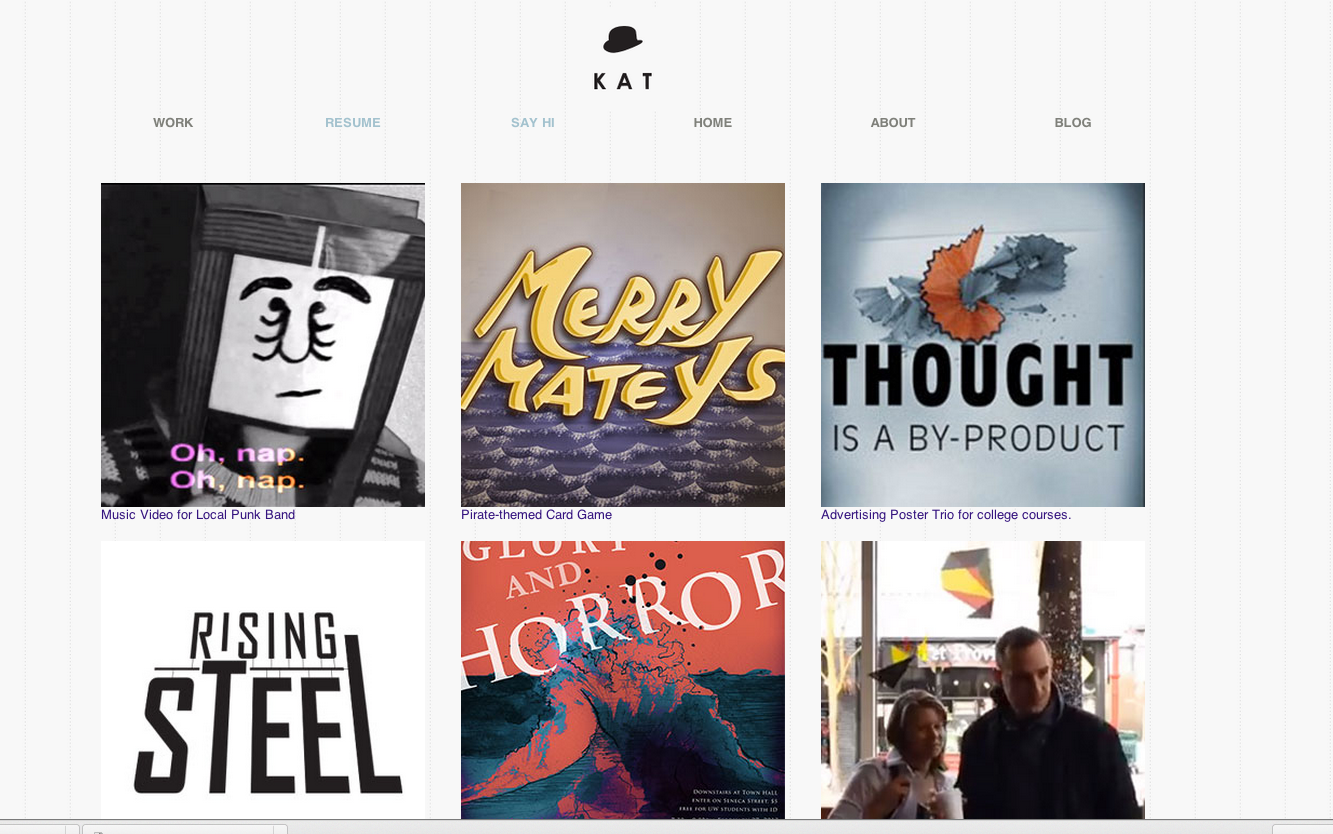
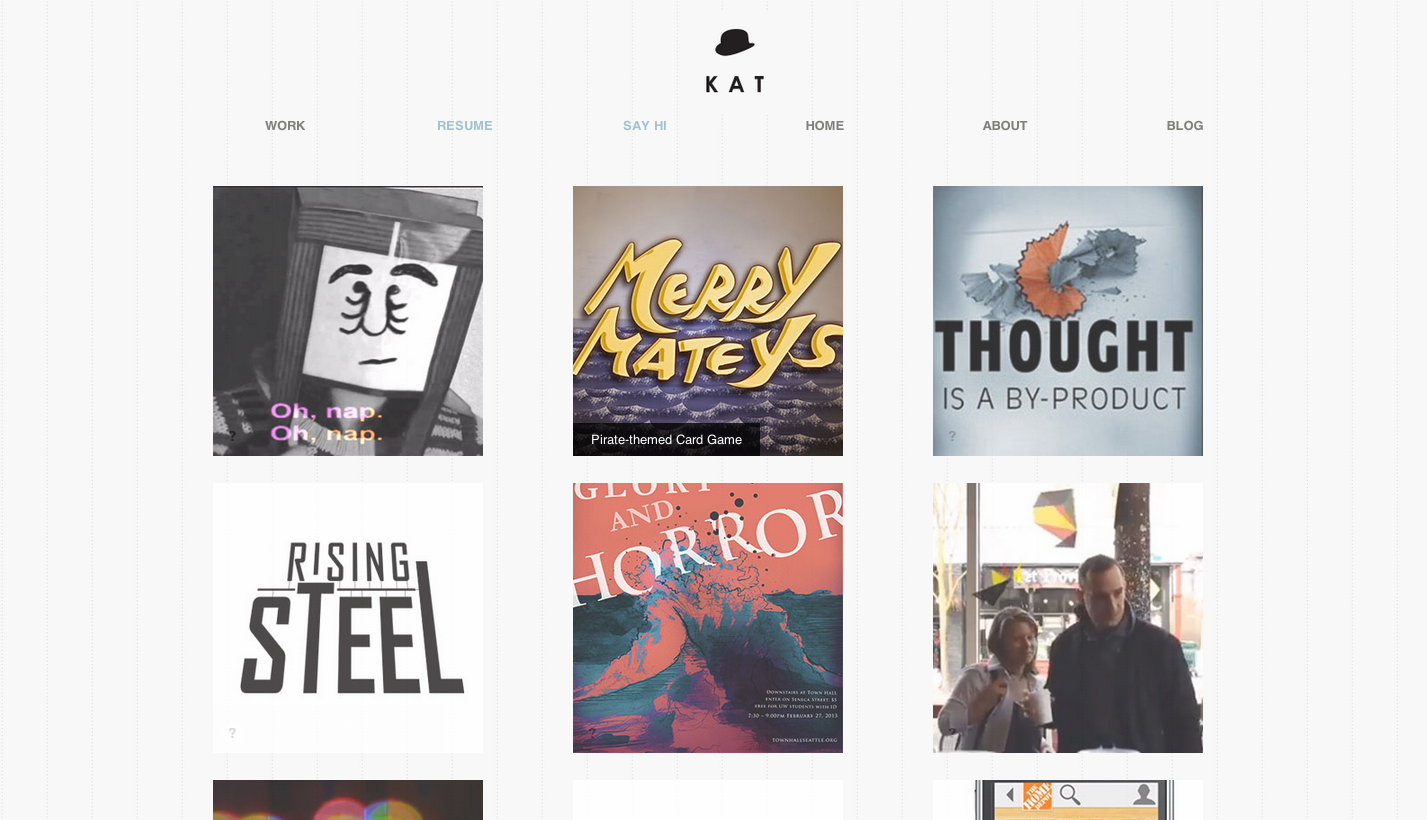
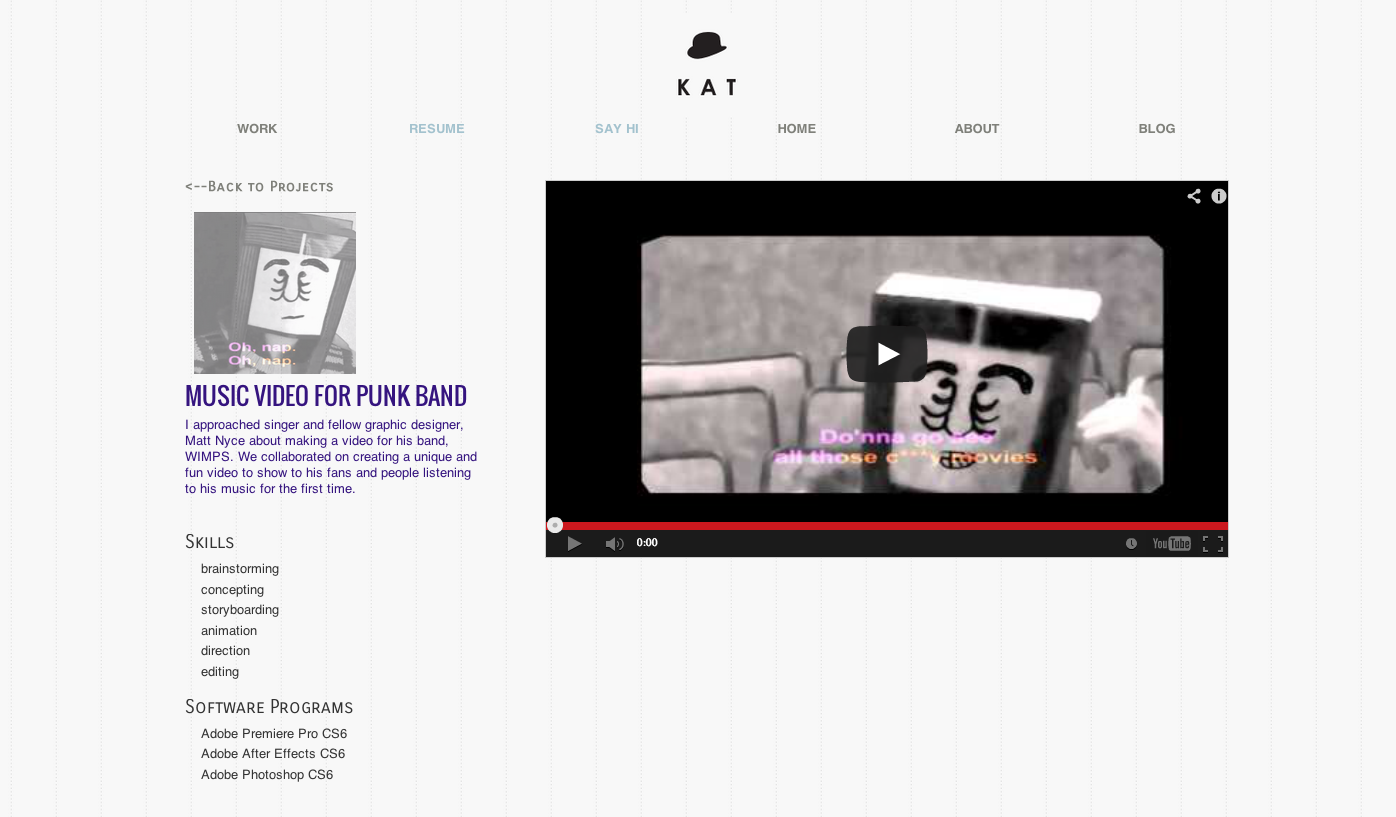
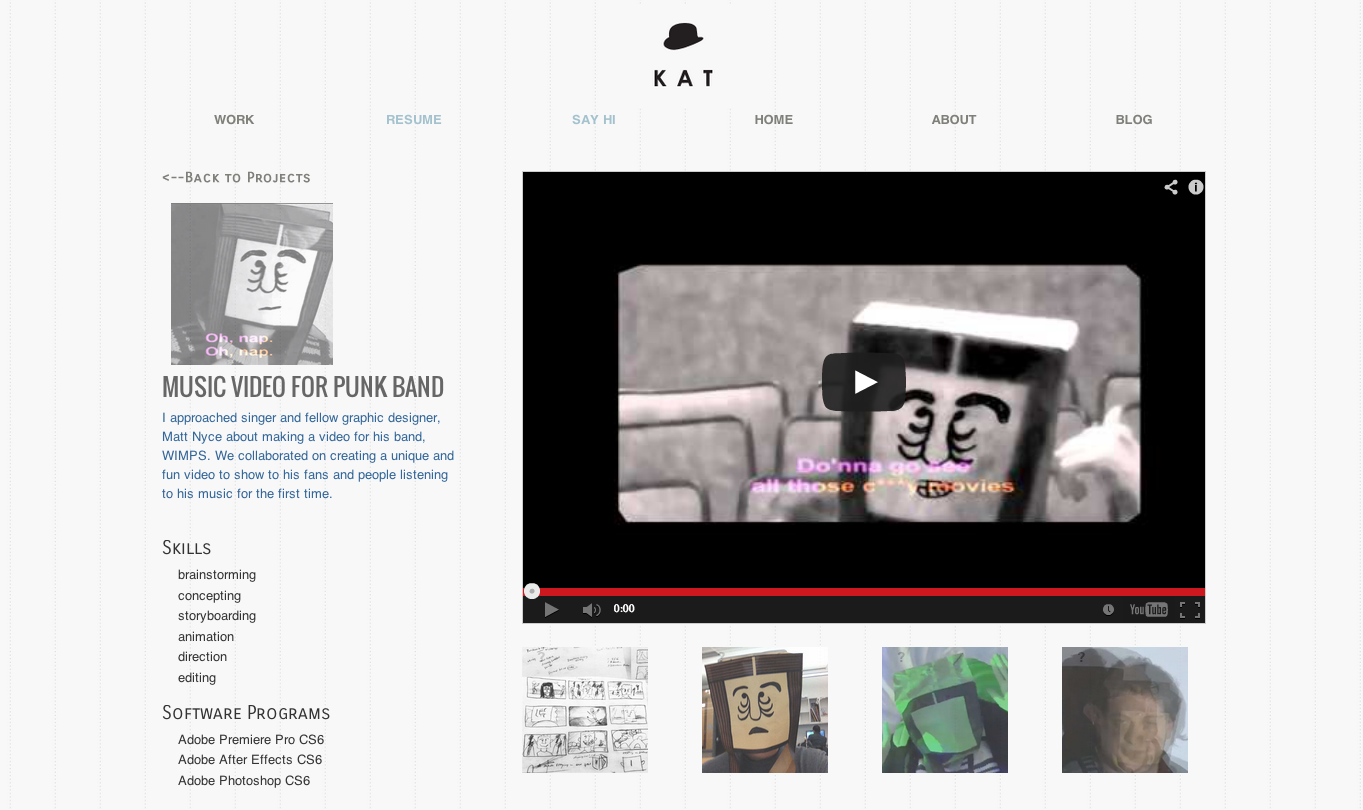
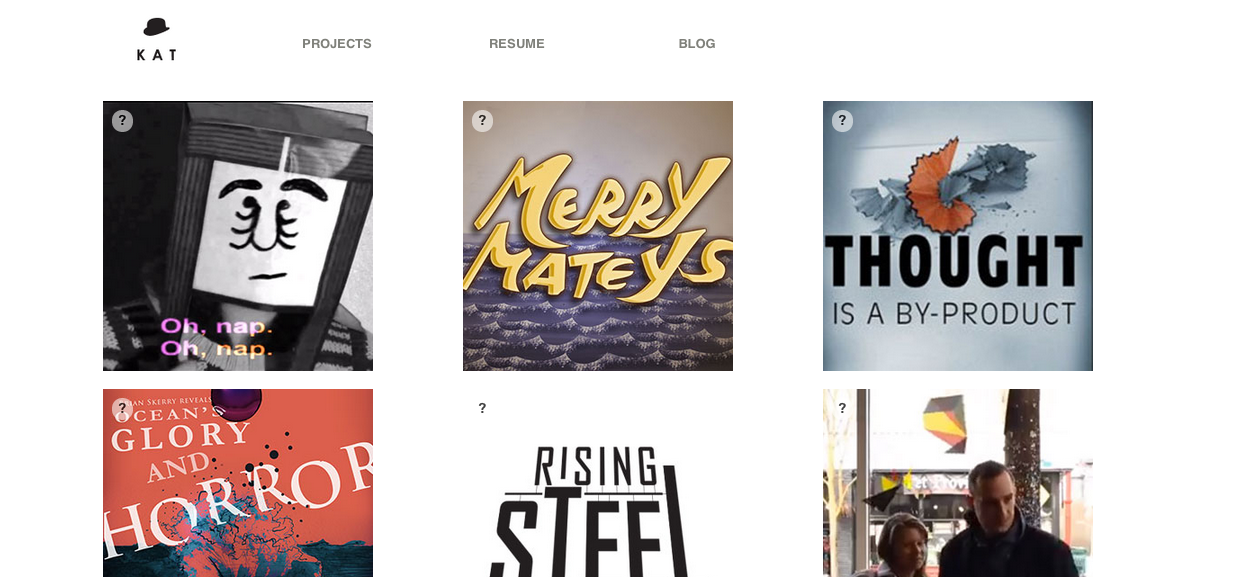
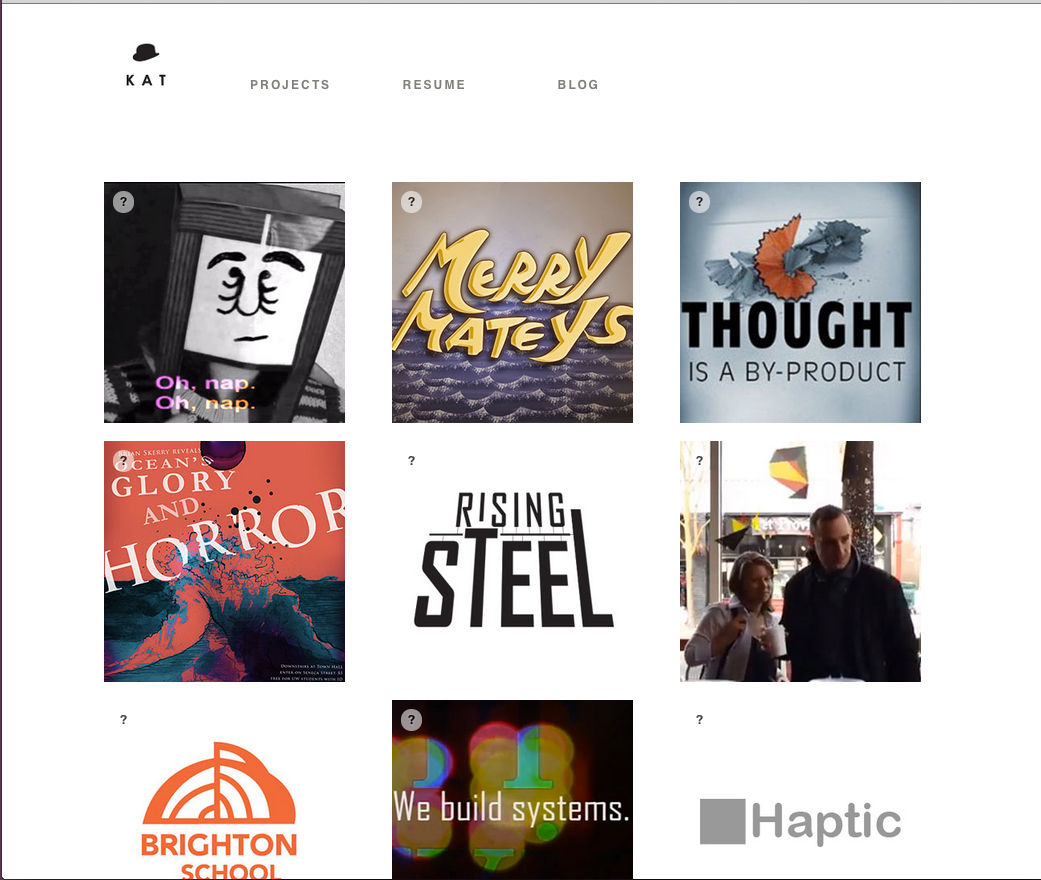
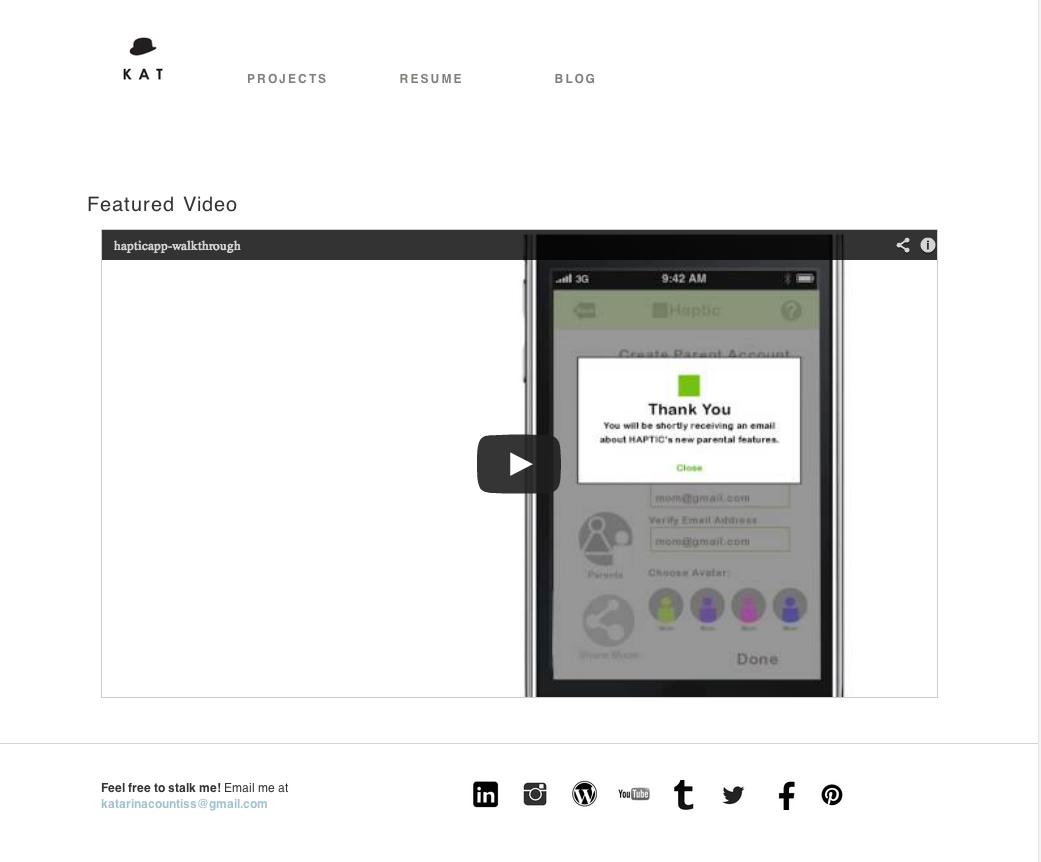
Slide-in captions!layout for videos on portfolio siteLayout with thumbnails of process linked to the blog.New header. I eliminated the contact page and put that information in the footer.Footer has contact infoFinally nailed the responsive nav.
Update 5-30-13: A checklist from my teacher, Barry Sevig. (Yeah, lifted right from the teaching website.)
Let’s go over a few things you might have forgotten to include in your portfolio site:
1. Google Meta Information
Two things you’ll want to pay attention to for basic search results.
<title>This will appear in Google</title>
-Title tags are important both for SEO purposes and also for wayfinding / bookmarking purposes.
Don’t forget your <title> tag’s.
<meta name=”description” content=”This is an example of a meta description. This will often show up in search results.”>
If you’re using WordPress you can make this dynamic in many different ways. Check the bloginfo function in the WordPress Codex for more on populating dynamic results for meta info http://codex.wordpress.org/Function_Reference/bloginfo
-Sign up for a Google Account
-Login at http://google.com/analyitics
-Setup a new site
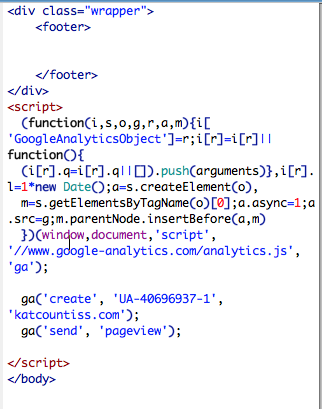
-You’ll be pasting <script> code snippet they give you into the footer of your site.
4. Optimizing Images No one wants to wait for your 4000×3000 images to load.
Images should be saved for web in Photoshop at 72 dpi and 70-80 quality. You best be saving optimized images YO!
5. Retina Logo / Trim
If you portfolio images are not retina… is your logo?
#logo {
background: url(mylogo.png);
background-size: 50px 50px;
}
#logo {
background: url(myretinalogo.png); /* !!!!! REMEMBER YOUR LOGO MUST BE 100×100 or twice the size as the original */
background-size: 50px 50px;
}
}
6. Favicons You need to use .ico files unless you don’t care about IE or older browsers. Then you can use PNG’s.
7. Apple Icons It’s safe to say that most people won’t be bookmarking your site on their homescreen, but maybe you will as a reference for when you pull up your responsive portfolio in an interview. Here’s how to include those shortcut icons for you Apple device.
So will Modernizer or the HTML5Shiv if you wrote markup in HTML5 and forget to include these for legacy browsers.
<!–[if IE]><script src=”http://html5shiv.googlecode.com/svn/trunk/html5.js”></script><![endif]–>
or
<!–[if IE]><script src=”http://cdnjs.cloudflare.com/ajax/libs/modernizr/2.6.2/modernizr.min.js”></script><![endif]–>
9. HTML Resumes
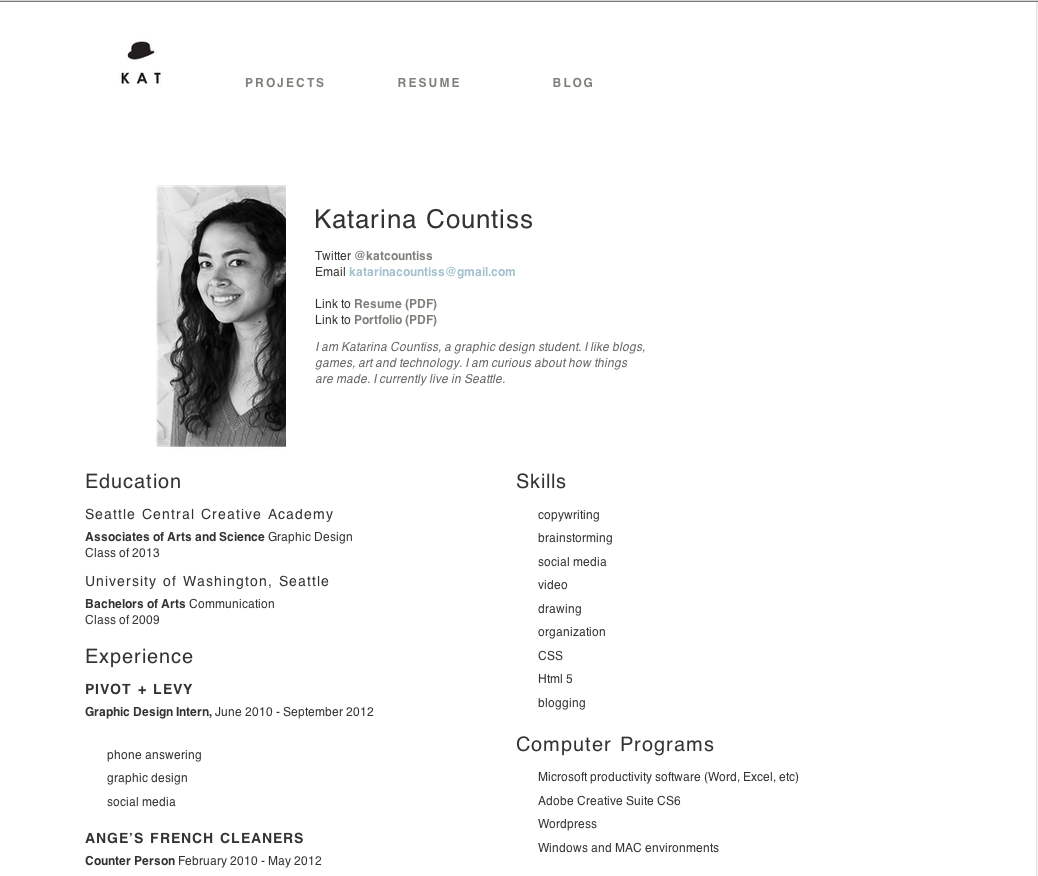
This is a bonus, but if you have time I would recommend a coded HTML resume and then a link to download / print PDF resume.
Examples: Clay & 10 resume templates for inspiration
9. Window Resizer
Have you checked your site to see how it looks on a 13″ Laptop? How much of your site is visible above the fold? Window Resizer Plugin for Chrome
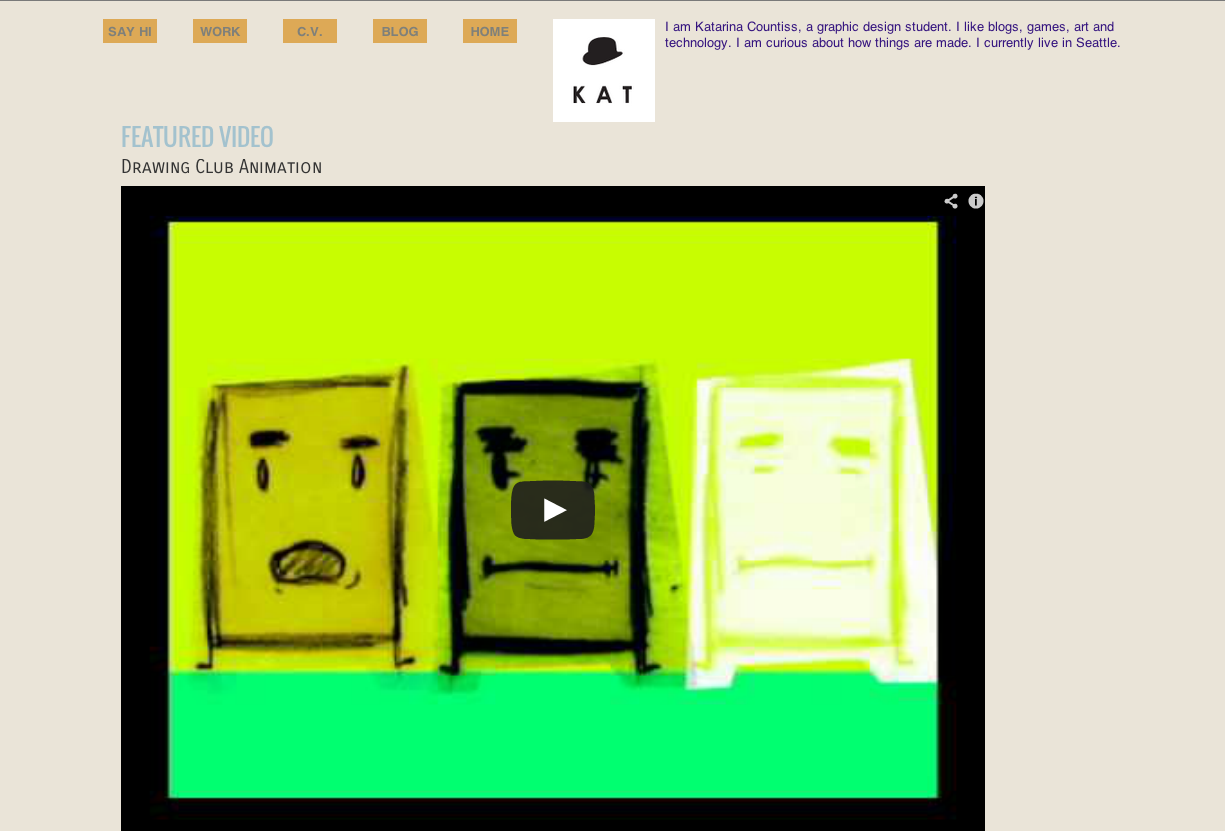
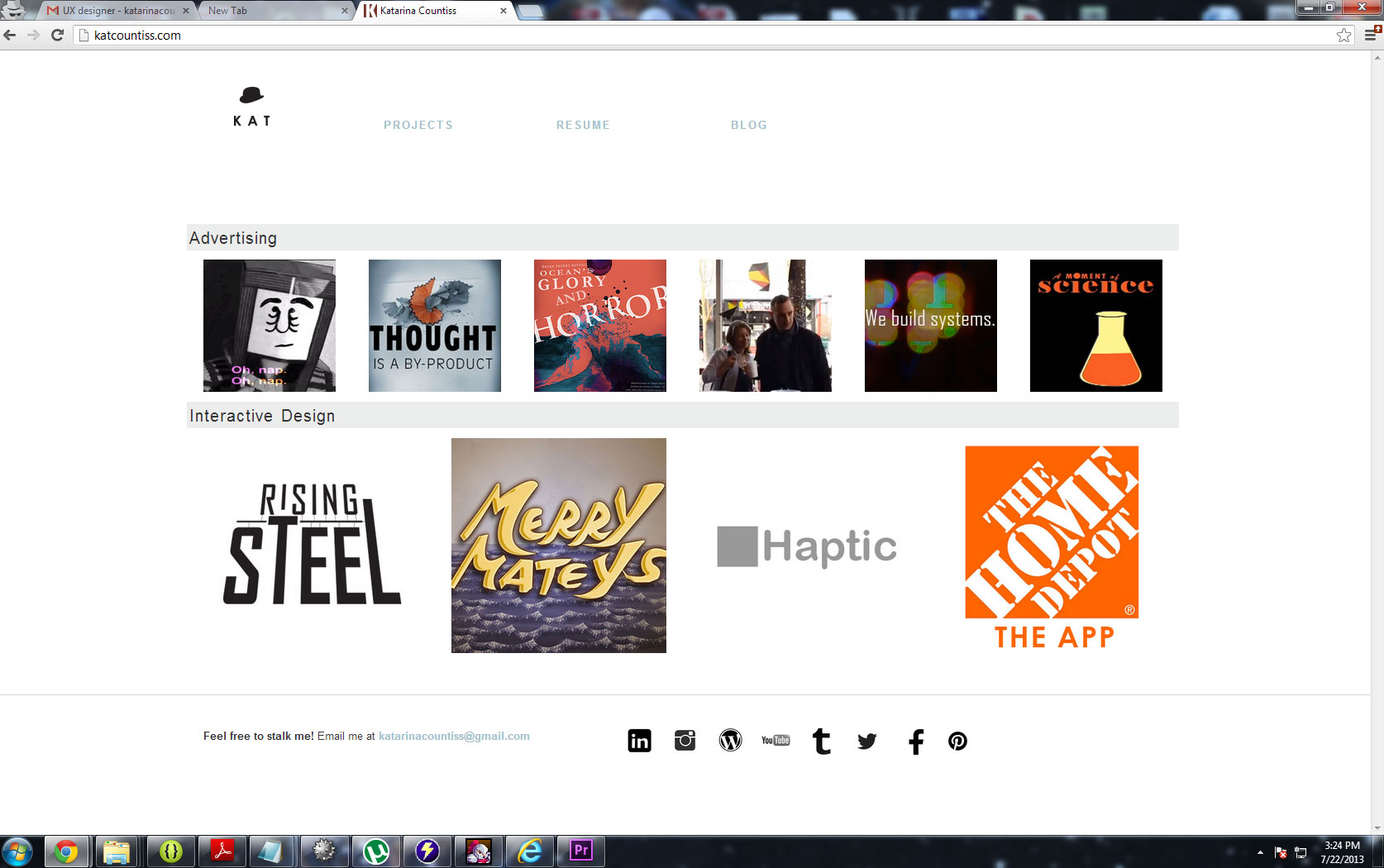
Update 6-7-13: I’ve gotten feedback from Barry the instructor and Paul Nissen, the unpaid superhelper of the program and I’m reworking a bit of the linking structure of the site and cleaning up some margins so that it’s all better aligned. More screenshots of the website as it nears perfection. Paul reminded me of other devices this morning and shows me my videos not loading on his mobile phone and the media queries failing me.
Update 7-23-13
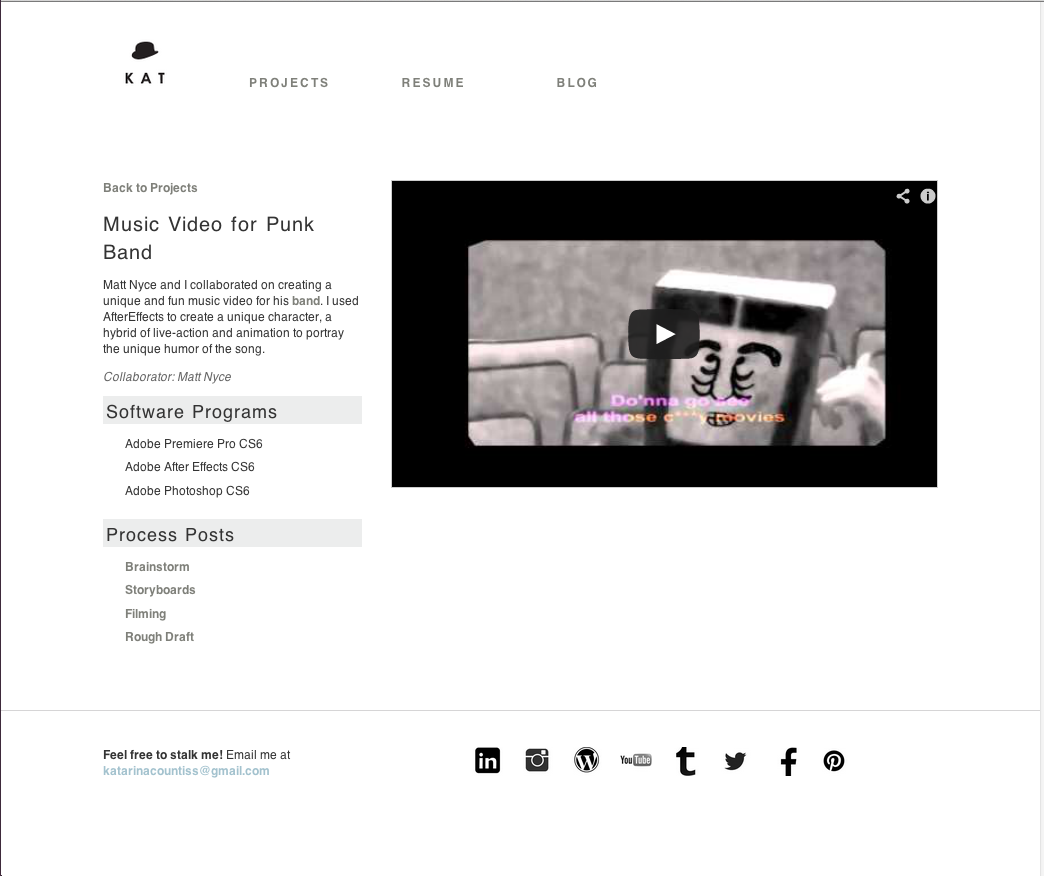
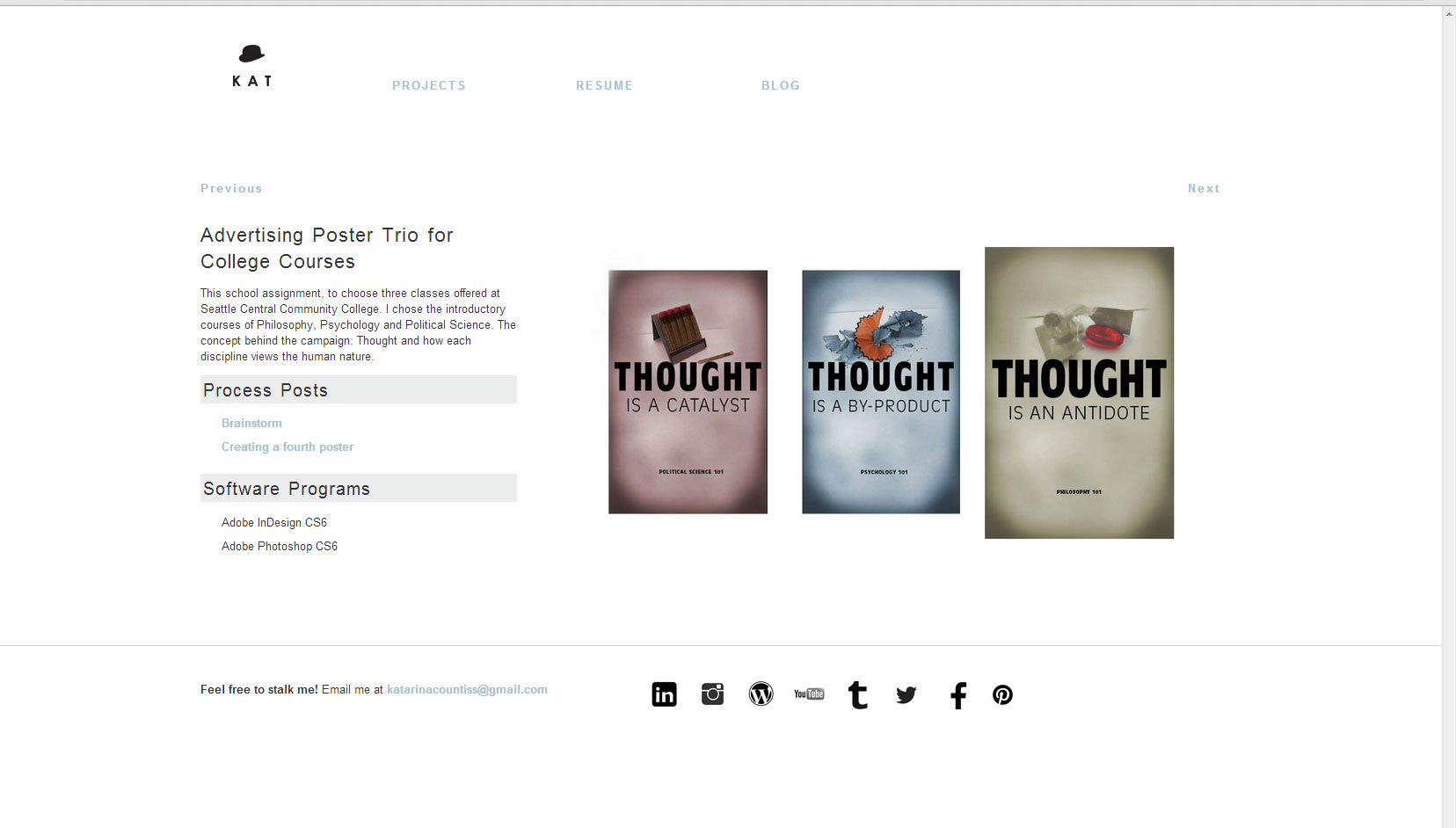
I talked to my design chum Paul N. who gave me a break down of what I needed to change. Including the project pages where there’s now a flow of projects you can click through to. Note the previous and next buttons.
I talked to my instructor, Erik who had this to say:
Your website is awkward. It is hard for me to understand what you want to do…Artist? Designer? Filmmaker? It’s all over the map, but lacking excellence….wait, the IT video is excellent, and the haptic work is strong, but many of the other pieces do not convey your strengths. I think of you as one of the smartest people in the class, but this collection of work does not display your sophistication.