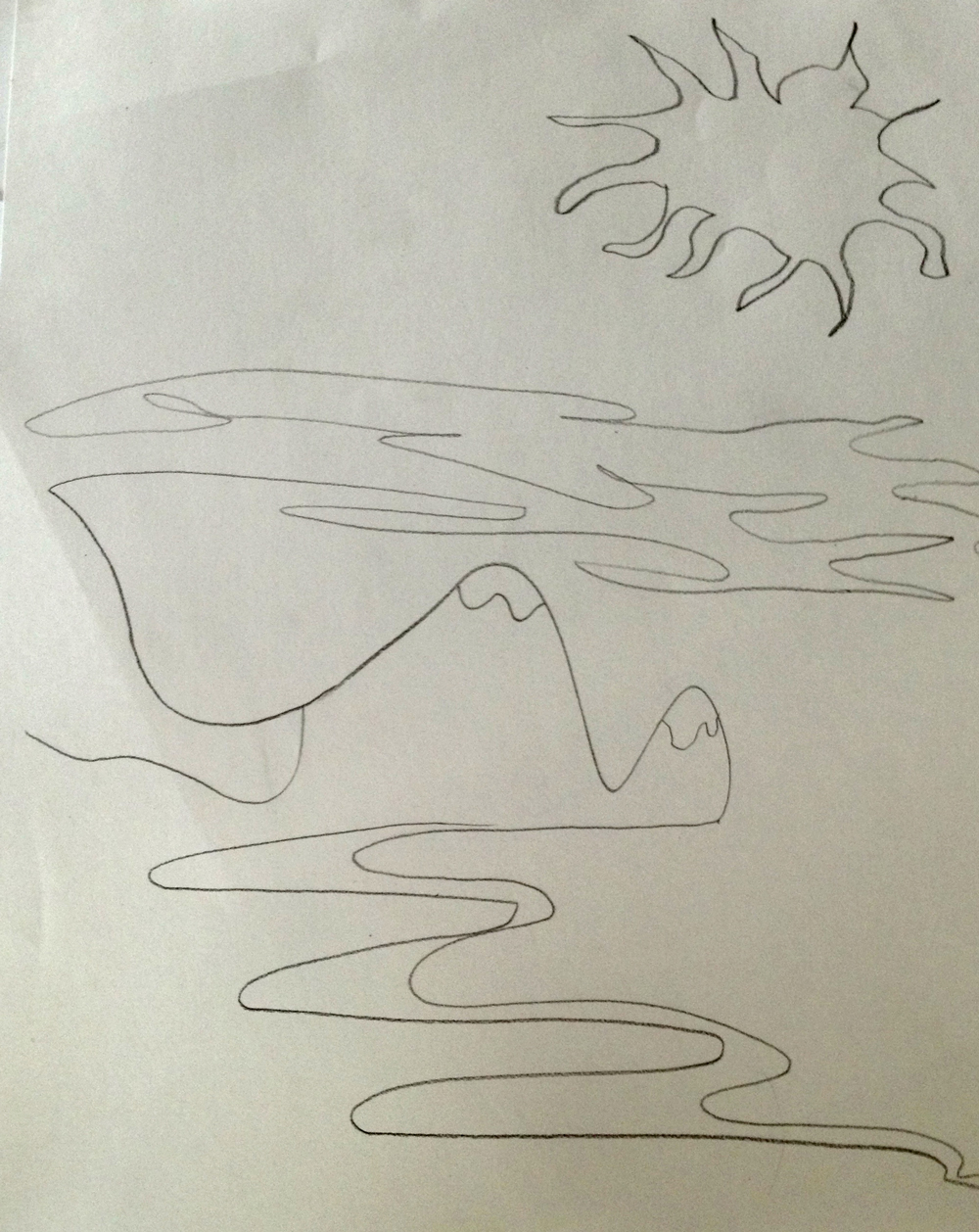
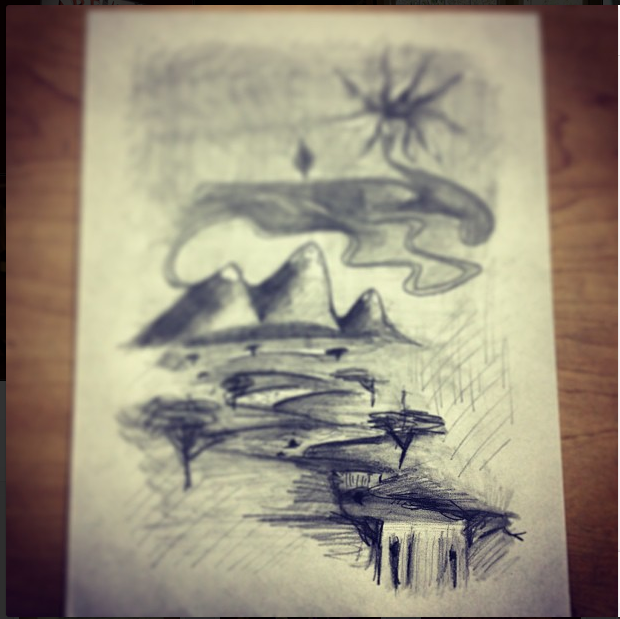
 Drawing collaboratively and then interpreting that into a piece you couldn’t have imagined on your own.
Art Collective
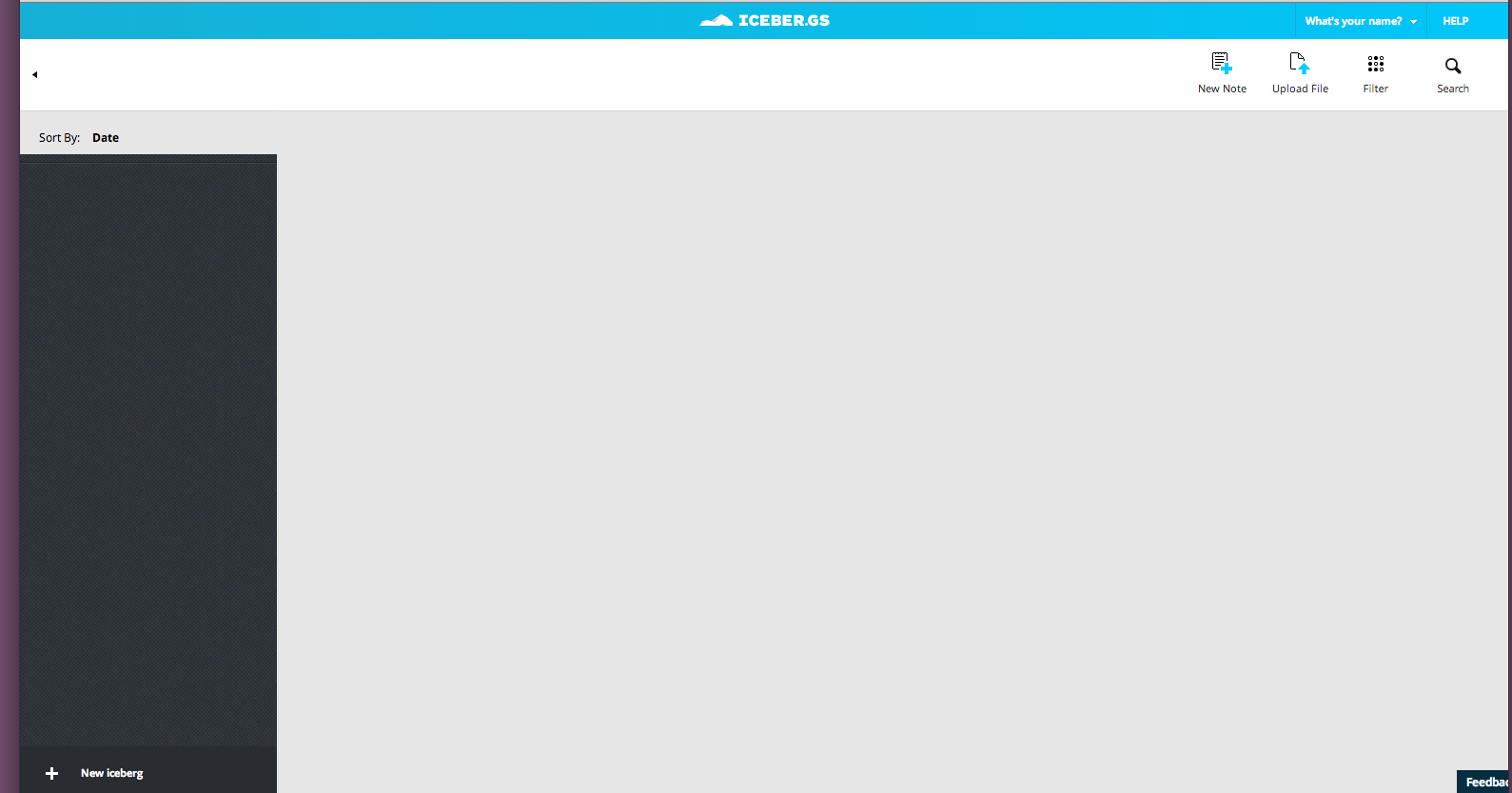
So, I go to this website. I can’t really set up my profile. Where are the buttons for submit?
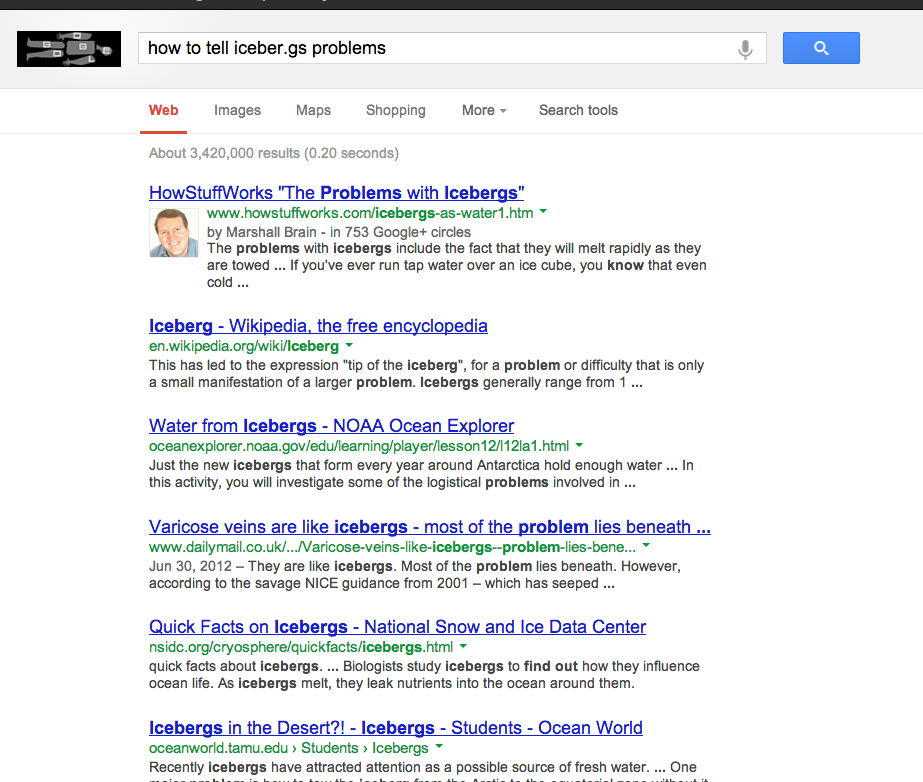
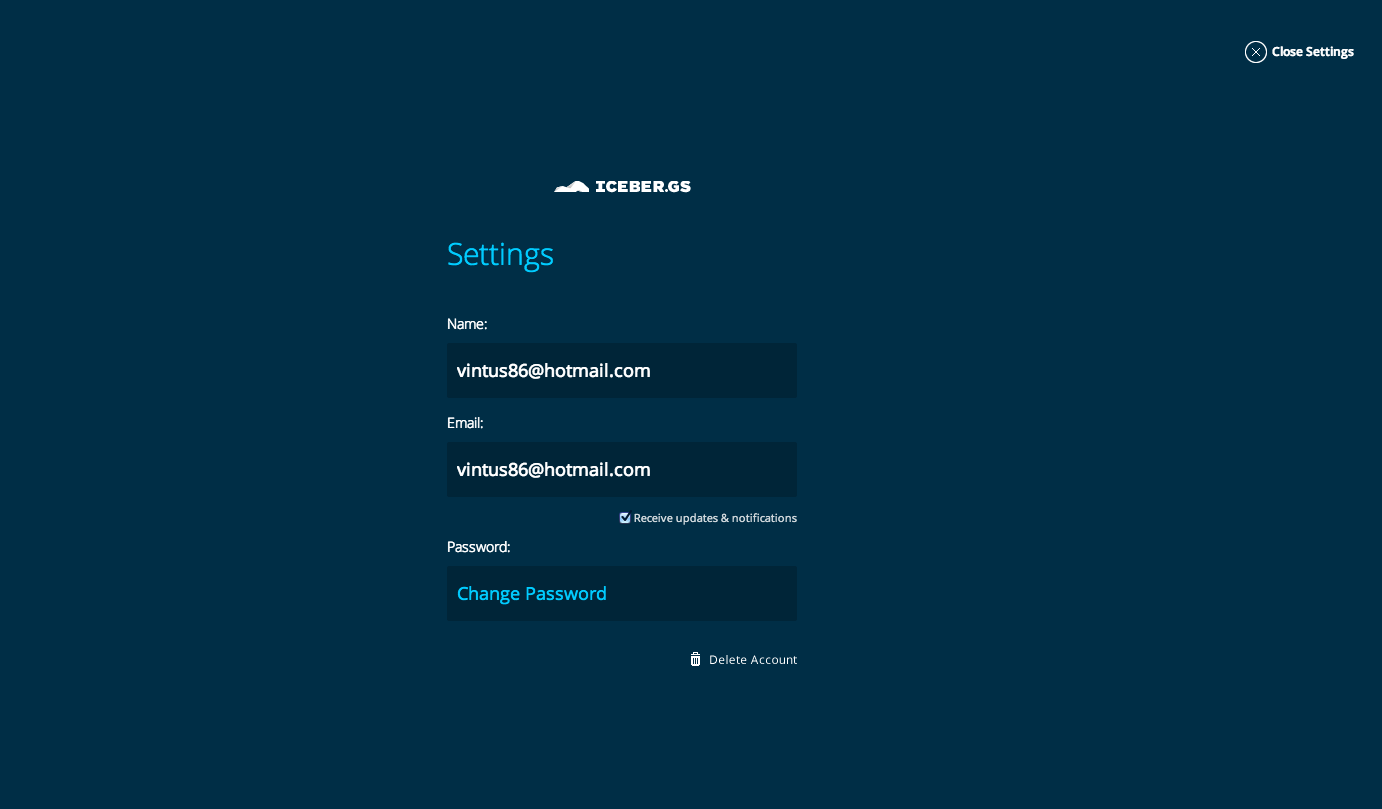 The browser tool button they had me install also seems dudly and I have to stare at this thing. The email said that they want feedback but didn’t give an email for that feedback. I tried looking for a place for feedback, but Google doesn’t seem to understand my question. #namefail
I thought this would be a cross between Pinterest and Dropbox and Evernote, but it is so empty. I feel like it’s an extra step because I can organize my files on my drive or dropbox. So, there’s no network (you end up just sharing to twitter or facebook, great choices :P).
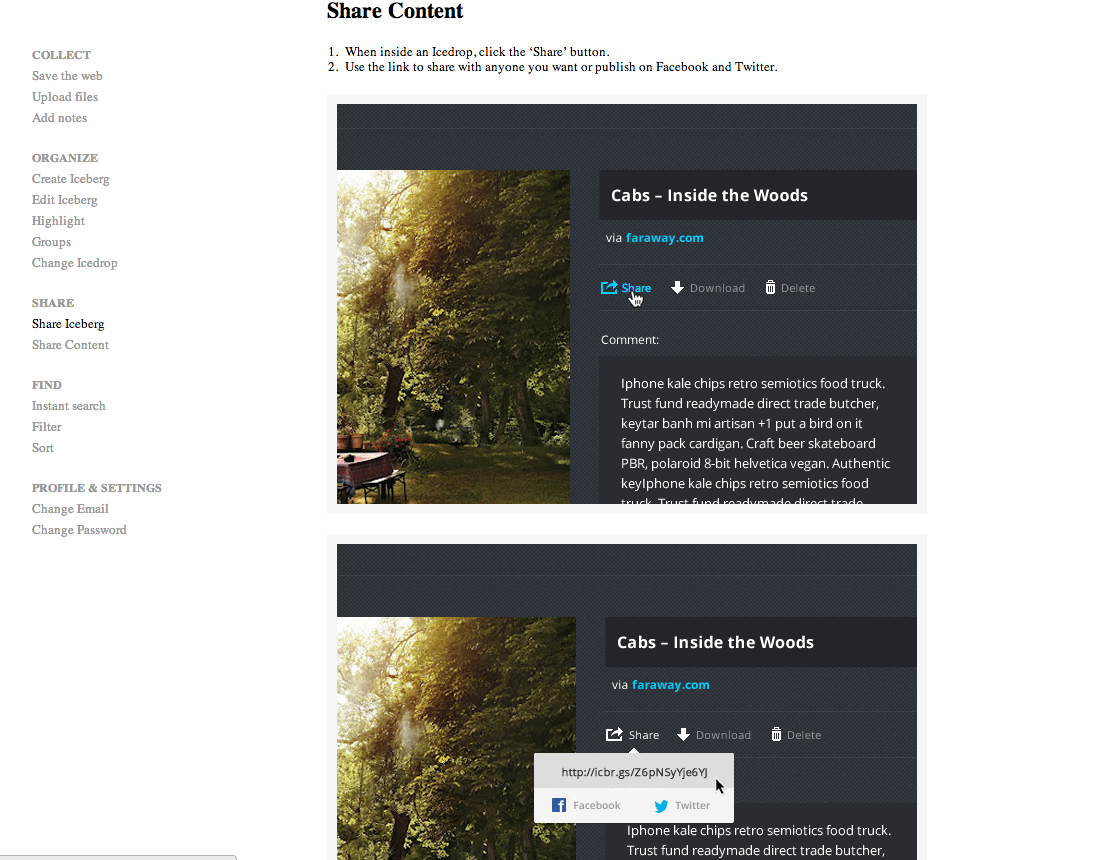 There’s no reason why I would go to a place for creatives if there’s no network of other industry or like minded people (or any people). Early adoption sucks.
Assignment: get a job
Phase 3 of Web Design: Iterations
Playing in CSS: Remember The Order of Margin/Padding Shorthand with TROUBLE | CSS-Tricks. It’s clock wise from the top or TROUBLE: “The trick is that thefirst four consonants in the word are the first letters of Top, Right, Bottom and Left.”
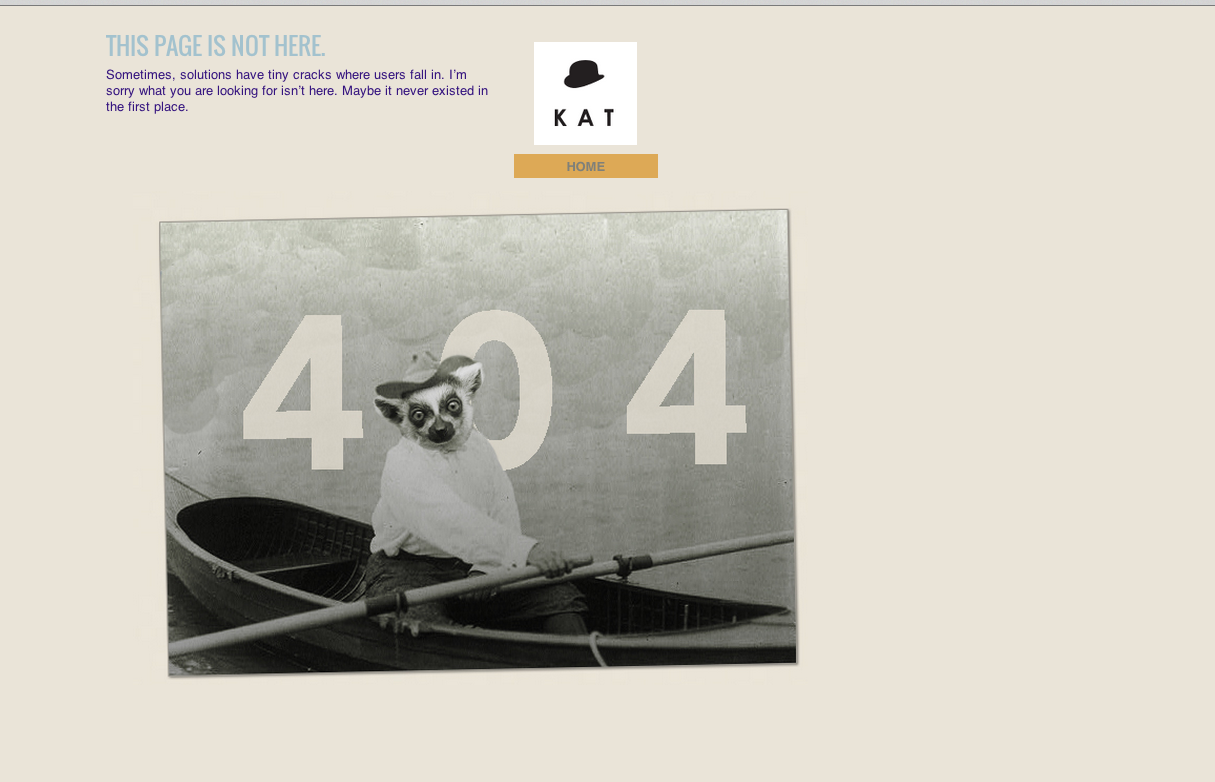
I really like adding error pages in the initial iterations because when I click on empty links, I get an affirmation that something I linked up works. In this case, it’s my error lemur.
Adding Google Analytics Official Website – Web Analytics & Reporting – Google Analytics. They tell you to create a php and link to it in your files, but Barry says: put it in the footer.php and it works. I’m now watching my vistors.
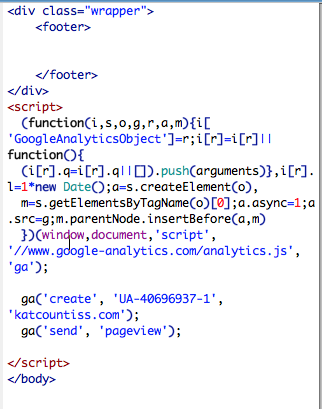
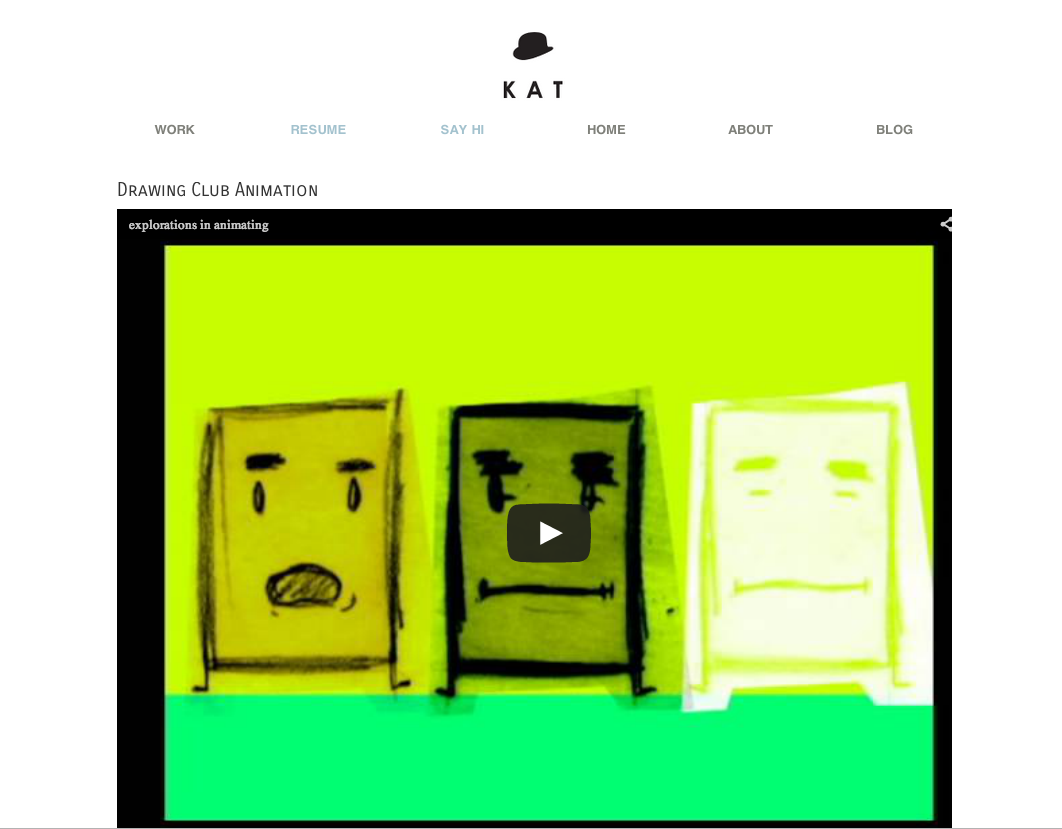
update 5-17-13: I talked to Tom. I should have a neutral-colored background. His advice: Keep it simple. Especially with my brand, I agree that should be the road I take.
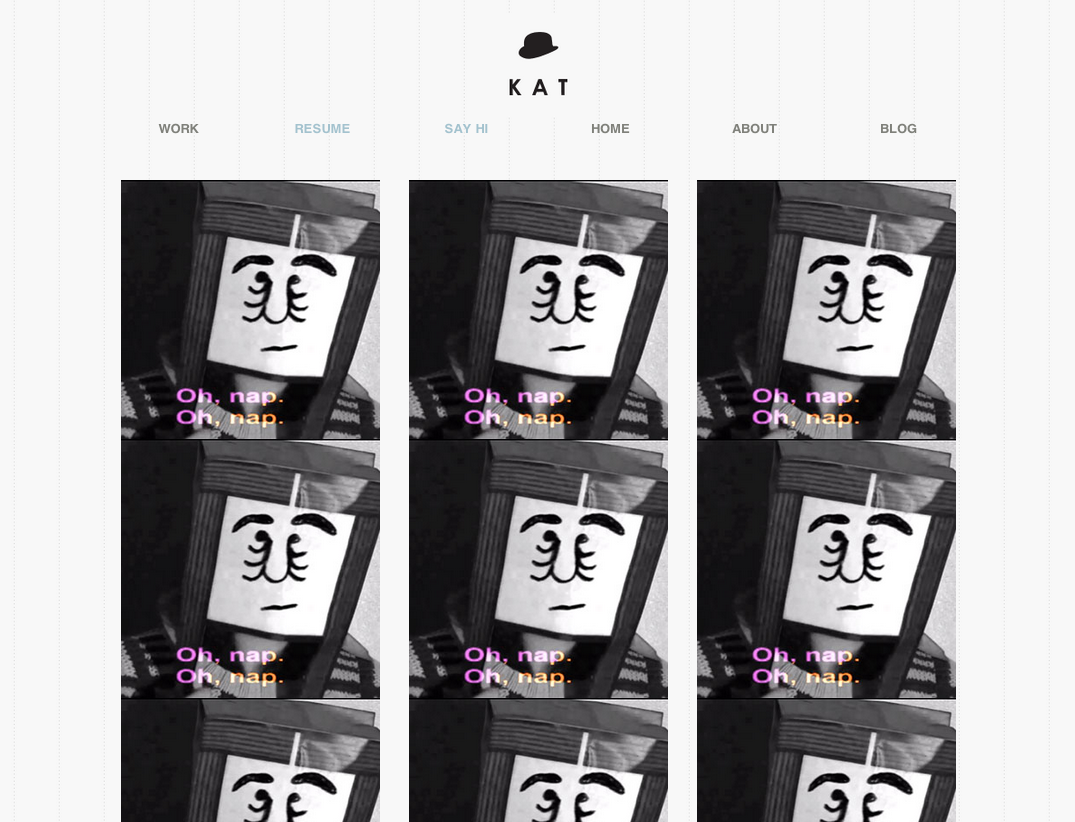
Update 5-20-13: Pinstripes! and a projects page
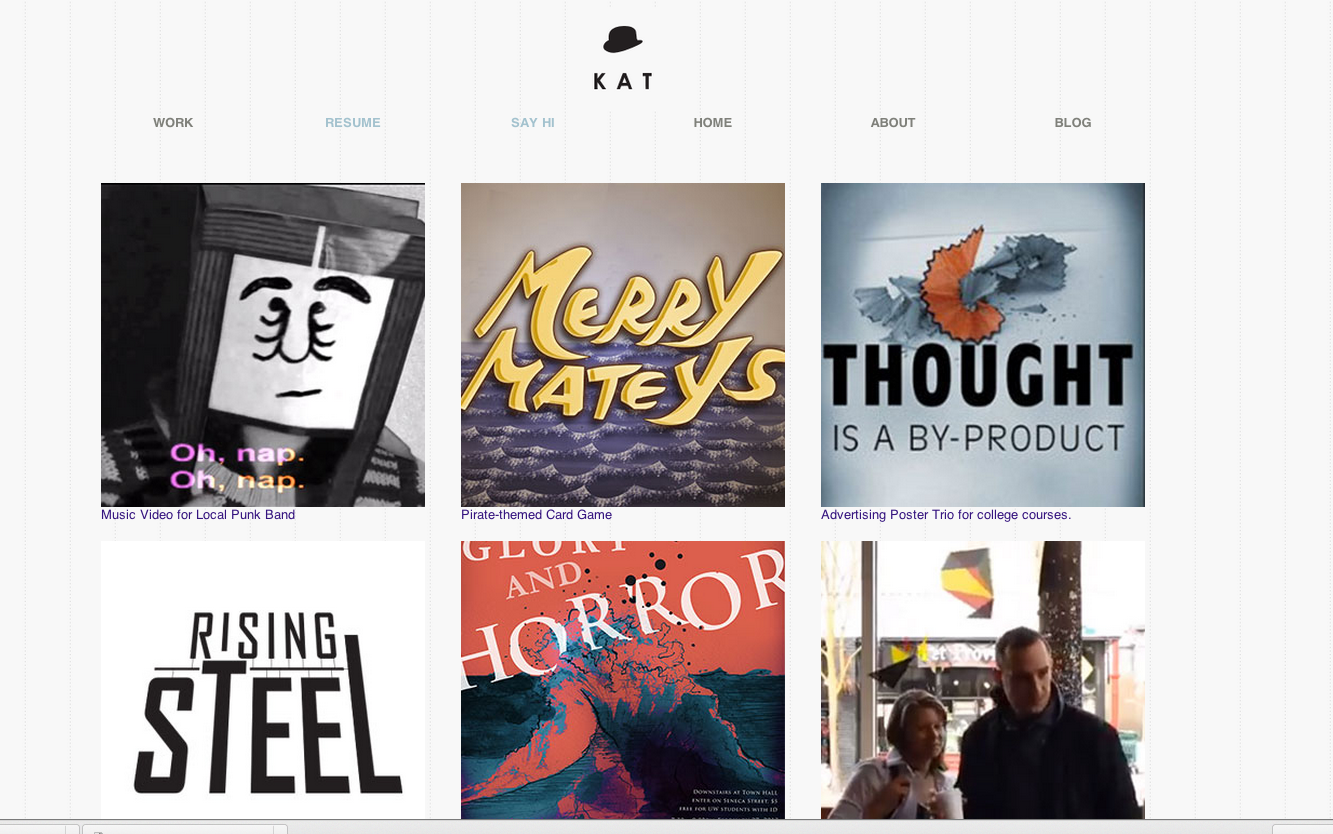
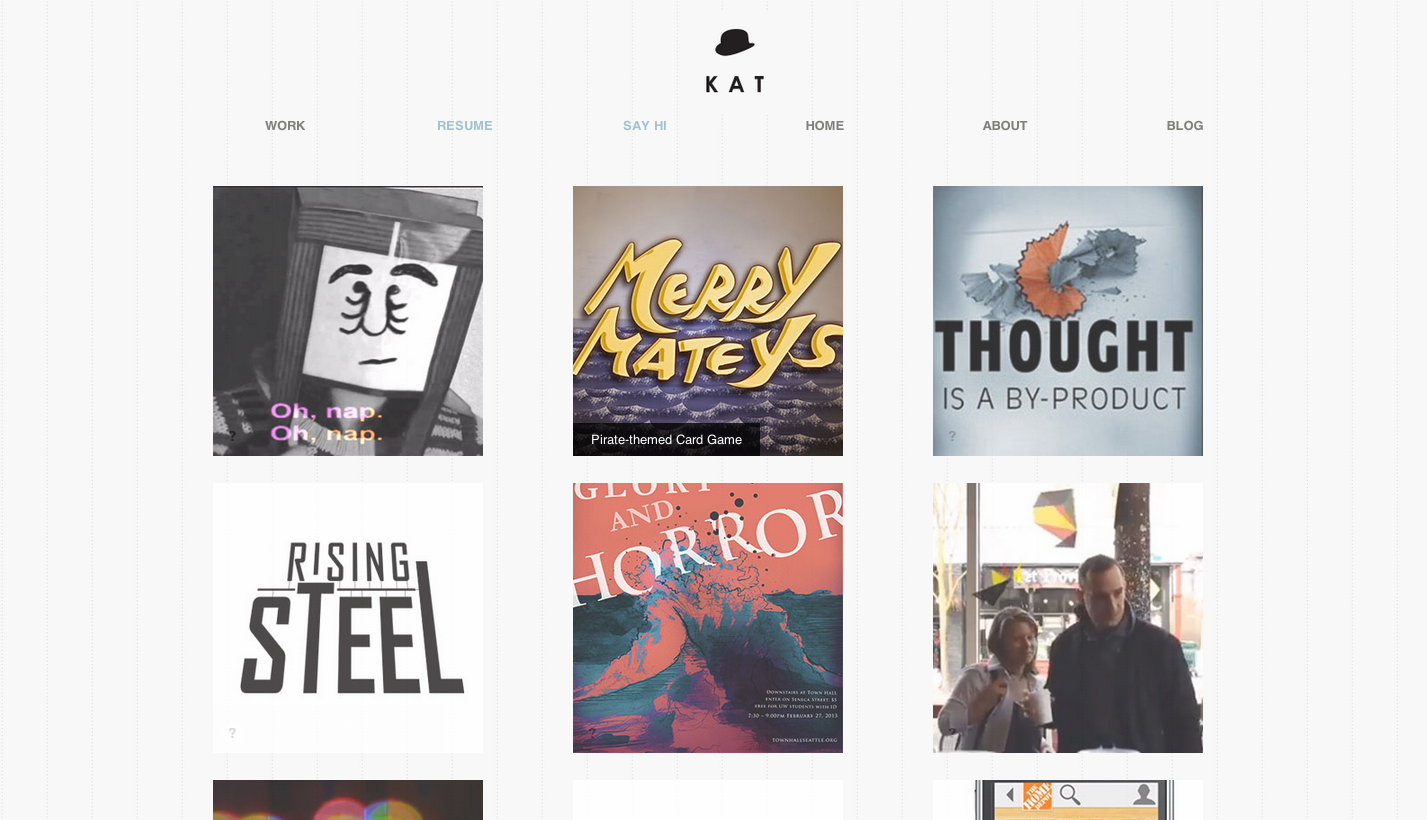
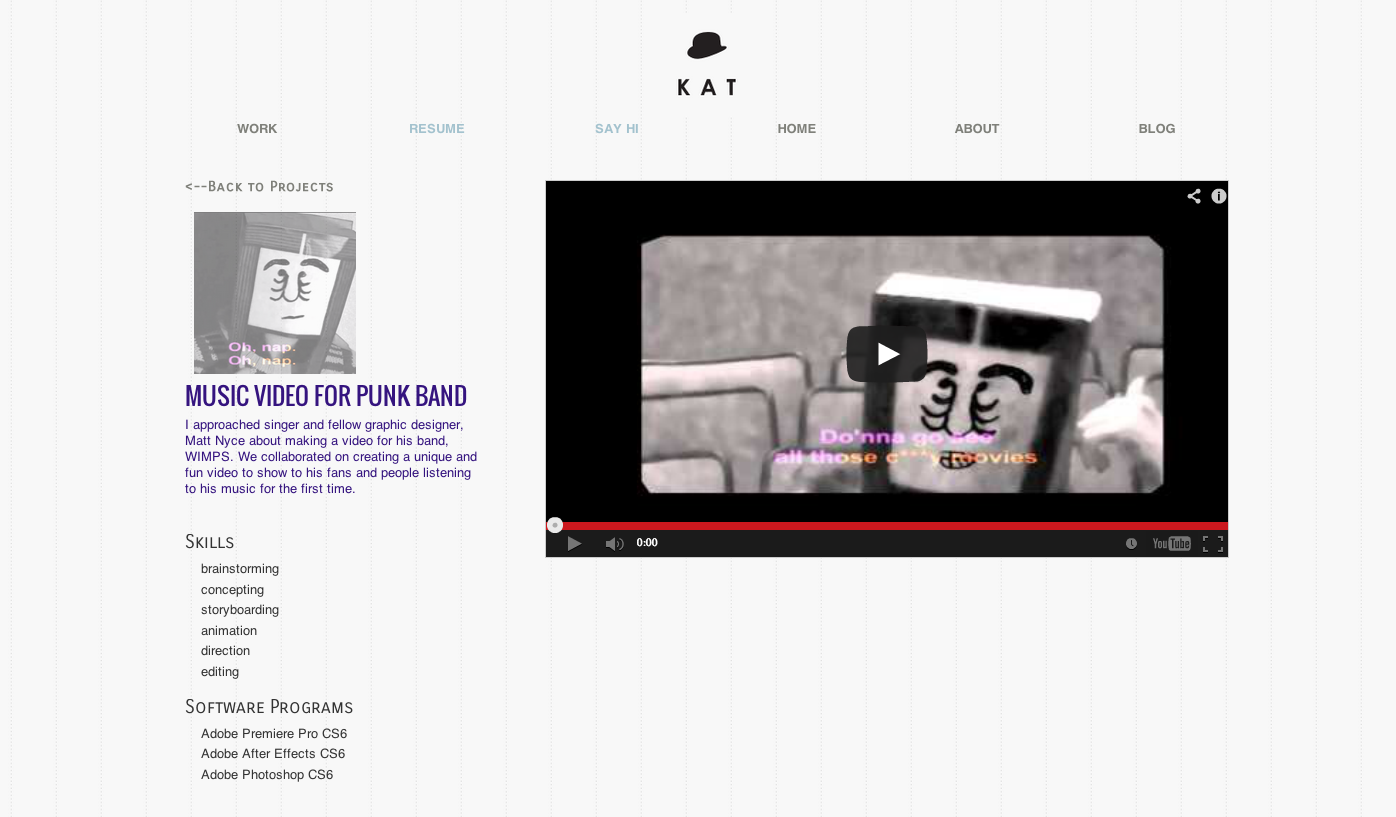
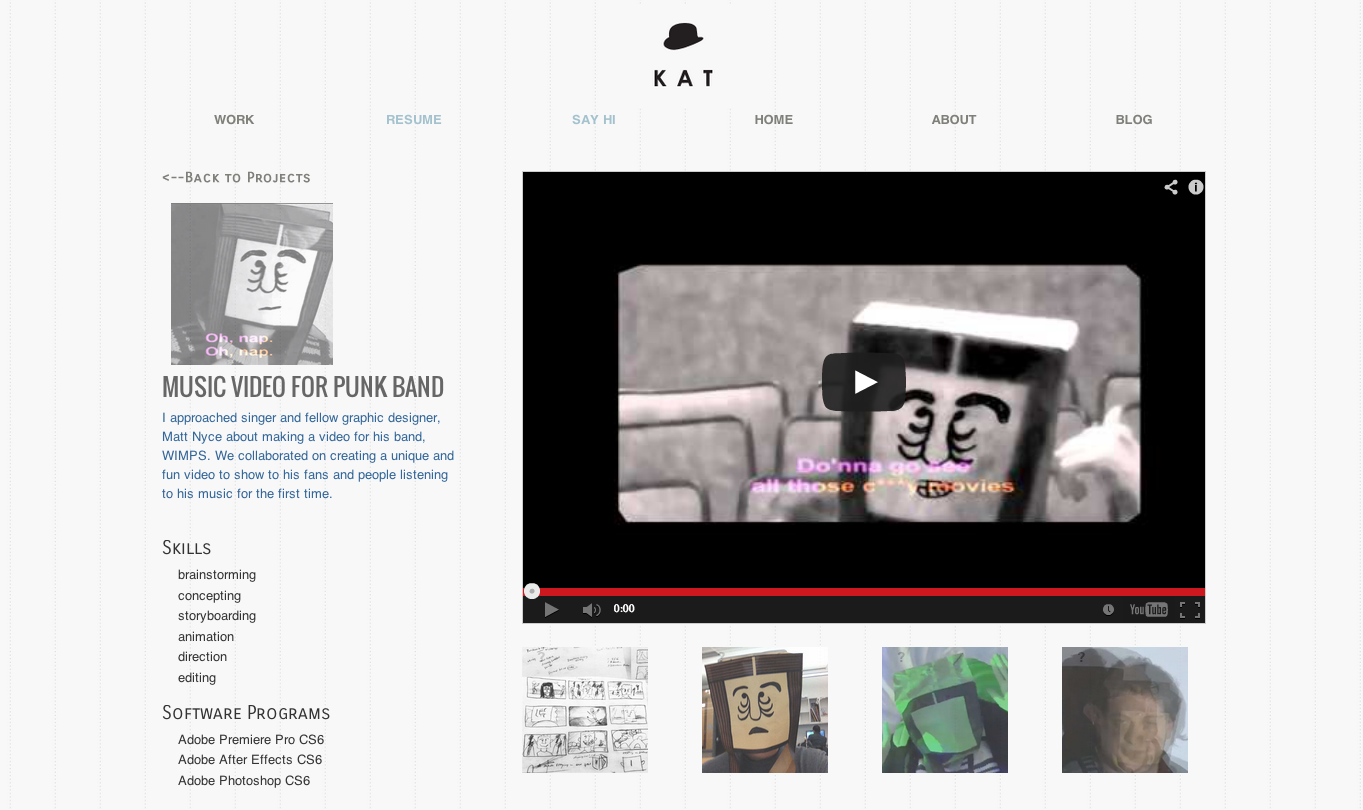
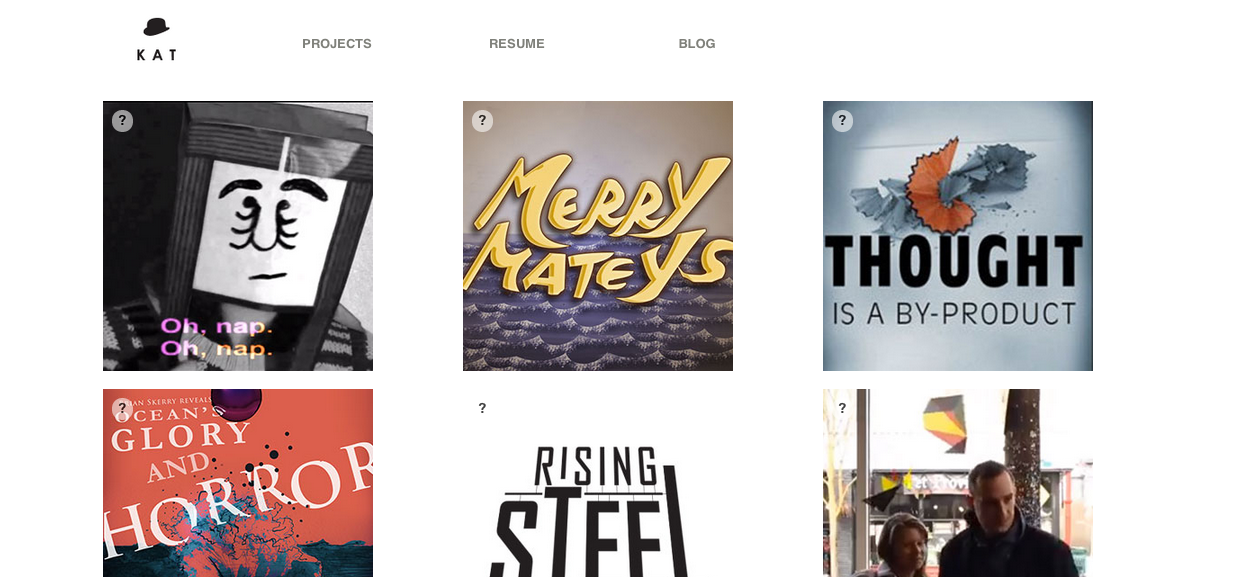

Update 5-30-13: A checklist from my teacher, Barry Sevig. (Yeah, lifted right from the teaching website.)
Let’s go over a few things you might have forgotten to include in your portfolio site:
1. Google Meta Information
Two things you’ll want to pay attention to for basic search results.
<title>This will appear in Google</title>
-Title tags are important both for SEO purposes and also for wayfinding / bookmarking purposes.
Don’t forget your <title> tag’s.
<meta name=”description” content=”This is an example of a meta description. This will often show up in search results.”>
If you’re using WordPress you can make this dynamic in many different ways. Check the bloginfo function in the WordPress Codex for more on populating dynamic results for meta info http://codex.wordpress.org/Function_Reference/bloginfo
To even more specific results: Use Google Webmaster Tools
2. Facebook Meta Information
Open Graph allows people to control things that happen within the Facebook platform. You will need the following:
<meta property=”og:title” content=”Yoursitename – Your Site Description or tagline”>
<meta property=”og:description” content=”A really sweet description that will appear below the title.”>
<meta property=”og:image” content=”http://yoursitename.com/YOURIMAGE.png”>
<meta property=”og:image:secure_url” content=”https://yoursitename.com/YOURIMAGE.png”>
<meta property=”og:image:type” content=”image/png”>
<meta property=”og:image:width” content=”1500″>
<meta property=”og:image:height” content=”1500″>
Want to you if you’ve done it right? Try Facebook’s Debugger – https://developers.facebook.com/tools/debug
A bit more about Facebook Meta Tags: http://swarminglabs.com/facebook-open-graph-meta-tags/
3. Google Analytics
-Sign up for a Google Account
-Login at http://google.com/analyitics
-Setup a new site
-You’ll be pasting <script> code snippet they give you into the footer of your site.
4. Optimizing Images
No one wants to wait for your 4000×3000 images to load.
Images should be saved for web in Photoshop at 72 dpi and 70-80 quality. You best be saving optimized images YO!
5. Retina Logo / Trim
If you portfolio images are not retina… is your logo?
#logo {
background: url(mylogo.png);
background-size: 50px 50px;
}
@media
(-webkit-min-device-pixel-ratio: 2),
(min-resolution: 192dpi) {
#logo {
background: url(myretinalogo.png); /* !!!!! REMEMBER YOUR LOGO MUST BE 100×100 or twice the size as the original */
background-size: 50px 50px;
}
}
6. Favicons
You need to use .ico files unless you don’t care about IE or older browsers. Then you can use PNG’s.
<link rel="icon" href="favicon.ico" type="image/x-icon" />Listen to Chris Coyier explain Favicons here: http://css-tricks.com/video-screencasts/122-the-state-of-favicons/
or even better John Gruber: http://daringfireball.net/2013/01/retina_favicons
Convert your png’s to .ico files here: http://xiconeditor.com/
7. Apple Icons
It’s safe to say that most people won’t be bookmarking your site on their homescreen, but maybe you will as a reference for when you pull up your responsive portfolio in an interview. Here’s how to include those shortcut icons for you Apple device.
<link rel=”apple-touch-icon-precomposed” href=”apple-touch-icon-114×114-precomposed.png” />
<link rel=”apple-touch-icon-precomposed” sizes=”72×72″ href=”apple-touch-icon-72×72-precomposed.png” />
<link rel=”apple-touch-icon-precomposed” sizes=”114×114″ href=”apple-touch-icon-114×114-precomposed.png” />
<link rel=”apple-touch-icon-precomposed” sizes=”144×144″ href=”apple-touch-icon-144×144-precomposed.png” />
8. Site Testing
Have you tested your site in ie8 and ie9 on a PC? Bones if you test IE10 on a desktop or Surface.
You will probably need to create some new IE specific stylesheets.
This will help you: http://css-tricks.com/how-to-create-an-ie-only-stylesheet/
So will Modernizer or the HTML5Shiv if you wrote markup in HTML5 and forget to include these for legacy browsers.
<!–[if IE]><script src=”http://html5shiv.googlecode.com/svn/trunk/html5.js”></script><![endif]–>
or
<!–[if IE]><script src=”http://cdnjs.cloudflare.com/ajax/libs/modernizr/2.6.2/modernizr.min.js”></script><![endif]–>
9. HTML Resumes
This is a bonus, but if you have time I would recommend a coded HTML resume and then a link to download / print PDF resume.
Examples: Clay & 10 resume templates for inspiration
9. Window Resizer
Have you checked your site to see how it looks on a 13″ Laptop? How much of your site is visible above the fold?
Window Resizer Plugin for Chrome
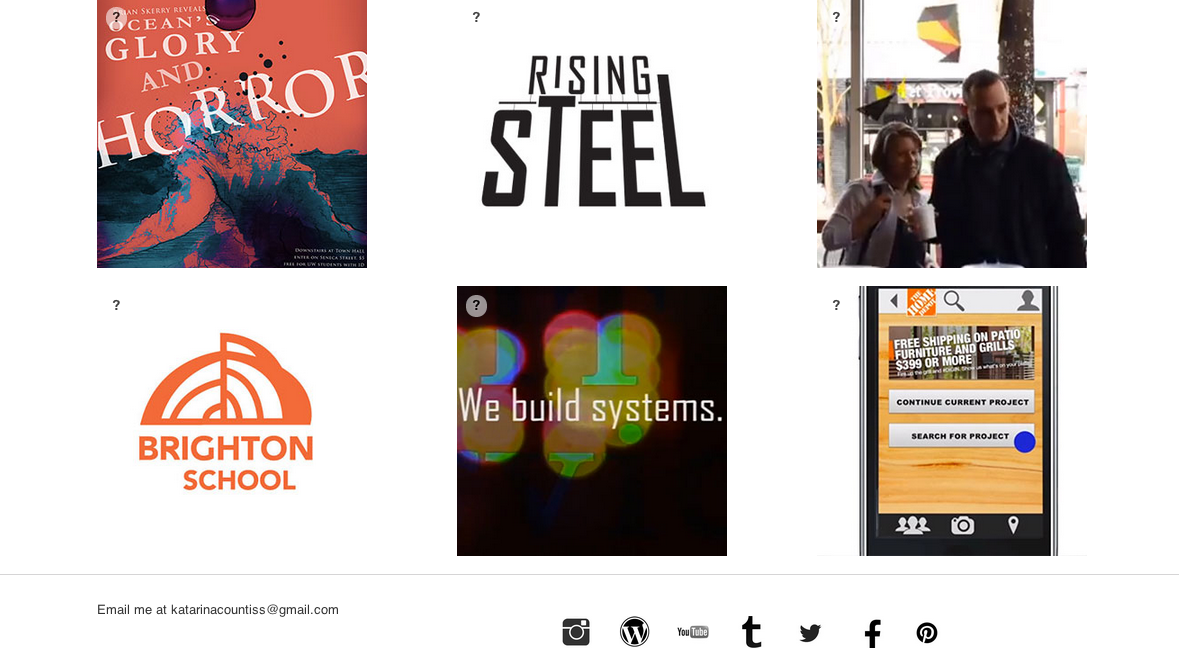
Update 6-7-13: I’ve gotten feedback from Barry the instructor and Paul Nissen, the unpaid superhelper of the program and I’m reworking a bit of the linking structure of the site and cleaning up some margins so that it’s all better aligned. More screenshots of the website as it nears perfection. Paul reminded me of other devices this morning and shows me my videos not loading on his mobile phone and the media queries failing me.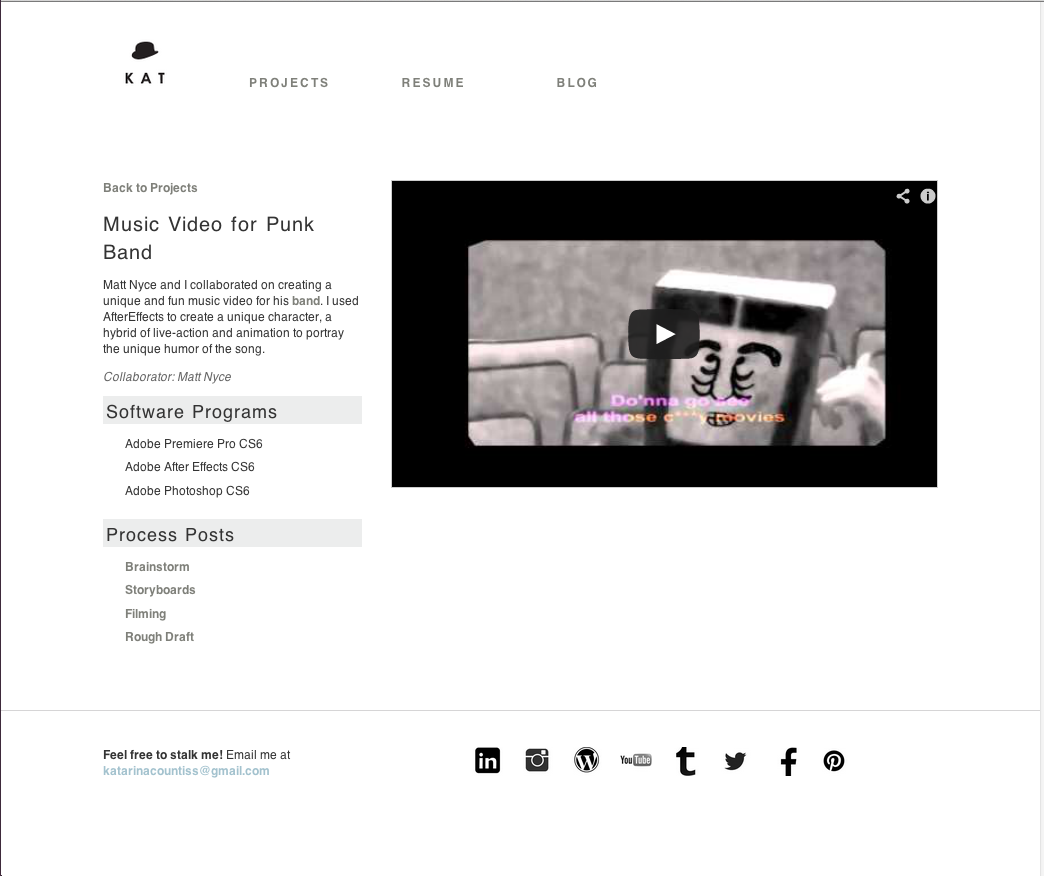
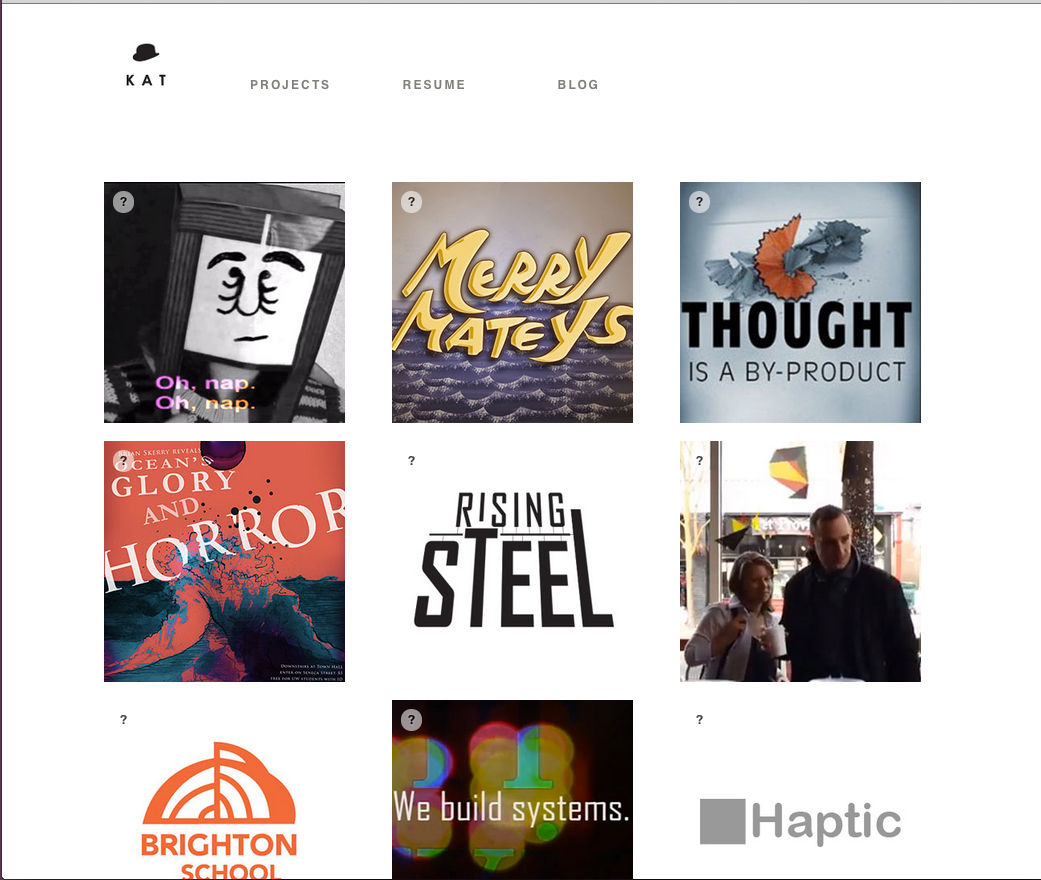
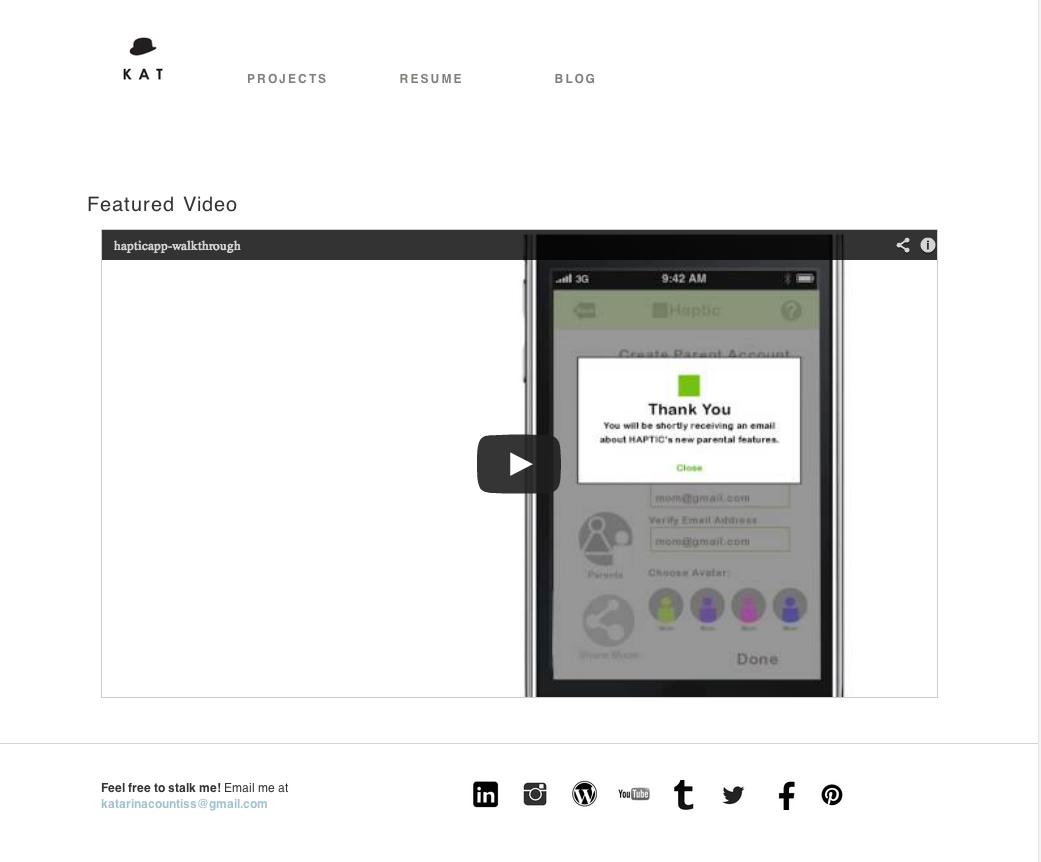
Update 7-23-13
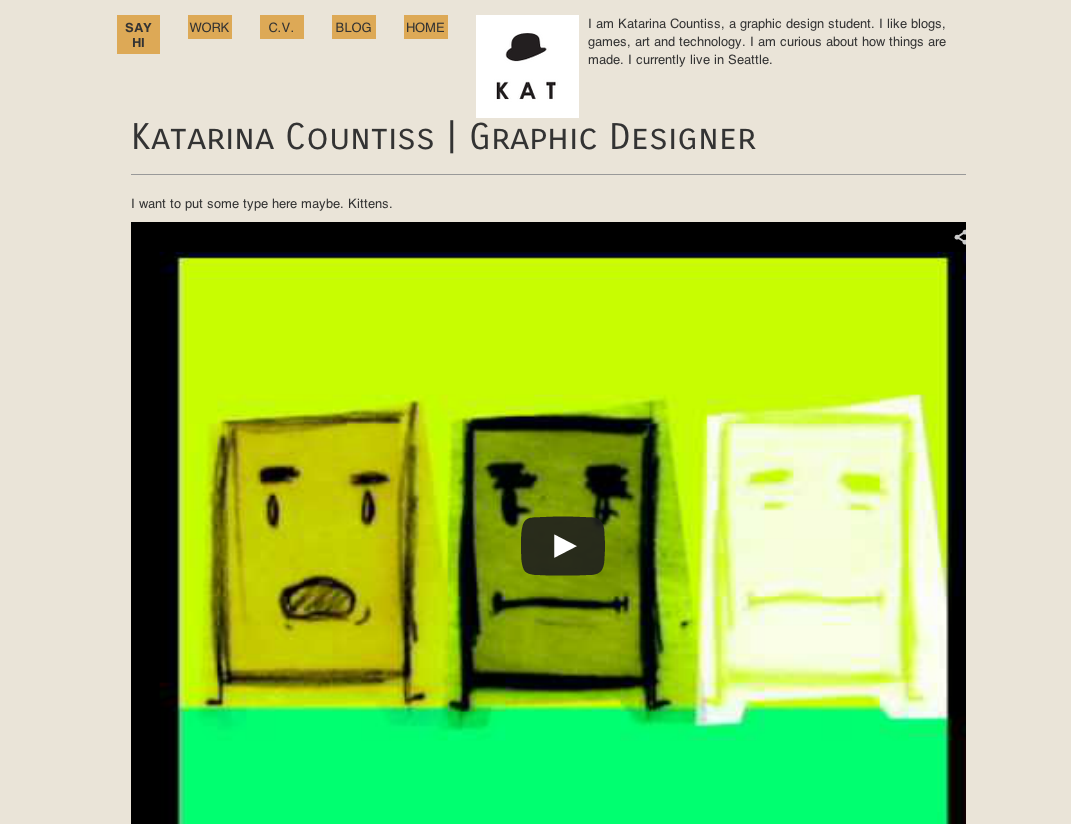
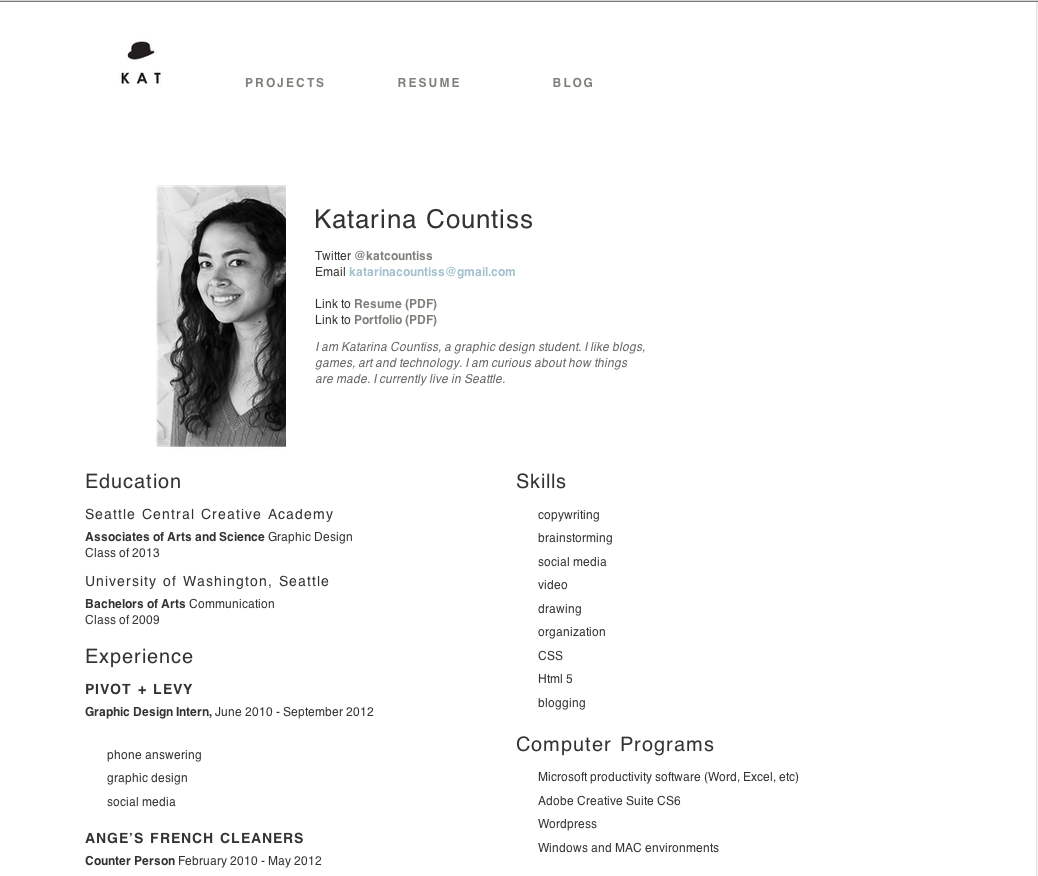
I talked to my design chum Paul N. who gave me a break down of what I needed to change. Including the project pages where there’s now a flow of projects you can click through to. Note the previous and next buttons.
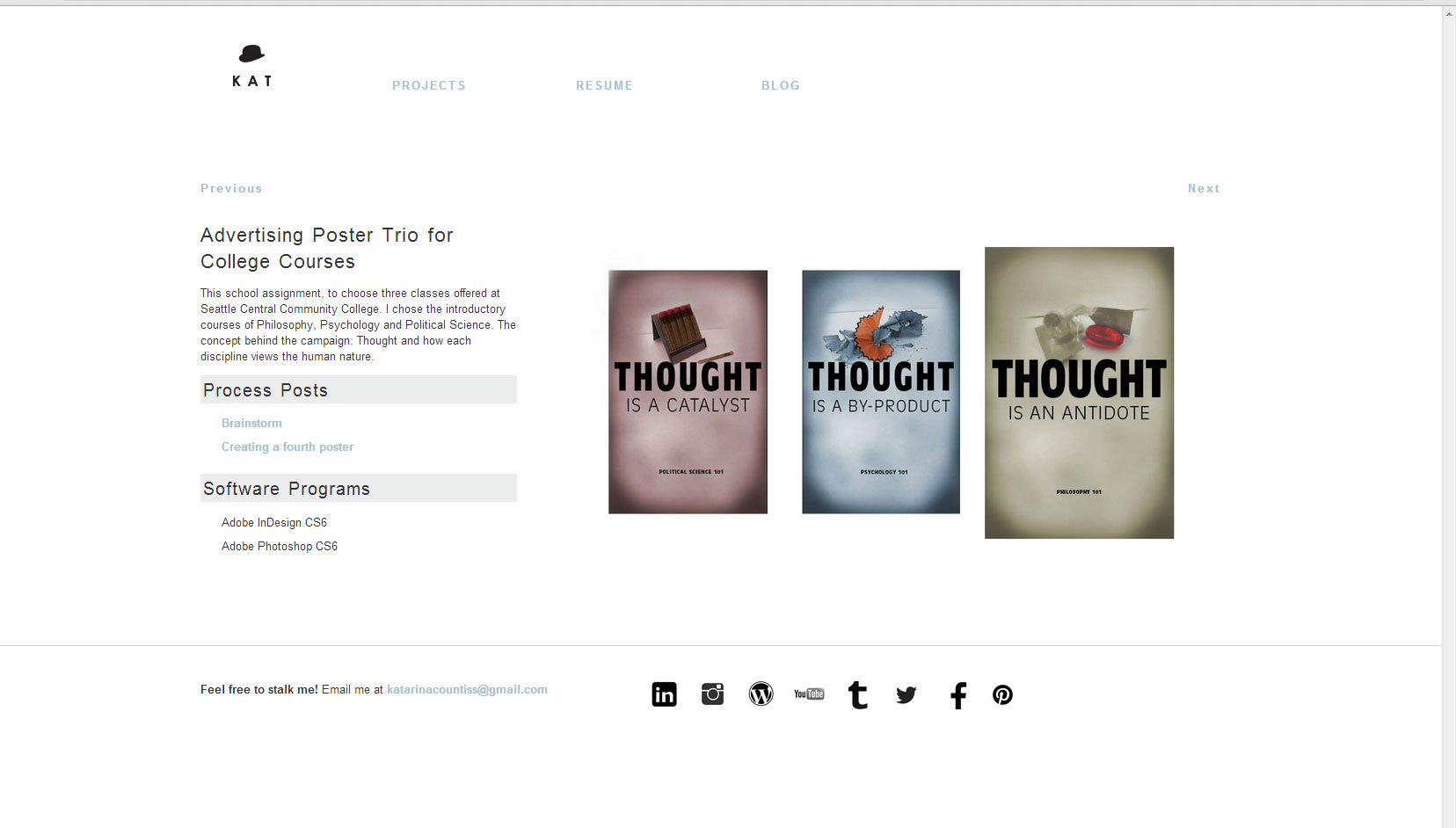
I talked to my instructor, Erik who had this to say:
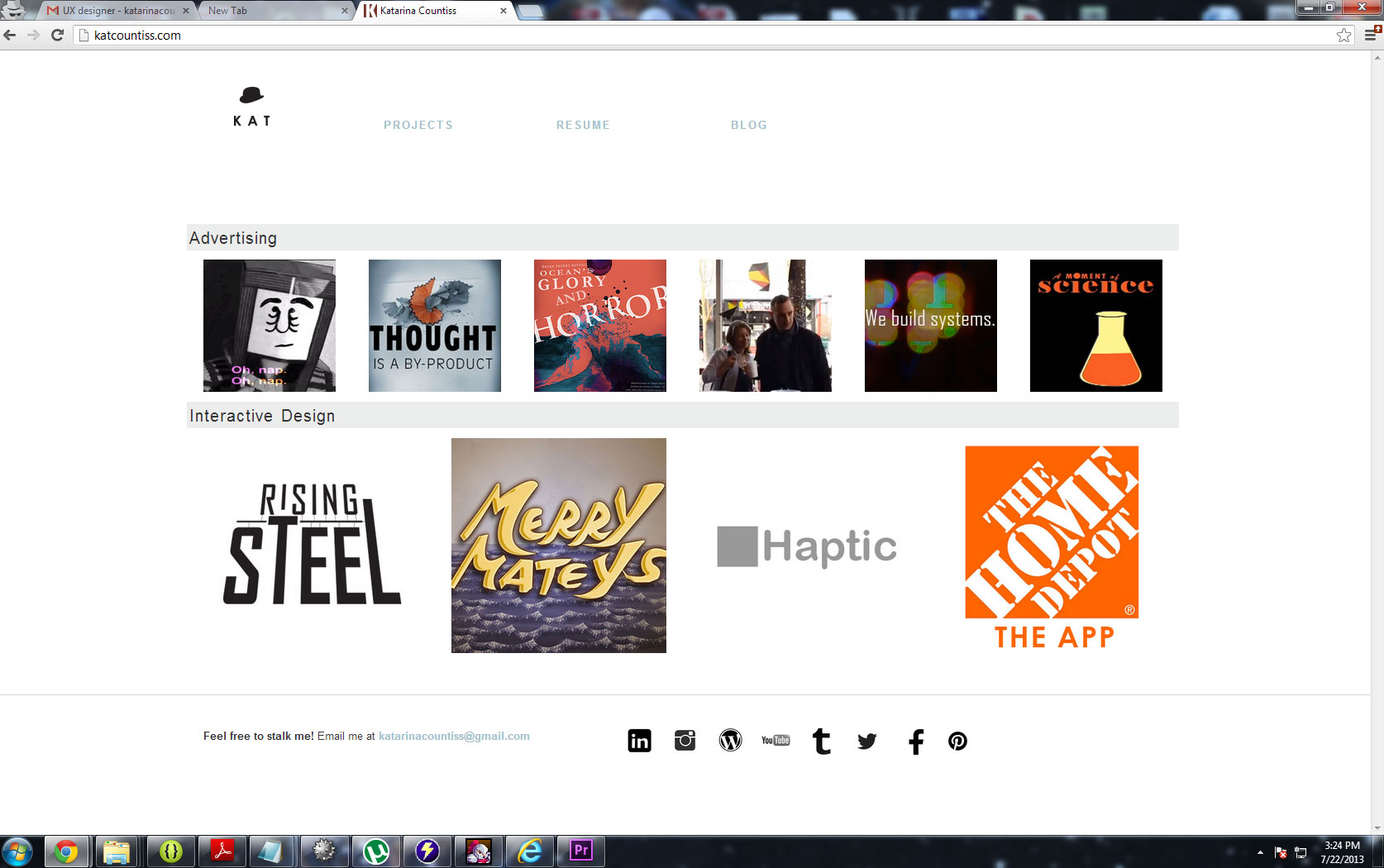
Your website is awkward. It is hard for me to understand what you want to do…Artist? Designer? Filmmaker? It’s all over the map, but lacking excellence….wait, the IT video is excellent, and the haptic work is strong, but many of the other pieces do not convey your strengths. I think of you as one of the smartest people in the class, but this collection of work does not display your sophistication.
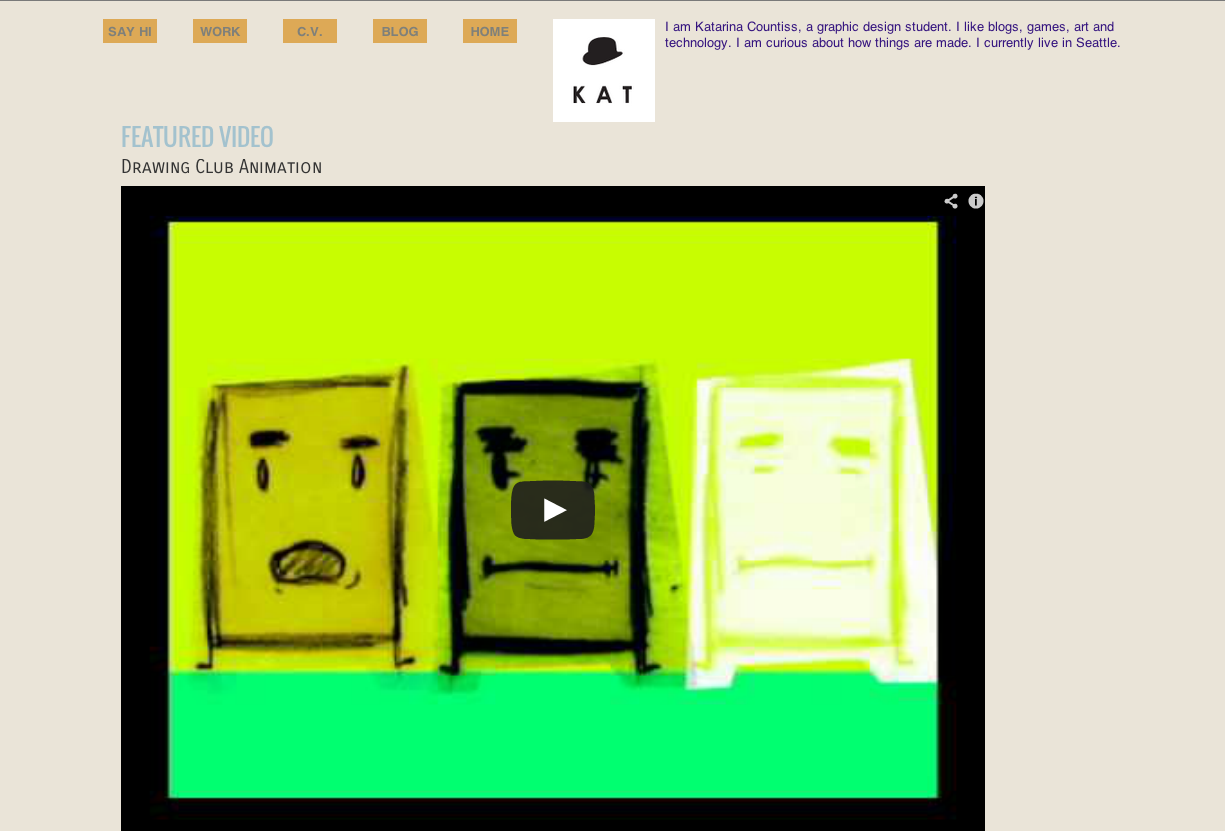
So I changed the home page to be this:
 I just got out of a meeting about understanding how the animation will proceed. I wanted direction and I was puzzled by the process, but I guess it comes down to “just do it.” Deciding on colors, textures and animations will be one of the most decision intensive thing I’ve done.
Today one of the team members made the outline of the first structure that the other animator and I will be converging on so the animation seems seamless.
update 5-8-13: Animation process

I added some pattern. This should really be in Proof of Concept post, but I am finally on slate for doing the animations for the video. I quoted two weeks, but I should have noted that was after we have the idea down and it’s just execution.
Update 5-24-13: The Process using Adobe After Effects
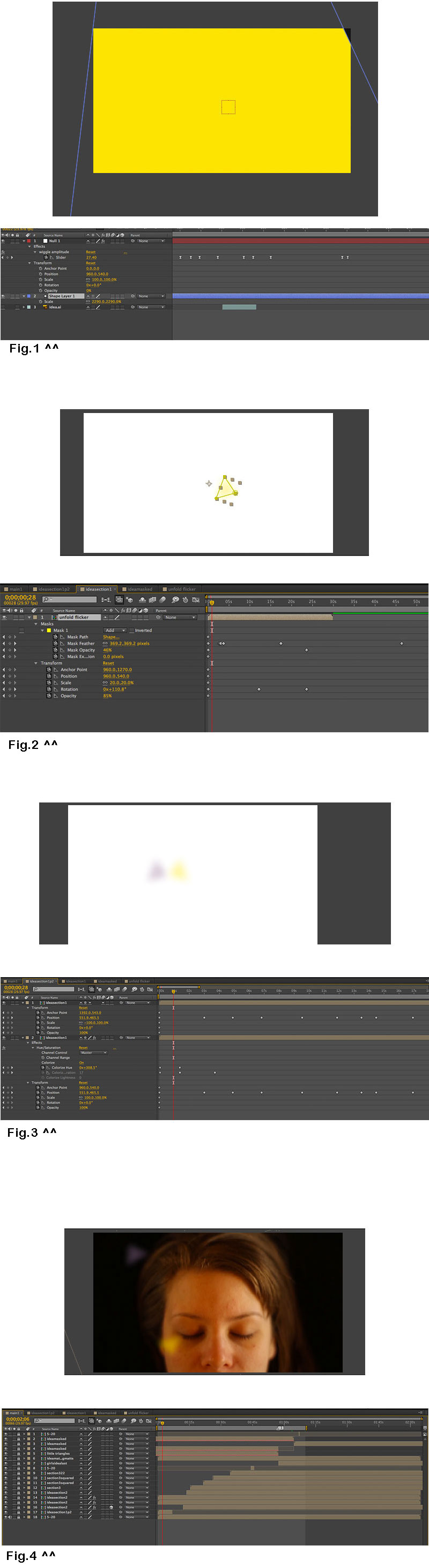
In this video, you can see the dramatic changes that the “idea” went through. The middle one is the semi-final one– it still needs some color correction on the footage.
Assignment: get a job
Phase 2 of Web Design

Today, I spent the better part of an hour figuring out how to combine Amazium – The responsive web framework..!. with some basic php template that my instructor, Barry, posted on his teaching site. It went well. I was going to revert back to my old ways of html, but I kept having to change the header. I like php. Buckets of code that I can manage separately and uniformly. I’ve had some bad times where I play in some complex template I didn’t write and everything breaks. It’s with a resolve and caution that I use php. It’s working now. That’s encouraging. For a moment in time, I am a php master. Let me have the strength to iterate and the focus to save versions.
Next step: content.
Yesterday, I shot the video by myself in the upstairs room of my house. We are between roommates which is ideal to have this blank space. The goal with this footage is to feature me in a workspace, a blank one where in After Effects I’ll add footage of my work and add an interface to the table I am tapping on in the video. I want to emphasize technology, creativity and my work. The next step is getting the interview done with myself and then the timing and content will lend itself to the visuals.
This clip is simply a summary of some shots I got so I can get a feel for what I have to work with and to document what it looks like sans After Effects.
K:I haven’t sent you an app definition yet. Can I get your approval to move forward with this idea?http://katarinacountiss.com/2013/05/02/project-2-an-idea-for-an-app/
EF:In theory your concept is right on, in terms of current technology and the need for haptic feedback and additional gestural controls. Now tell me how you’re going to get a big enough user base and your going to monetize it?
K:This app is very versatile. The idea can be used for creative expression as well as creating ergonomic workflows. I would like to plan on a freemium model. It’s a big app if you download everything that you could use an interface for. I wanted to start out simple, a piano app where you can program your keyboard (to the point where it doesn’t have to be keys. Just trigger spots. After that, the user might want to have more instruments. Add-ons like instruments and expansions of the functions will cost. As for user base there’s a lot of novelty with this app. I think all ages will be amused. (I was thinking it could be an interesting toy for youngsters. The parent has a smart phone, programs the balls or whatever the kid has and watch them interact in a new way.) What do you think?
EF: I think you need the device to be stationary so phone on a tripod; better for a stand alone like kinnect or xbx or tablet
K:Ok. So, I design for a phone on a tripod? Am I approved to move forward with user research?
EF: your approved
K: Awesome. I’m excited.
EF: your approved for the concept, but you still have to solidify the hardware end
K: By that do you mean find a phone tripod?
K: I was inspired by that, yes. I wanted to create a more tactile feeling of an interface. In my proof of concept, I used a spraymount cap as a brush. I think that stuff like that where it gives the user a different muscle to use is my goal with the app.
EF: http://www.fastcodesign.com/1671234/an-app-that-turns-any-surface-into-an-iphone-keyboard
K: That’s why I want to use image recognition software to allow users to redesign their interface. I don’t want people to have to use keyboards or mice for everything.
EF: do some research into the camera’s range, that angle it needs to be at, how far away, etc

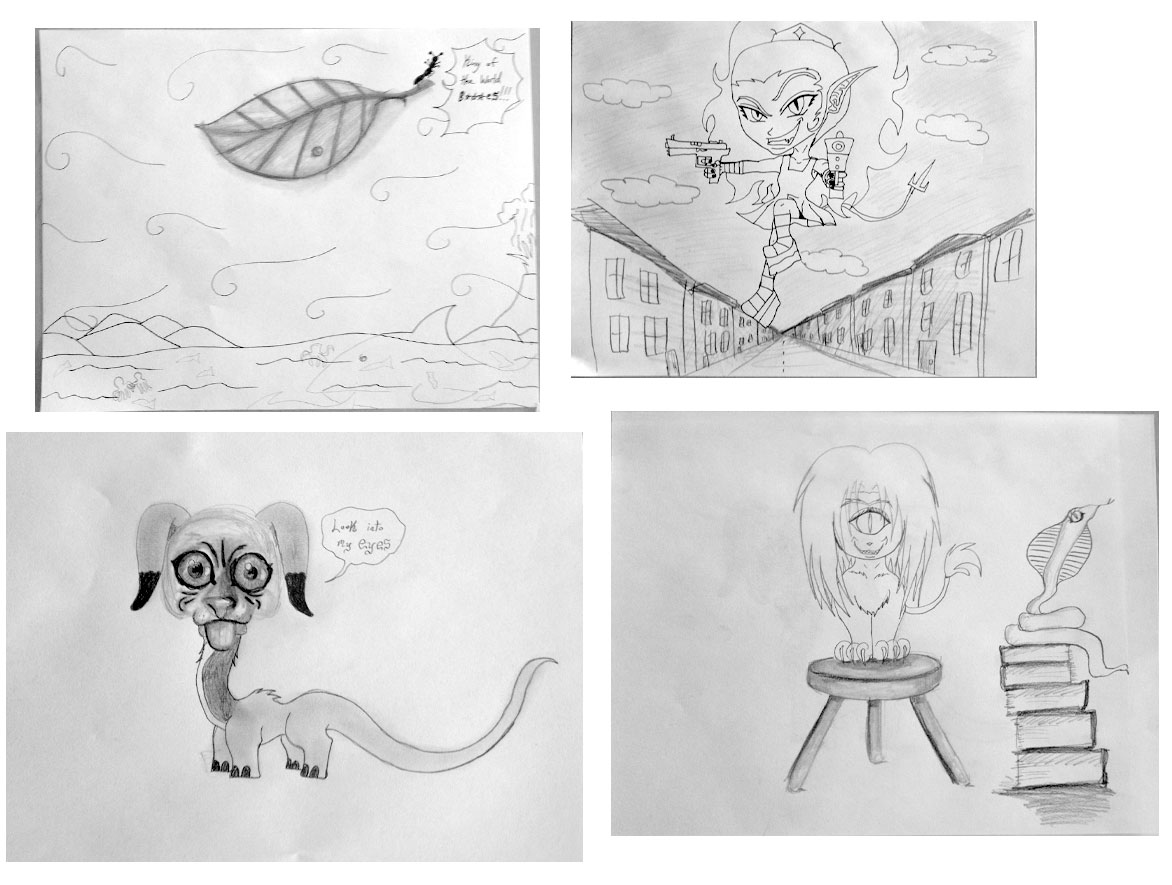
 Drawing club meeting: We did some collaborative drawings and comics.
 Kismet Arts Tangent