Skip to content

Kismet Arts Tangent

Art Collective

    • Kismet Arts Tangent- website under construction- stay tuned 🚧
    • Blog
    • Contact

recent posts

  • Make up looks
  • Images from re Patient’s Schedule
  • Self Intake
  • Inspiration Pool for zine
  • Photo shoot with Kayleigh Shawn

  • Instagram
  • Object Poster 41

    April 4, 2013

    p5

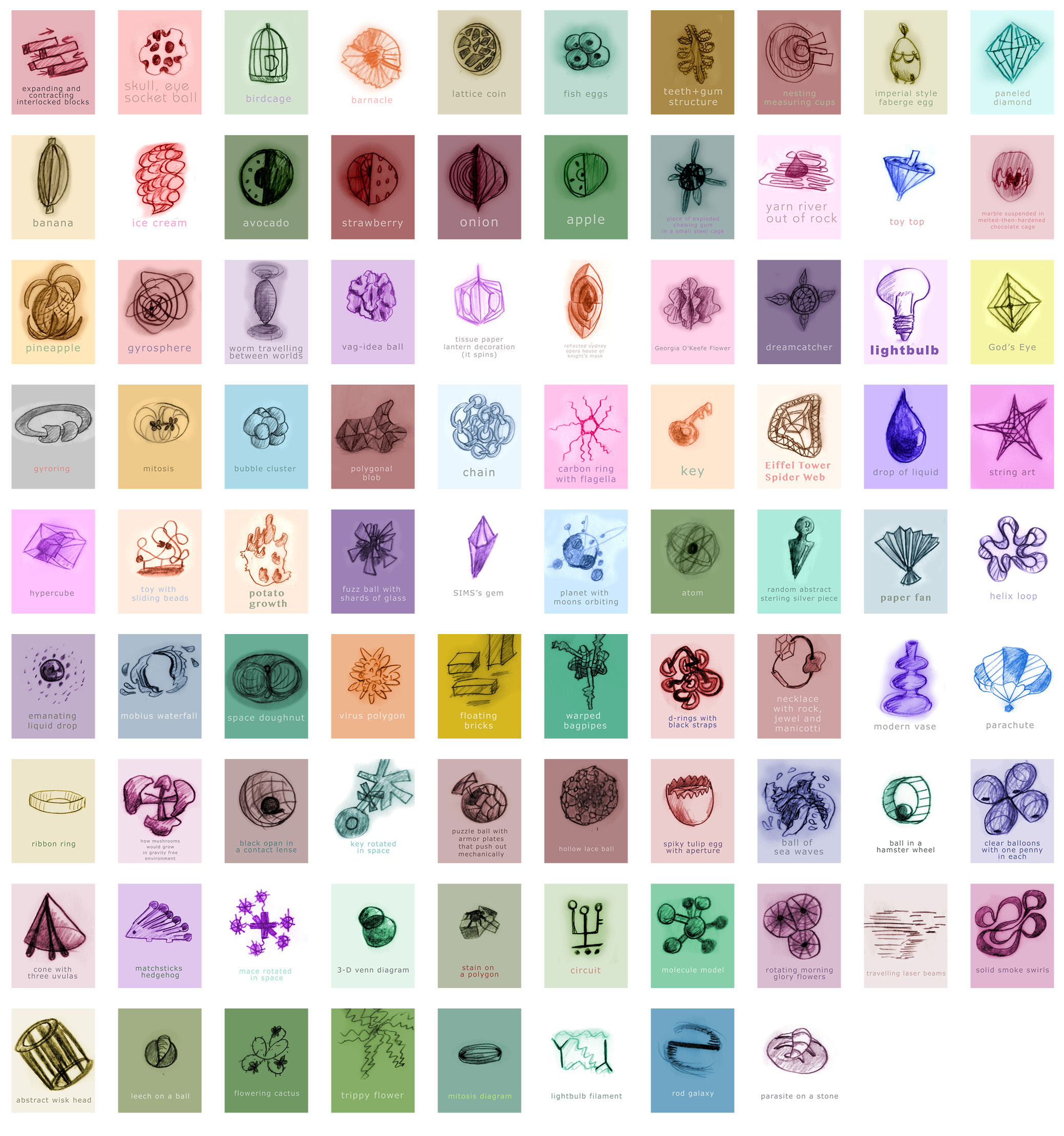
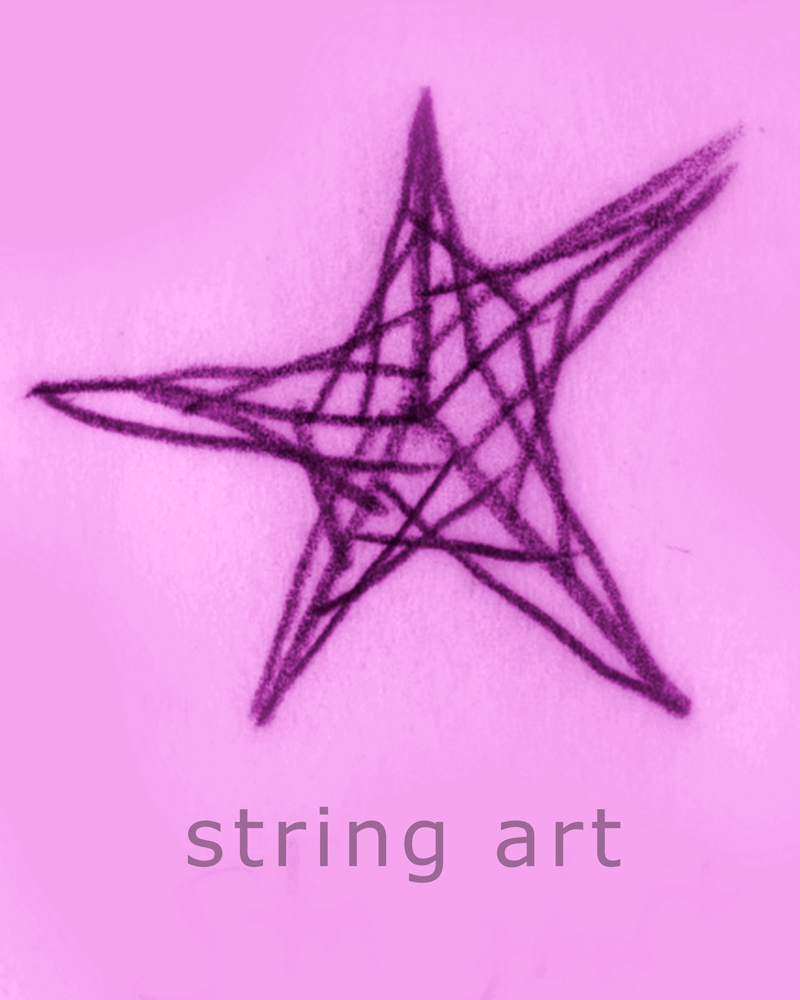
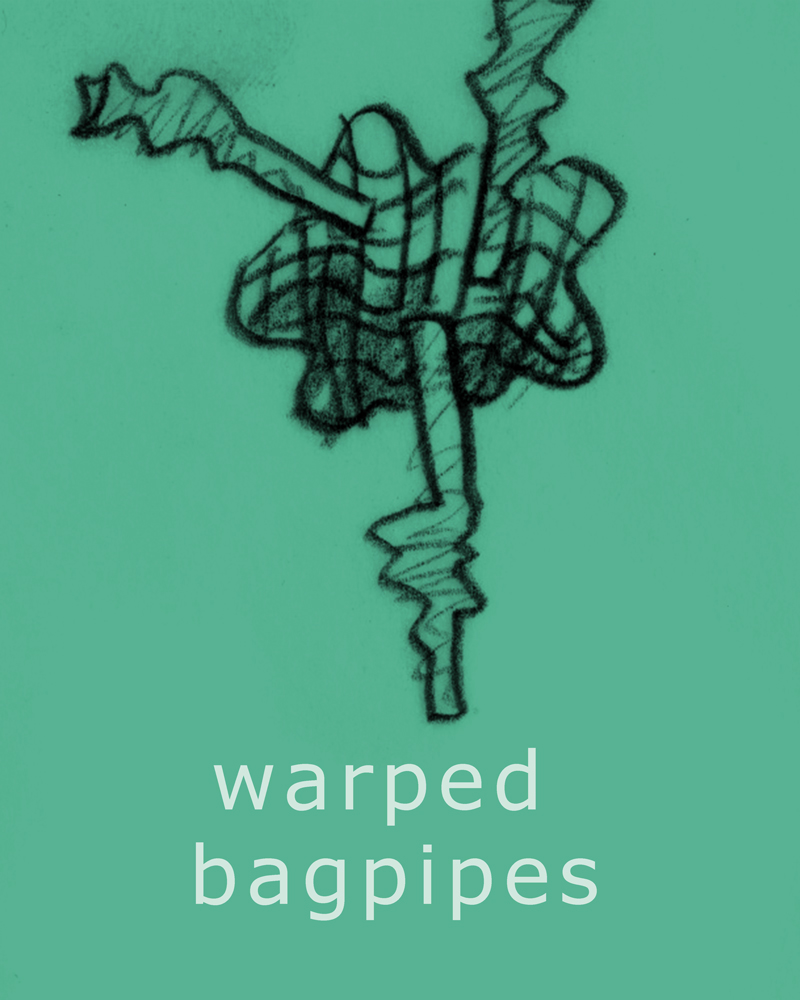
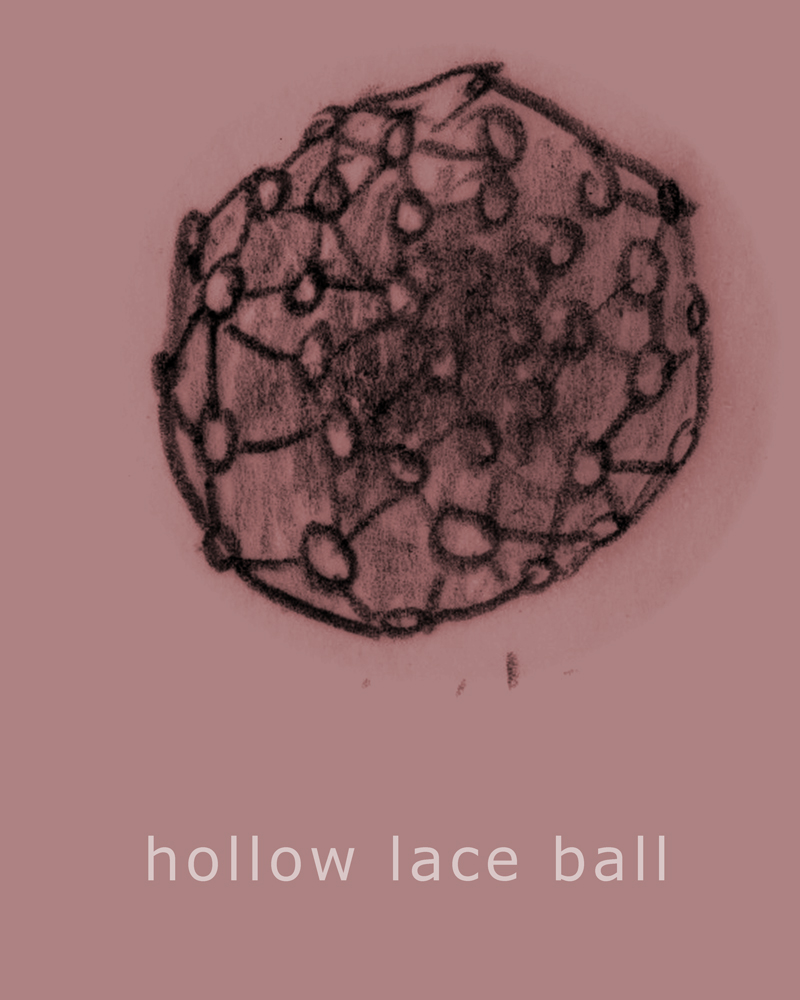
    This is a part of the Object Poster Series.

    sharing options:

    • Share
    • Share on Tumblr (Opens in new window) Tumblr
    • Print (Opens in new window) Print
    • Share on LinkedIn (Opens in new window) LinkedIn
    • Share on X (Opens in new window) X
    • Share on Reddit (Opens in new window) Reddit
    • Share on Pinterest (Opens in new window) Pinterest
    • Share on Facebook (Opens in new window) Facebook
    • Email a link to a friend (Opens in new window) Email
    Like Loading…
  • Spring After Effects Quarter Mission Statement

    April 4, 2013
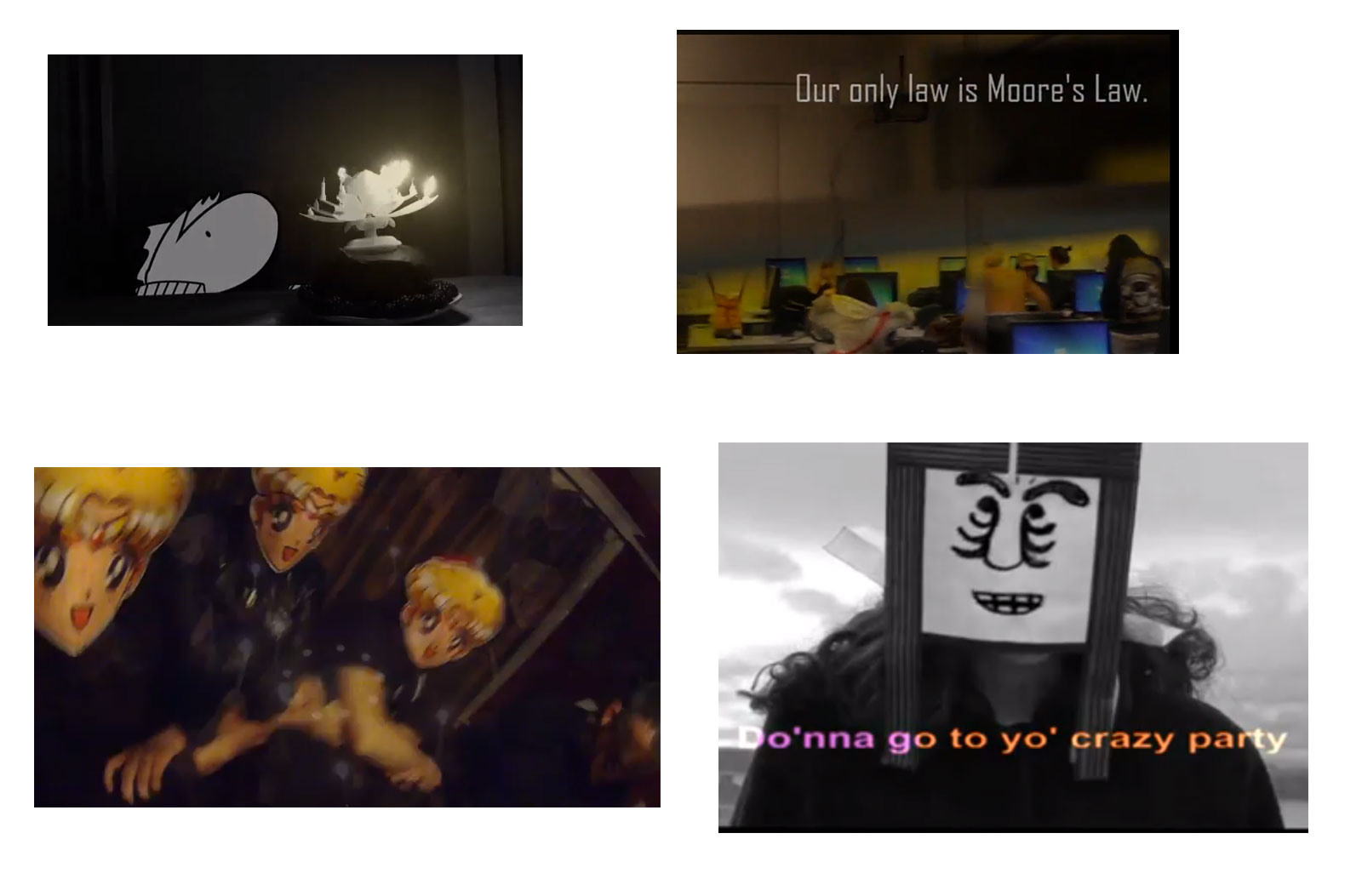
    Screenshot from "Fight for Everyone" music video.
    Screenshot from “Fight for Everyone” music video.

    I intend on making a video to help introduce myself to potential employers and others who visit my portfolio website. I want to make something accurate and creative expressing who I am as a designer and where I want to go with my skills. I want to use After Effects to capture the spirit of creativity through the medium of colorful animation.

    example of portfolio video

    http://www.youtube.com/watch?feature=player_embedded&v=EP5Q35n4ZTw

    Beginning of http://www.youtube.com/watch?feature=player_embedded&v=dvI5JuB6ThE

    http://www.organizedwonder.com/videos/1336 I like the cinematography of the beginning.

    Cool integration into real life. http://www.organizedwonder.com/videos/188

    The Shoemaker on Vimeo on Vimeo

    via The Shoemaker on Vimeo.

    ‘Fight For Everyone’ Music Promo on Vimeo on Vimeo

    via ‘Fight For Everyone’ Music Promo on Vimeo.

    Also interactive and commercial looking like this: http://vimeo.com/58379873.

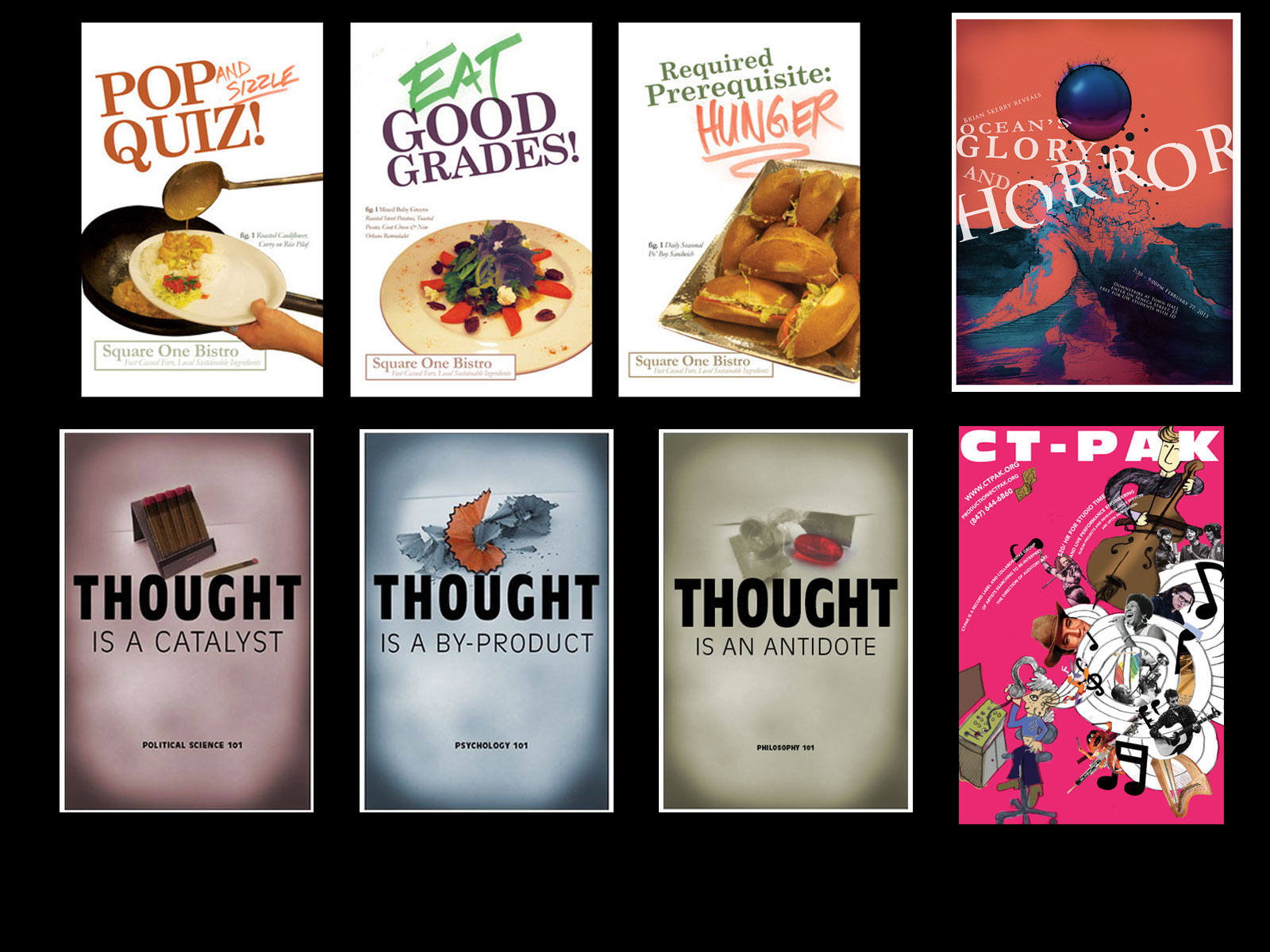
    This “Fight for Everyone” is the everything in my portfolio video. I want to create a scene where I am at my desk at home and I am using my drafting table and my hands to create all of my posters. 1) prepare files to animate posters. Different stages of poster. That’s proof of concept. I should start on that soon. My goal is to accomplish this and storyboards by mid-terms and then the final by finals. Review Spring After Effects Project Directory | Katablog.

    Update 4-10-13: After Effects – Holographic Computer – YouTube. This one is also sleek.

    sharing options:

    • Share
    • Share on Tumblr (Opens in new window) Tumblr
    • Print (Opens in new window) Print
    • Share on LinkedIn (Opens in new window) LinkedIn
    • Share on X (Opens in new window) X
    • Share on Reddit (Opens in new window) Reddit
    • Share on Pinterest (Opens in new window) Pinterest
    • Share on Facebook (Opens in new window) Facebook
    • Email a link to a friend (Opens in new window) Email
    Like Loading…
  • Spring After Effects Project Directory

    April 4, 2013

    self directed project phase 1

    This is the changing document to document what I am doing with my special project for Spring Quarter and what I think I am going to do. I won’t delete the timeline but rather reflect where I am veering and for what reasons.

    Week 1 (4-5):
    What I planned to do: Set-up Timeline Document. Think of ideas for special project and begin concepting and research.
    What I ended up doing:  Spring After Effects Quarter Mission Statement

    Week 2 (4-12):
    What I plan to do this week: Brainstorm Components, flush out timeline some more, and Polish concepts, proposal with moodboards for project.
    What I ended up doing: Emily’s tutorial of audacity was inspiring. I decided to stick in research phase for a while and go through the audio of the interviews I conducted regarding the product I am planning to advertise: myself! Audacity and Teacher Interviews | Katablog.

    Week 3 (4-19):
    What I plan to do this week: Finish Storyboards, get approval from teacher advisor, video prep and shoot footage.
    What I ended up doing:  Link to Blog Post  I was sick this week and the location I want to video was being remodelled, so I’m gonna wait until that’s done in case I have to do some reshooting, it will look the same.

    Week 4 (4-26):
    What I plan to do this week: Edit footage
    What I ended up doing:  Link to Blog Post  I’m officially a week behind. Here’s some storyboards. Storyboarding the Portfolio Video | Katablog.

    Week 5 (5-3):
    What I plan to do this week: make Ai file for after effects
    What I ended up doing:  Footage for the Portfolio Video | Katablog. Here’s some footage for the video: http://www.youtube.com/watch?v=9FJfAND9sUk&feature=youtu.be

    Week 6 (5-10): Presentation Day?
    What I plan to do this week: Rough Draft
    What I ended up doing: Unfold Animation | Katablog. I’ve been involved with the animation team on the promotional video for the Portfolio Show. I’ve been learning a lot of skills and workflow that can be directly applied to my video.

    Week 7 (5-17):
    What I plan to do this week: Final Execution, you tube video, links, logo at the end of the video
    What I ended up doing: I’m approximately three weeks behind on this. Here is the full audio that I will end up cutting down into 30 sec for the video.

    ZOOM0006 by katcountiss on SoundCloud 

    ZOOM0007 by katcountiss on SoundCloud 

    ZOOM0005 by katcountiss on SoundCloud

    Week 8 (5-24):
    What I plan to do this week: make Ai file for after effects, Rough Draft for Moving Logo and credits.
    What I ended up doing: Portfolio Animation | Katablog I’m still behind. I’ve been distracted/engaged in this Portfolio Animation. Very insightful for AfterEffects inner workings. I must sprint to the finish! This week I’ll be a little more focused, I hope.

    Week 9 (5-31):
    What I plan to do this week: Final video, Polish presentation for final presentation
    What I ended up doing:  Portfolio Video Ad Production | Katablog. This is the rough draft. Final sprint!

    Week 10 (6-7):
    What I plan to do this week: Presentation
    What I ended up doing: Link to Blog Post Final video

    sharing options:

    • Share
    • Share on Tumblr (Opens in new window) Tumblr
    • Print (Opens in new window) Print
    • Share on LinkedIn (Opens in new window) LinkedIn
    • Share on X (Opens in new window) X
    • Share on Reddit (Opens in new window) Reddit
    • Share on Pinterest (Opens in new window) Pinterest
    • Share on Facebook (Opens in new window) Facebook
    • Email a link to a friend (Opens in new window) Email
    Like Loading…
  • Katablog Redesign

    April 4, 2013


    Blog theme before this one.
    Blog theme before this one.

    Screen Shot 2013-04-04 at 12.19.50 PMI wanted to update my site. I realize that I might not have been giving people the best impression of my design skills by having such an ugly header image, so I thought, this time, clean and clear.

    I’ll probably update it again for the launch of my personal identity.

    sharing options:

    • Share
    • Share on Tumblr (Opens in new window) Tumblr
    • Print (Opens in new window) Print
    • Share on LinkedIn (Opens in new window) LinkedIn
    • Share on X (Opens in new window) X
    • Share on Reddit (Opens in new window) Reddit
    • Share on Pinterest (Opens in new window) Pinterest
    • Share on Facebook (Opens in new window) Facebook
    • Email a link to a friend (Opens in new window) Email
    Like Loading…
  • PSD Mock-up Etiquette

    April 4, 2013

    named-layersToday, Chris Sullivan blew my mind with the Photoshop tricks I didn’t know. Barry of Camp Doug is one of our new teachers, schooling his alma mater in website design. But, the school is schoolin’ right back. Chris went over one of Camp Doug’s projects’ files, volunteered for class dissection and said, “well, this could be done better.”

    Reasons for good photoshop etiquette: when you’re on a team, or a big project, keeping organized and having consistent conventions makes everything easier. When you pass off your files to someone else, it’s great for them to be able to dive into it right away without having to ask you questions about where (and what) everything is.

    Organize with Layers

    Naming layers, organizing layers, layers, layers, layers. Chris’ mode of operation is if you can understand it by looking at it in the layers panel, you’re in good shape. Delete what you don’t need. Organize in the way you want to organize a web page. Header, nav, content, footer. Those should be your main folders if you’re designing a website. There are also different things you can do to layer folders that affect all of its contents, masks, and a blending option that is not available for layers themselves: pass through. The neat thing about that is that if you select that, adjustment layers become rays of light and seep through the folder group instead of being blocked by the folder structure. (Metaphor doesn’t work for you? The Pass Through Blending Mode | Photoshop Layer Sets | Peachpit.)

    Be Smart

    I didn’t know this: you can make smart objects out of layers you have in photoshop. That means that they are all linked to each other, so one change changes them all. This is great for things like buttons, things that need to be uniform across the site.

    Scalable Vector Graphics

    Chris says “scalable vector graphics” and the class goes dead silent. An awe blankets the crowd. Chris continues demonstrating an .svg button in the browser vs. a .png. With resizing the image in the browser, the .png reveals it’s pixels, but the gradients on the illustrator button says smooth. So smooth. The class applauds. The neatest trick we’ve seen all week. Use adobe Illustrator to make buttons. Save as .svg (Scalable Vector Graphics – Wikipedia, the free encyclopedia.).

    That’s one thing about web design. You have to keep on top of knowing what the features of updated software can do for you. Chris is going to talk about how we’re going to use InDesign next week for the extra oomph. We can use Adobe digital publishing to create html! So excited.

    sharing options:

    • Share
    • Share on Tumblr (Opens in new window) Tumblr
    • Print (Opens in new window) Print
    • Share on LinkedIn (Opens in new window) LinkedIn
    • Share on X (Opens in new window) X
    • Share on Reddit (Opens in new window) Reddit
    • Share on Pinterest (Opens in new window) Pinterest
    • Share on Facebook (Opens in new window) Facebook
    • Email a link to a friend (Opens in new window) Email
    Like Loading…
  • Personal Identity: First Round of Thumbnails

    April 3, 2013

    thumbnailskc


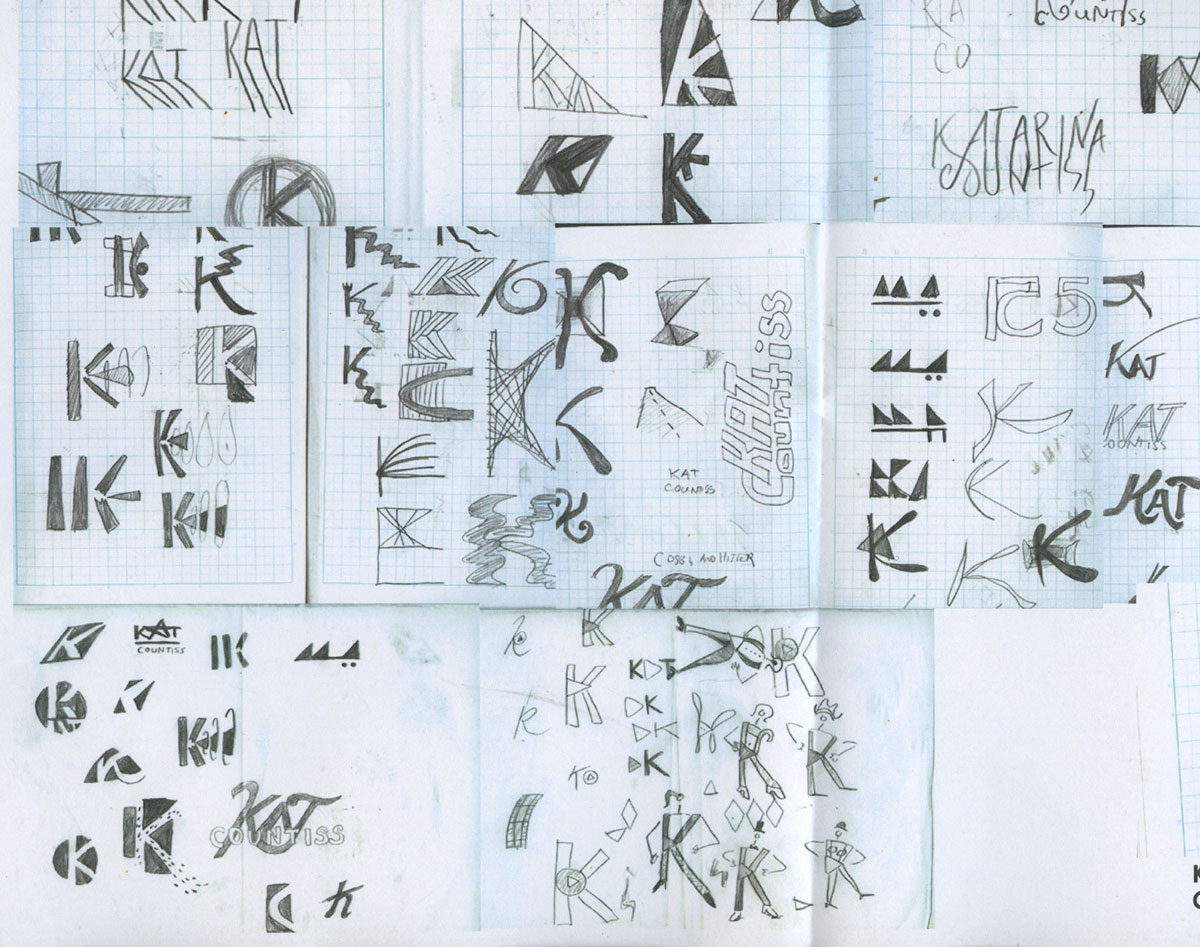
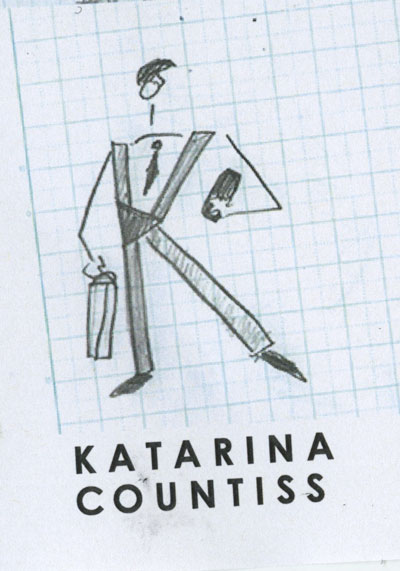
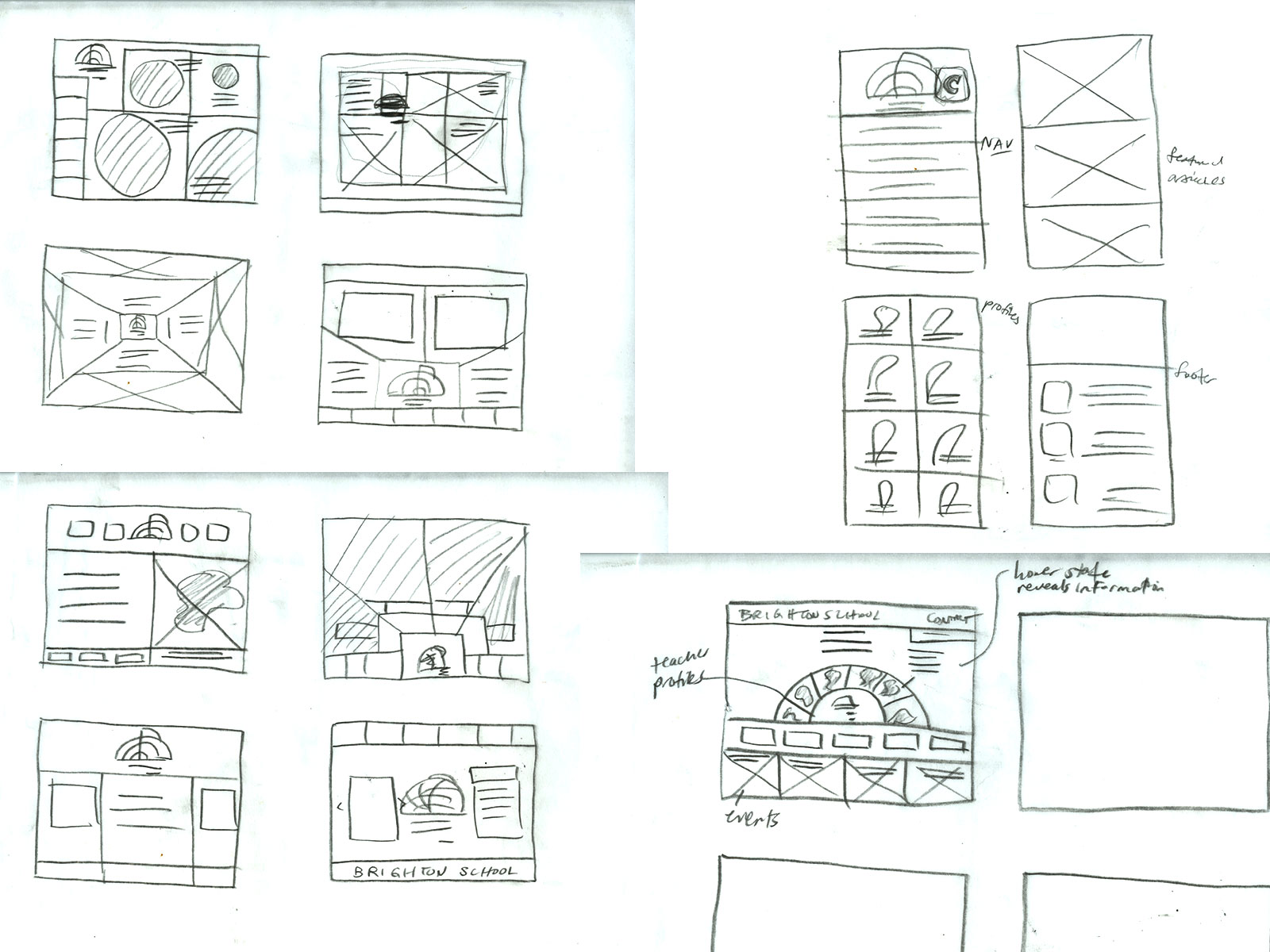
    On monday, Tom covered how important it is to design your identity as a designer. I was in a brainstorming group where they gave me some input on what my brand should say about me. It’s helpful thinking about the things that make me unique as a designer even though a lot of these qualities make me really anxious. I try to explore and experiment with design but at the cost of making some solidly good pieces. I want to create an identity that expresses my curiosity of how things work as well as my confidence of taking everything through a process. I thought of a concept “method to the madness.” That’s what I feel. I take everything one step at a time and explore the possibilities.

    Tom said that everyone’s thumbnails on the first day of sketching it out won’t be all that good and it’s something that comes with being thoughtful and strategic. Sometimes, a designer doesn’t have to have a hokey monogram for an identity; nicely set type is enough.


    sharing options:

    • Share
    • Share on Tumblr (Opens in new window) Tumblr
    • Print (Opens in new window) Print
    • Share on LinkedIn (Opens in new window) LinkedIn
    • Share on X (Opens in new window) X
    • Share on Reddit (Opens in new window) Reddit
    • Share on Pinterest (Opens in new window) Pinterest
    • Share on Facebook (Opens in new window) Facebook
    • Email a link to a friend (Opens in new window) Email
    Like Loading…
  • Ginny: an App in 2 hours

    April 3, 2013
    Ginny App from Katarina Countiss
    Screen Shot 2013-04-03 at 4.03.12 PMToday, in groups of four, the class tackled the idea of a breathalyzer app. We had about 2 hours from hearing the assignment to presenting it. If you could use your phone as a breathalyzer to measure blood alcohol content, what is the app for that?
    With my team of Scott, Joyce, Nathan and myself, we introduce Ginny. It’s a friendly and simple interface that assists the user in checking their breath and go home via walking or cab. This is an app that uses (would use) geolocation tagging mixed with a social component in a way that it’s a breathalyzer app that broadcasts to your friends where you’re getting drunk.
    Watching the other presenters was really helpful. If I were to do this project over, I would include more progress bars. One of the projects had really clear wireframes, but no skins. Especially with fast projects like this, it’s a smart strategy to spend time on making wireframes that communicate something thoughtful and user-centered than a shiny brand with a smiley mascot.
    I really liked the Drunk app that was presented. It’s most impressive component being the voice of Samuel Jackson chiding you for your drunkenness. An app benefits from being shareable and who wouldn’t want to share that with their friends? It was said in class that the most difficult part about apps is finding the right market and really satisfying the needs of your audience. This app could have been the novel “party” app where you show your friends how drunk you are or the “safety” app where avoiding a DUI (driving under the influence) is the goal.

    sharing options:

    • Share
    • Share on Tumblr (Opens in new window) Tumblr
    • Print (Opens in new window) Print
    • Share on LinkedIn (Opens in new window) LinkedIn
    • Share on X (Opens in new window) X
    • Share on Reddit (Opens in new window) Reddit
    • Share on Pinterest (Opens in new window) Pinterest
    • Share on Facebook (Opens in new window) Facebook
    • Email a link to a friend (Opens in new window) Email
    Like Loading…
  • Drawing Club Meeting

    April 3, 2013
    Alphabet from Katarina Countiss
    Screen Shot 2013-04-03 at 3.52.44 PM
    An alphabet* book from the attendees of drawing club.
    *incomplete. Missing some letters.

    sharing options:

    • Share
    • Share on Tumblr (Opens in new window) Tumblr
    • Print (Opens in new window) Print
    • Share on LinkedIn (Opens in new window) LinkedIn
    • Share on X (Opens in new window) X
    • Share on Reddit (Opens in new window) Reddit
    • Share on Pinterest (Opens in new window) Pinterest
    • Share on Facebook (Opens in new window) Facebook
    • Email a link to a friend (Opens in new window) Email
    Like Loading…
Previous Page Next Page

Blog at WordPress.com.

Loading Comments...
  • Subscribe Subscribed
    • Kismet Arts Tangent
    • Join 102 other subscribers
    • Already have a WordPress.com account? Log in now.
    • Kismet Arts Tangent
    • Subscribe Subscribed
    • Sign up
    • Log in
    • Report this content
    • View site in Reader
    • Manage subscriptions
    • Collapse this bar
%d