Today, Emily Eagle, one of my classmates, gave a quick tutorial in the Audacity program. I have been going through and cutting up the audio from my interviews with my teachers to get a feel and some good soundbites to inspire the structure of the portfolio video. I want to express what they are saying about me into something concise and meaningful. Will I use the sound clips from the interviews? I am not sure. I think there are some interesting bits where I feel like they are saying with authority who and what I am aiming for with this video. The soundcloud bit above is reflective of my first run through two interviews that are about twenty minutes each. I’m starting to organize parts I like into categories: teacher’s advice I just want to keep in a soundbite or video, nice things that they’ve said about me that I think are true and references to my blog. I want to find a way to highlight how useful and thoughtful blogging is and how I’ve been using this tool to improve myself as a graphic designer.
-

Use the puppet tool. 
Use anchor points and some 3D action 
Here you can see how I divided the animation. 
Not the final, but a decent display of what I’m after. -
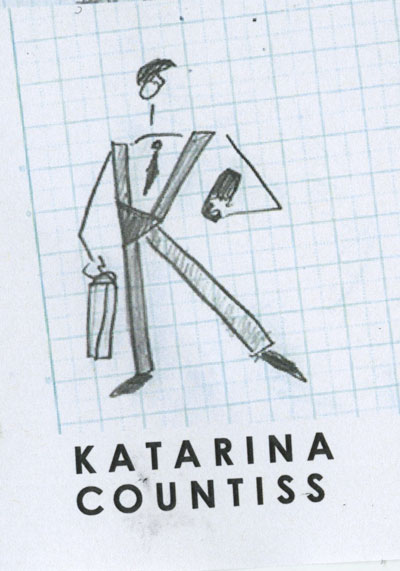

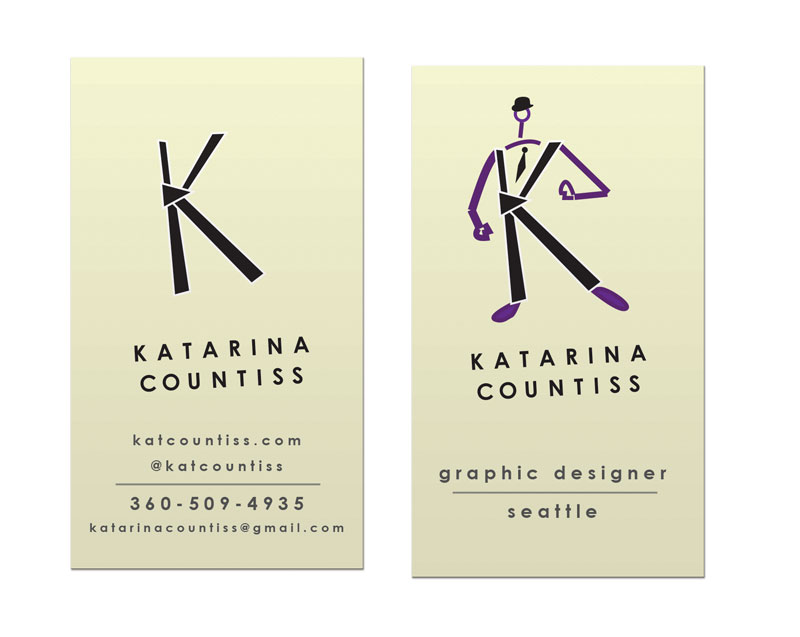
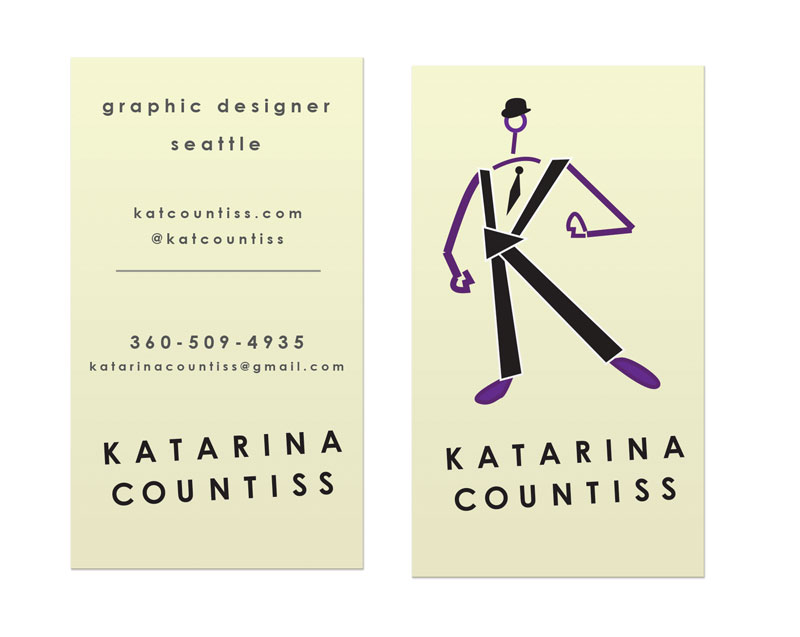
After a critique with one of my classmates. I talked to one of my classmates about the business card design and he said that it’s important to give the eye a break. I like to think of that approach as the reverse “mullet.” Party in the front, business in back.
Update 4-15-13:
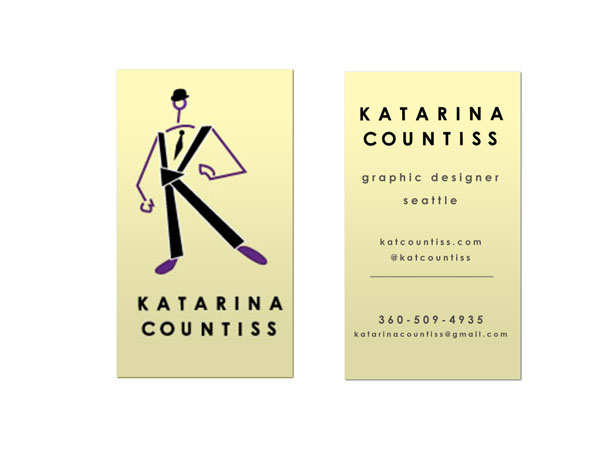
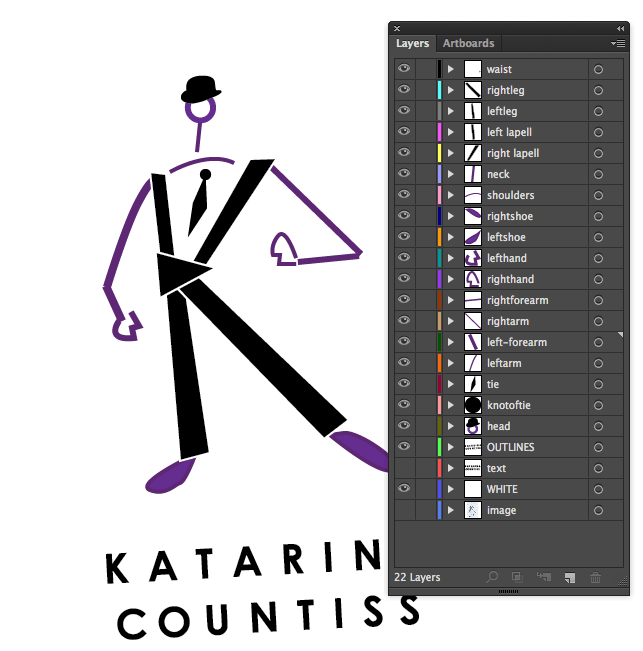
I presented this at critique today. I had great feedback in critique today. Tom said that he “got” the idea of what I was going for with the type, a kind of 1920’s book title page look (centered, stacked, hierarchical type and playing with tracking). He said that perhaps a traditional typeface can bring that look out a little more. He liked the hat and lollipop head. He thought it was very “NewYorker” but the character needs work. I try to get Tom to like characters I make (he dug the pirate) but this one lacked charm from the shoulders down. He said if possible, try to just integrate the “swizzle stick.” I don’t think a lollipop sticking out of the wordmark would do, but I decided to take his advice and simplify. Here’s my new idea. I love it because it’s a nod to Magritte (The Treachery of Images – Wikipedia, the free encyclopedia.) and a mnemonic (Hat=Kat). I am beginning to embrace the idea that my name is made up of existing words (Kat Countiss= Cat Countess).
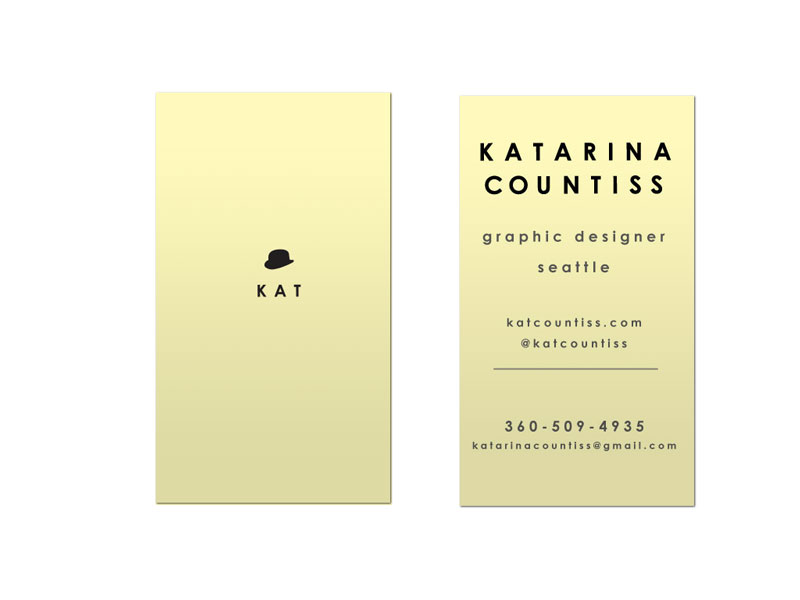
Update 4-22-13: Business cards with kerning:
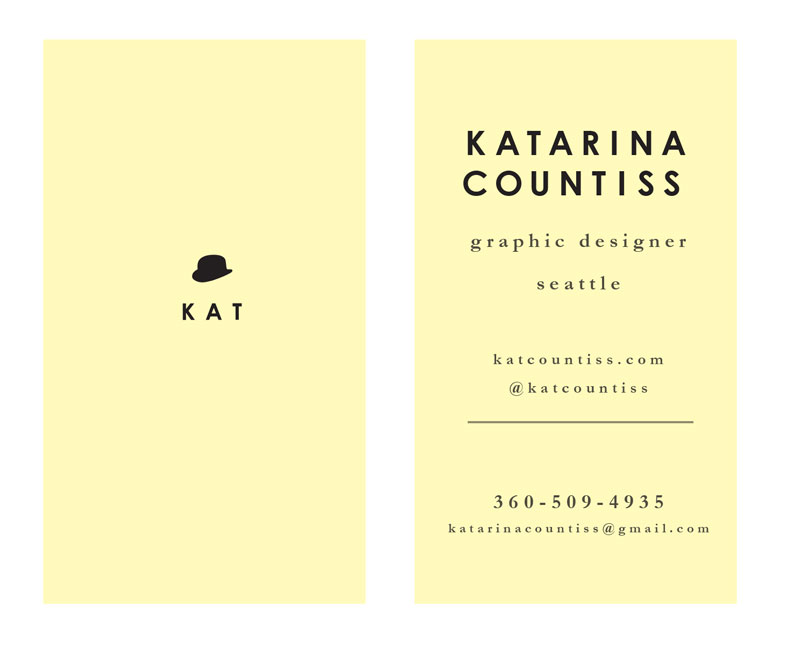
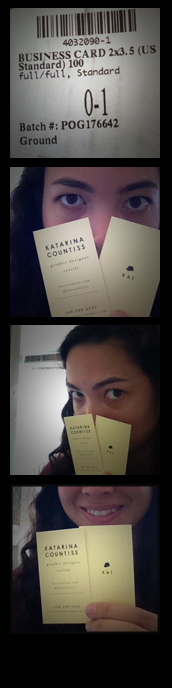
Update 5-13-13: I am in love with how they turned out!
Earlier Blog Post Related to this Project
-
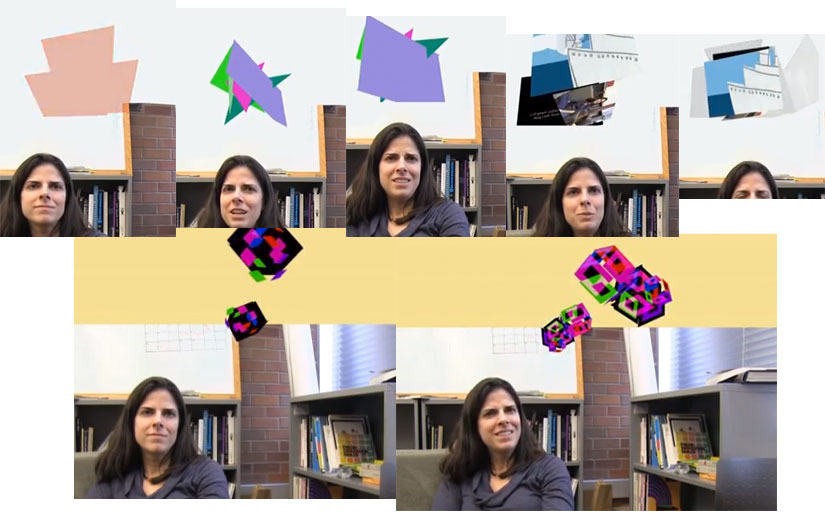
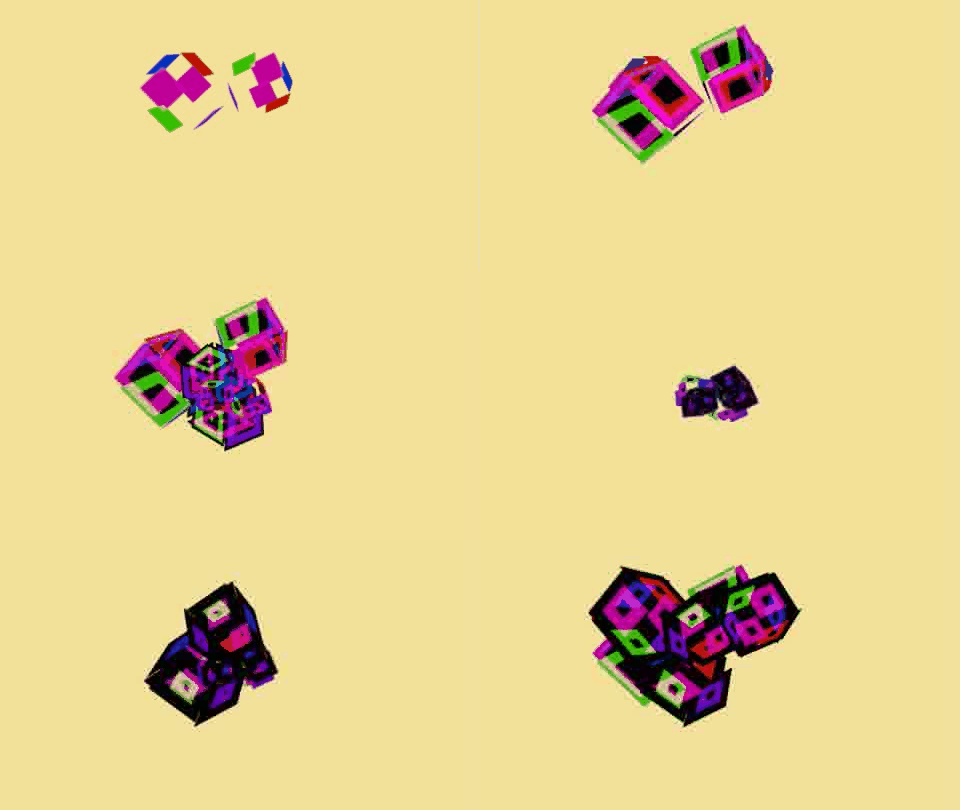
I’m in the portfolio video editing committee for my school. We’ve come up with a video that highlights our photography and motion graphics skills. I’m in the group that is figuring out how to animate what an “idea” might look like.
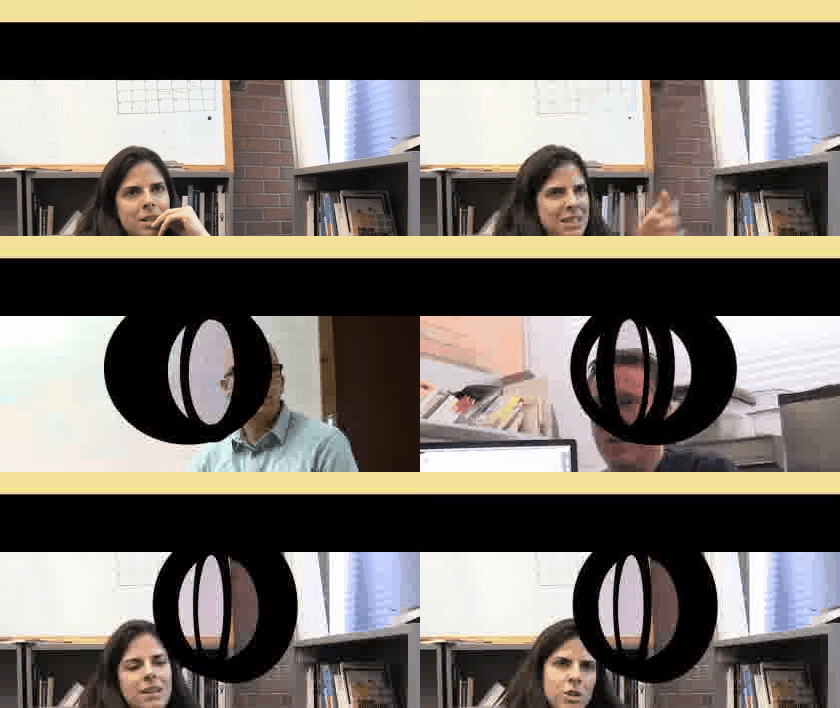
http://www.youtube.com/watch?v=xh2TZuHmN-U&feature=youtu.be
http://www.youtube.com/watch?feature=player_embedded&v=j4M28FEJFF8
Update 5-3-12: I’m assigned 1 and 3 of the Portfolio Show Animation. Here’s the birth of an idea.
-
Project: Liveshow Chaser App
Collaborators: Val and Gemma
Duration: 90 minutes
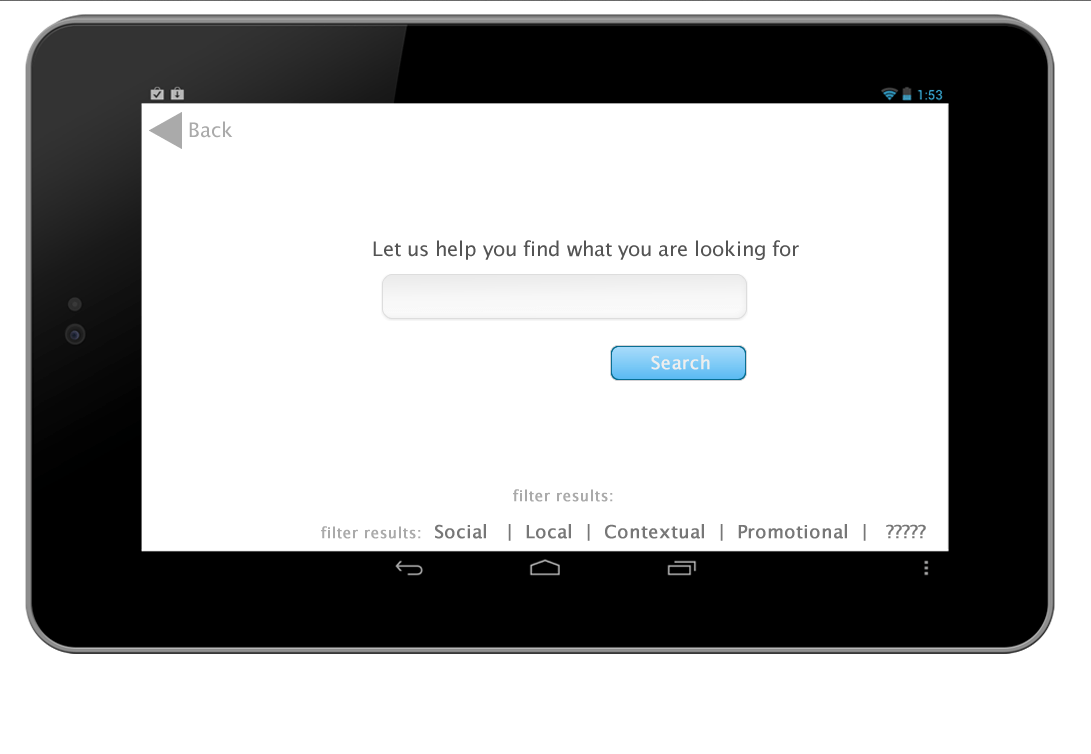
Instructor’s File 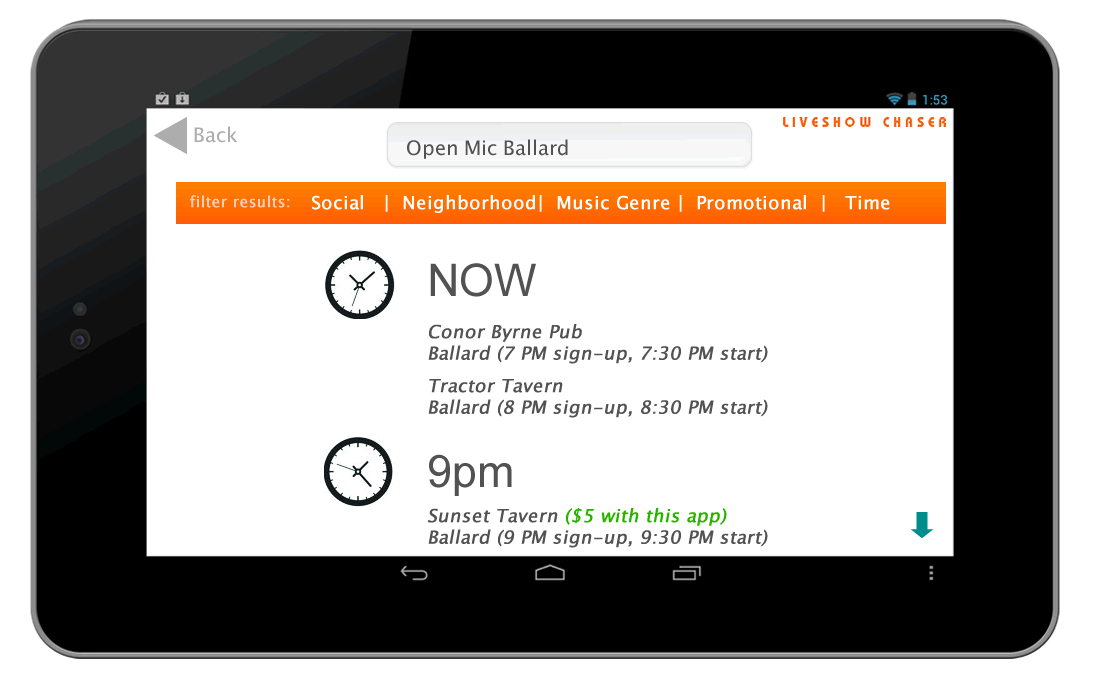
Branded Concept Prototype of the App index. We made this using an unstyled information-less document set-up from the instructor in 90 minutes, from idea of what kind of topic to search to navigating Fireworks, a program we’ve never used before, then uploading a working prototype of the site using images linked together with html.
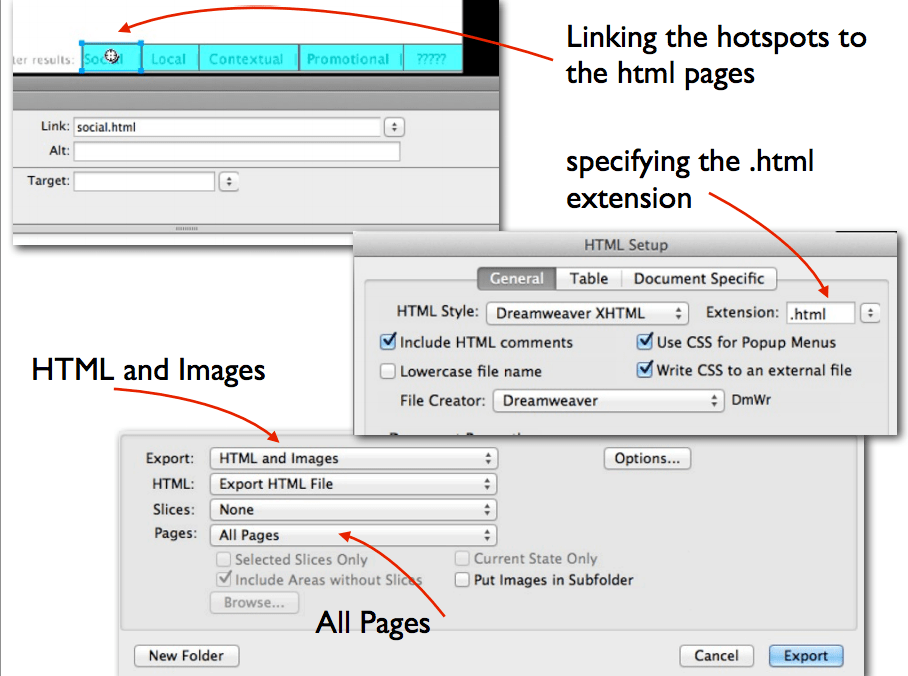
This is the first iteration. There are elements, icons that are generic place holders (from the google search for icons) and typography fairly basic. This Fireworks document has interactivity through the creation of “hot spots” (Adobe Fireworks * Hotspots, image maps, and rollovers.). Fireworks is a bit-map editing tool, but also a web building tool and a prototyping tool. Its common library has icons for arrows, dialog boxes, etc. that make prototyping a breeze.
naomikirabradly Naomi, Kira and Bradly acheived their “A” for the day by doing solid prep work, defining what they wanted their app to do and created this efficient prototype that’s worth looking at.
This app assignment is based on the principles for good apps: location, social, big data, special offers and meaningful interactivity and inspired by Sosh App. Sosh App Launches In New York City – Business Insider.
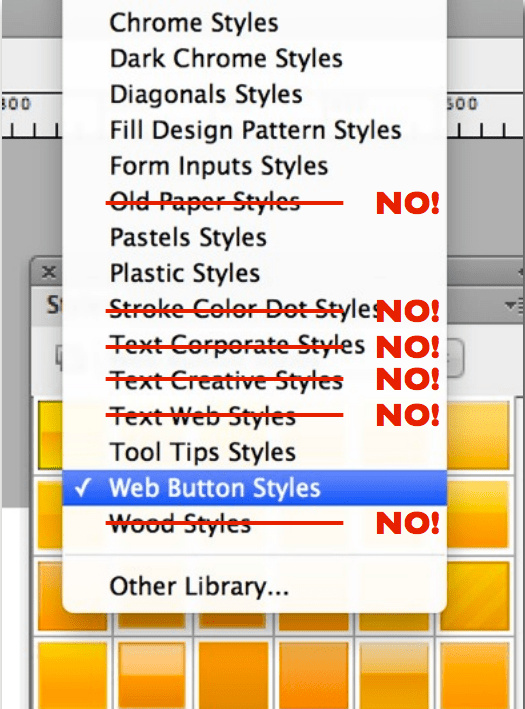
Below, I have some screenshots from the instructor’s presentation on the usefulness of Fireworks and exporting settings to have on.
-
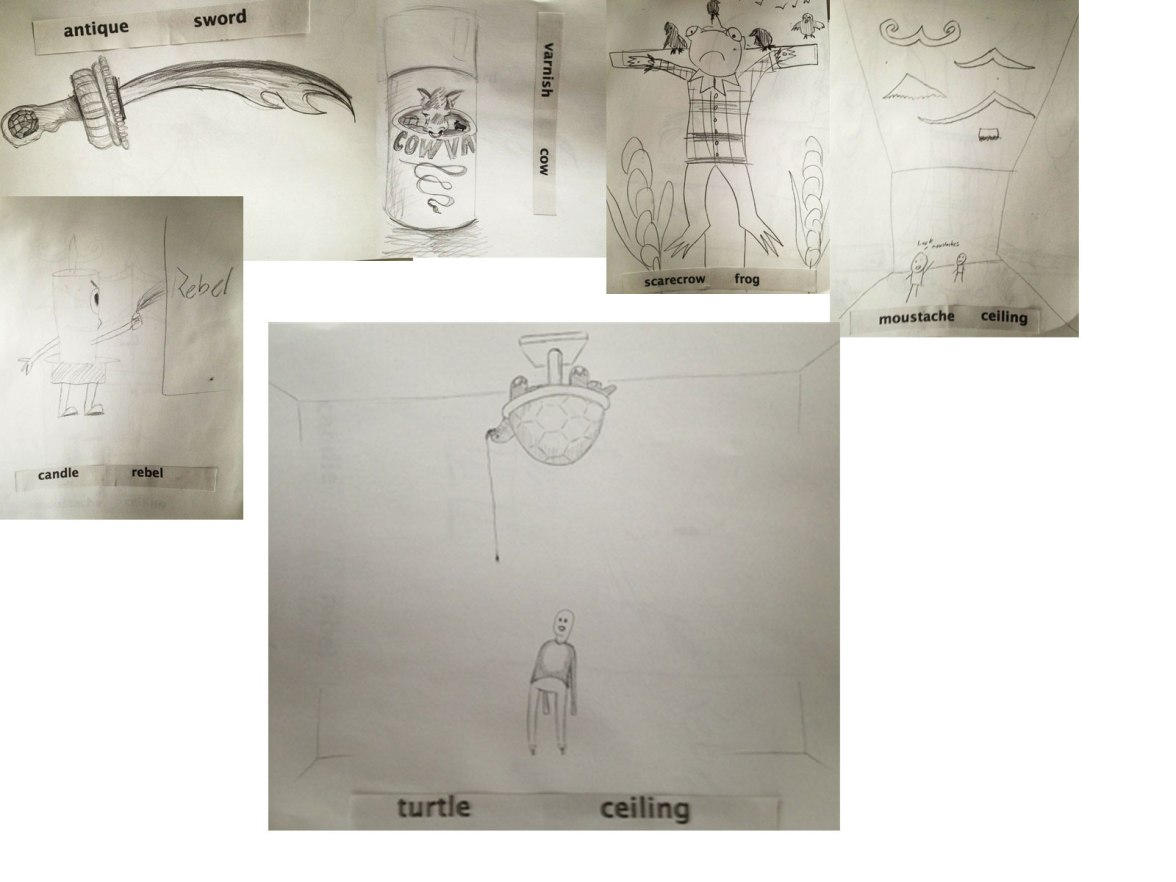
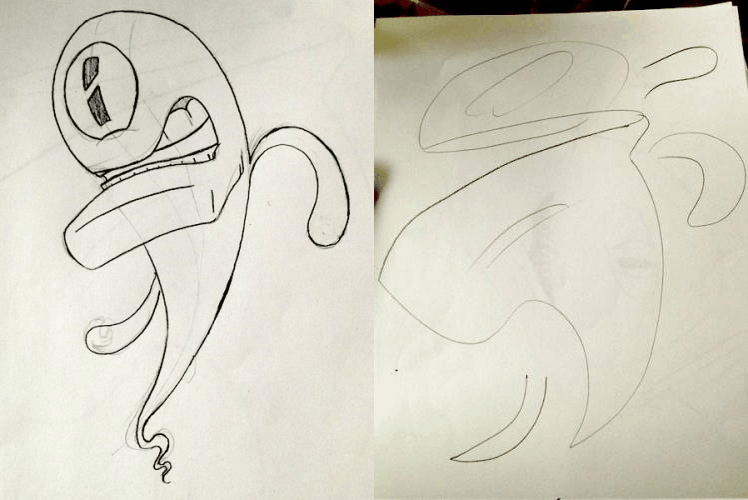
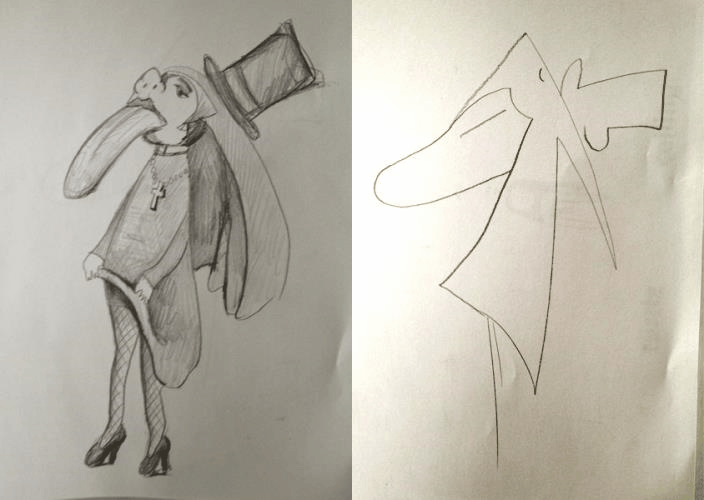
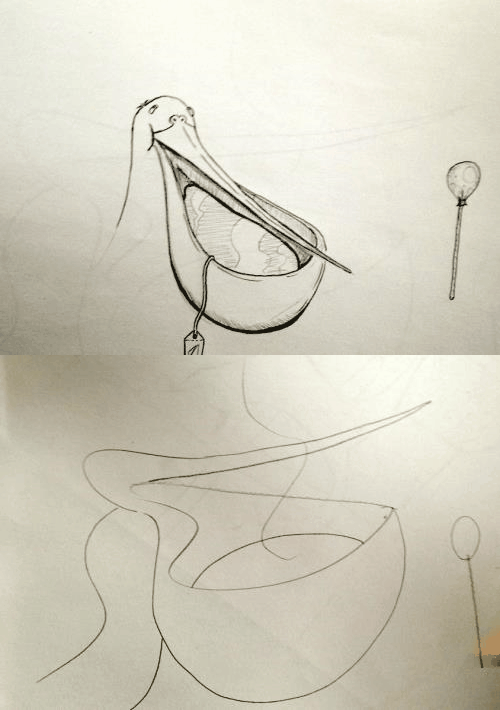
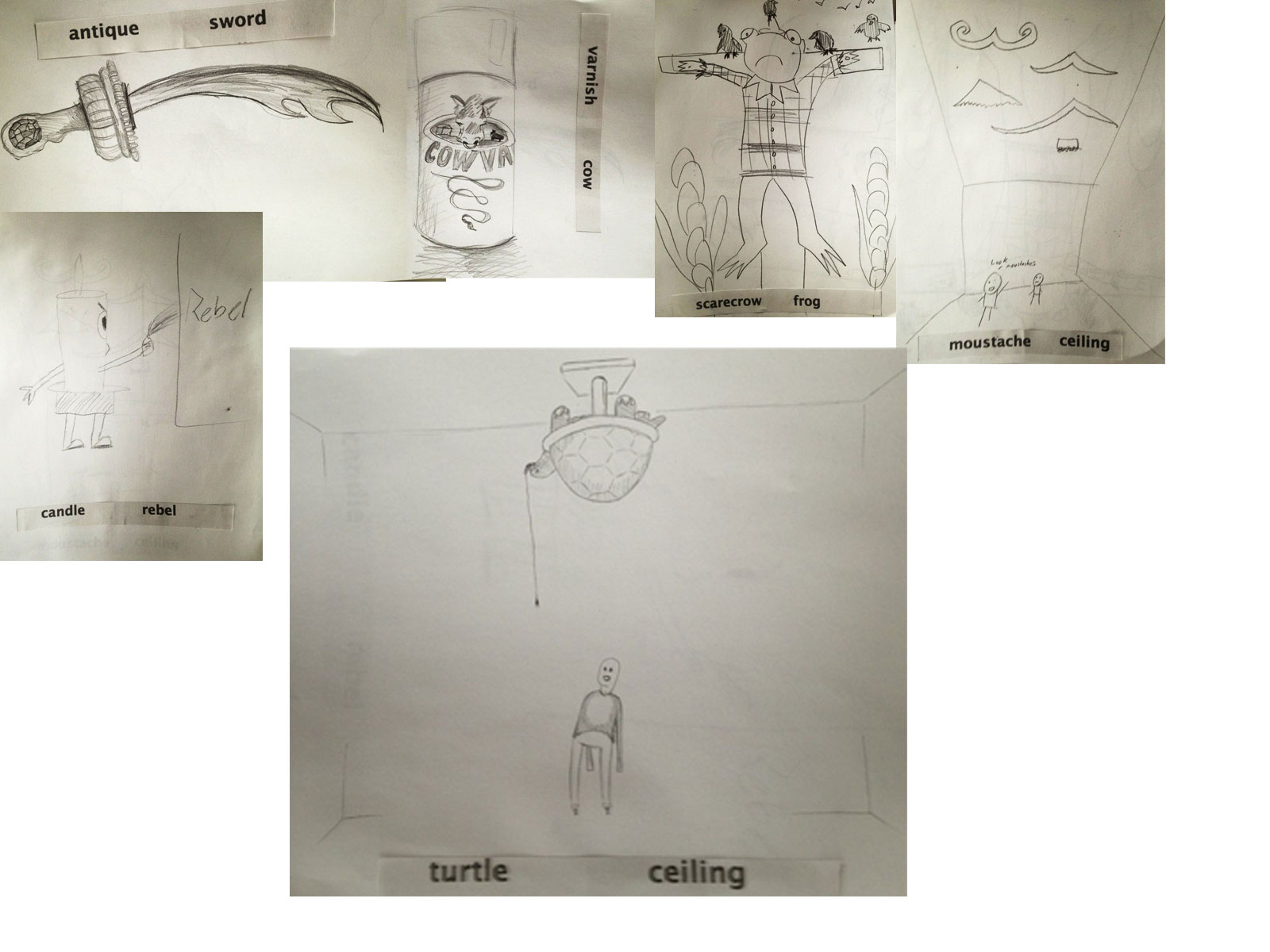
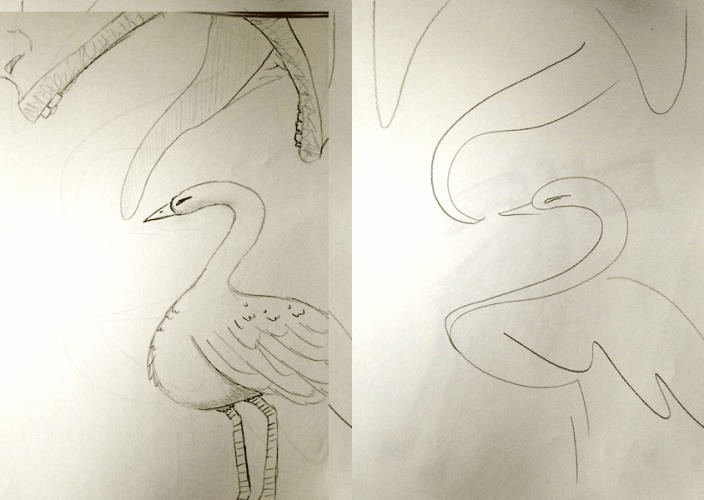 We did some drawing exercises at the drawing club meeting. One where you draw something inspired by two random words. And telepictionary.Drawing from Katarina Countiss
 -
Project 1 : Home Depot App. (App Definition Statement)
Collaborator: Liz Duration: 4 weeksHome Depot App (Name TBD)· Purpose: DIY tutorials and tools for home improvement projects with the option to have you project materials delivered or ready for pick up at the store.· Who it’s for: makers, handy men, people who aspire to make household improvements· How they’ll use it: There’s a “tool belt” to use while constructing which includes: levels, calculators, converters, etc. as well as step by step to tutorials and materials check lists get the job done.· Core functionality: Get ready made DIY project packs or tools from your local home depot or have them delivered to your home or business. As well as a social feature to update and share your current projects for home improvement.· Consolidated definition statement: App for Builders to streamline their tool kit and cut down on time looking for materials for a project using social sharing as a way for users to connect over home depot projects.· Features that fit the definition: A phone-app level; background tracking/processing; server integration with CRM system; client record lookup for associating time tracked with project; photo component for sharing project progress.Statement of Work (SOW)Phase 1: due 4/10
UX: Research features
Design: demographic researchPhase 2: due 4/17UX: task-flows, paper prototypes, user testing
Design: wire-frames, gather Home Depot brand assetsPhase 3: due 4/24UX: Test wire-frames on users
Design: create Photoshop CompsPhase 4: due 5/1UX: AfterEffects presentation
Design: Respond to concerns in critique, build functioning prototype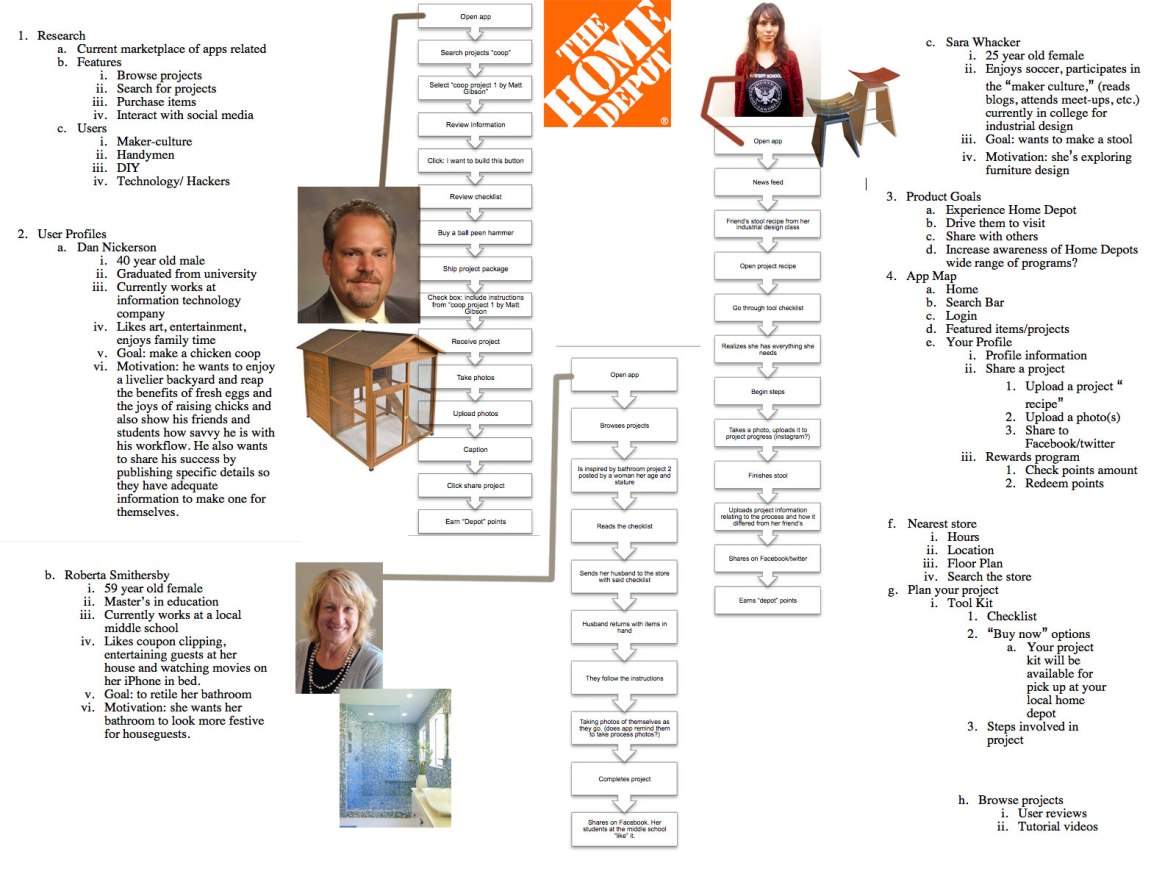
Phase 1 User Research and Task Flows Update 4-10-13:
After seeing some of the other groups present, features to make sure to consider: smartphone checkout in-store? intelligent group ing of checklist based on floor plan of local store and for the final presentation, I think it’s really convincing if the user persona’s photos are of them engaging in a smart phone.
The instructor’s feedback included this=> How to Make Bakery-Style Cupcakes – Snapguide.
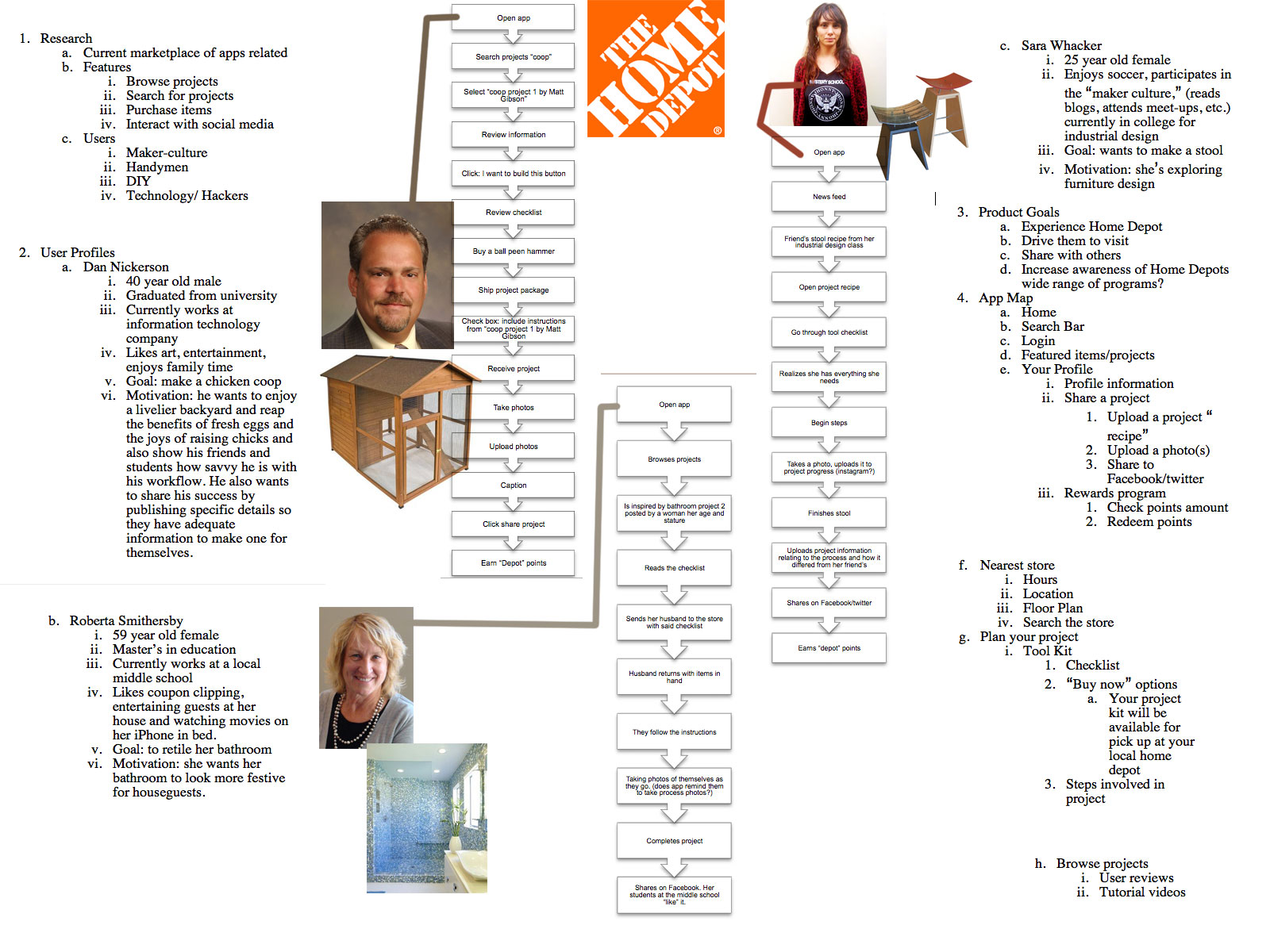
Update 4-15-12: Sitemap
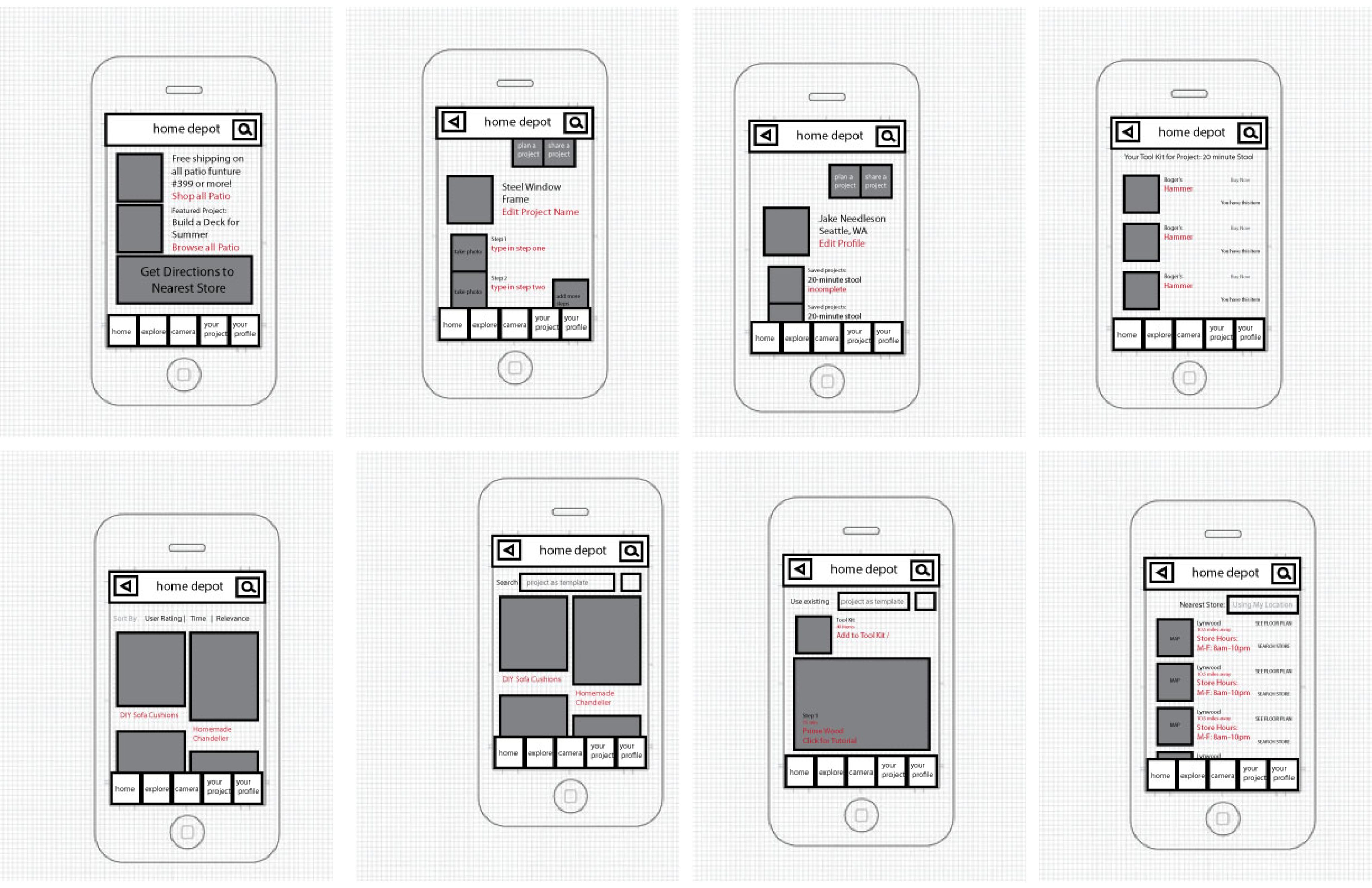
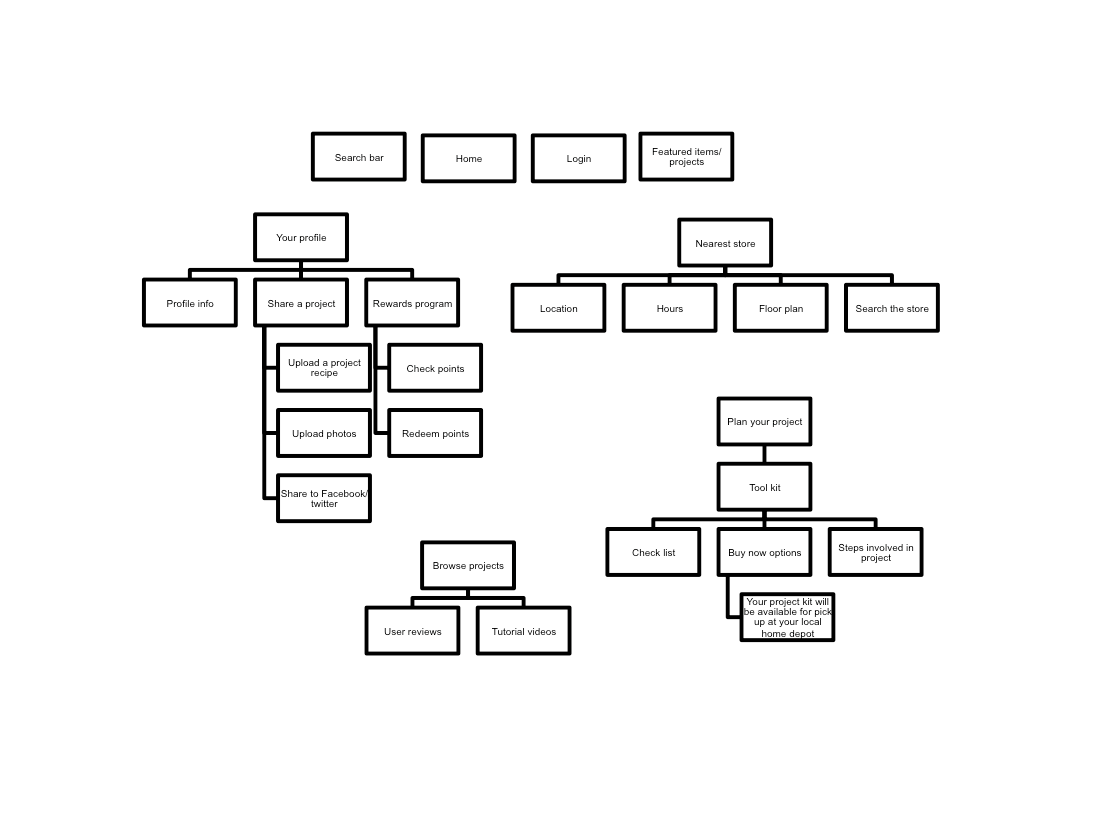 Update 4-17-13: Wireframes
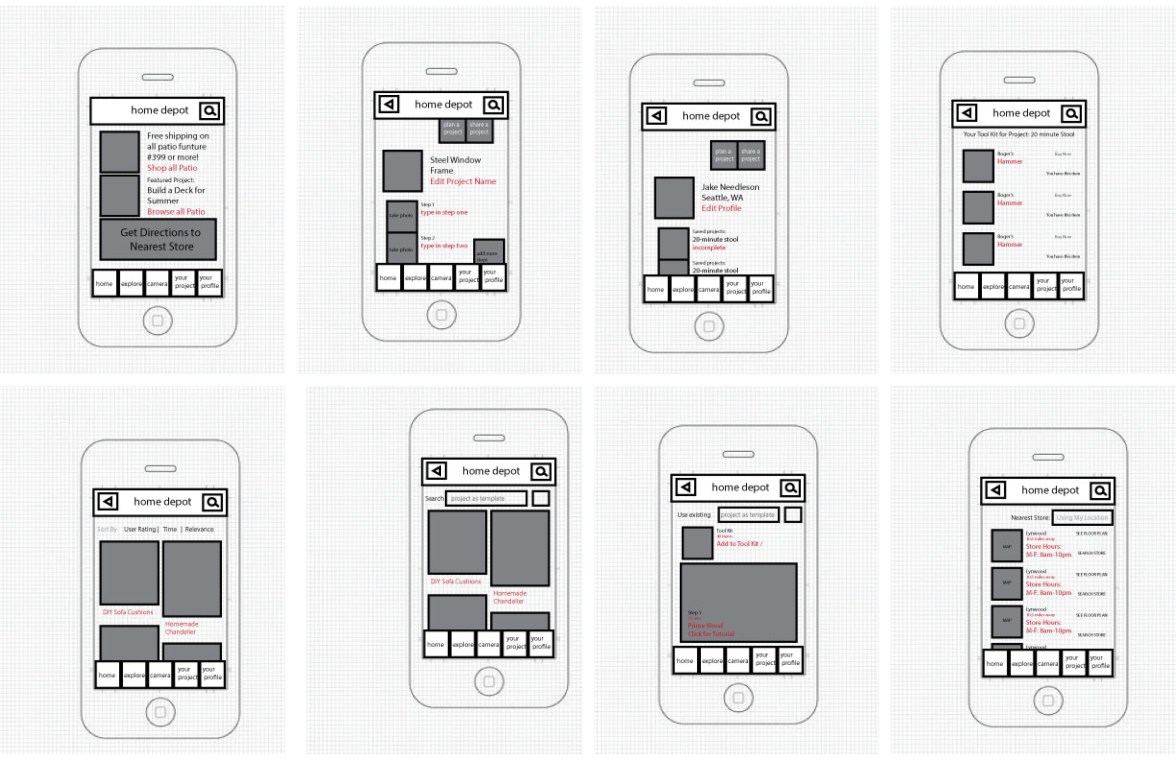 Use the TAP framework (TAP – Fireworks touch prototype tool for iPhone, iPad – UNITiD.)
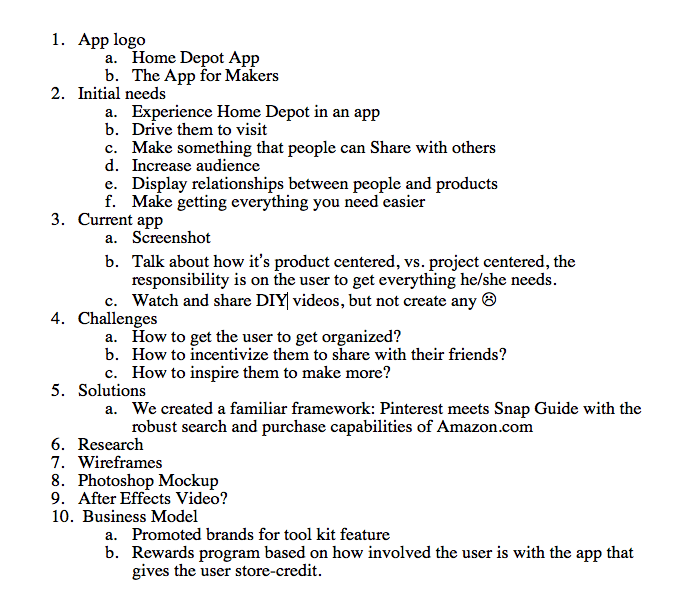
Update 4-26-13: I’ve passed off the wireframes to Liz, my visual designer and I am working on the presentation in InDesign for next week. Here’s the outline.
 Update 4-29-30: Today, I worked on the App Video Walk-through Draft 1 and The Presentation (also Draft 1). Ready for some skins and adjusting the timing.
 -
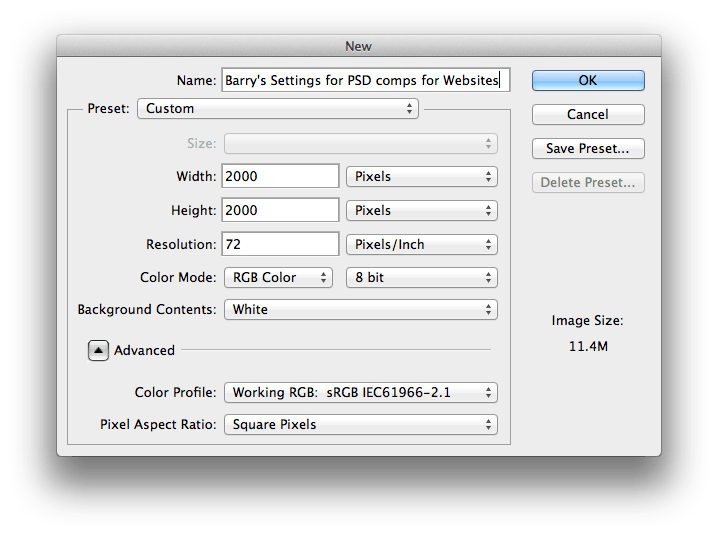
Settings for PSD comp 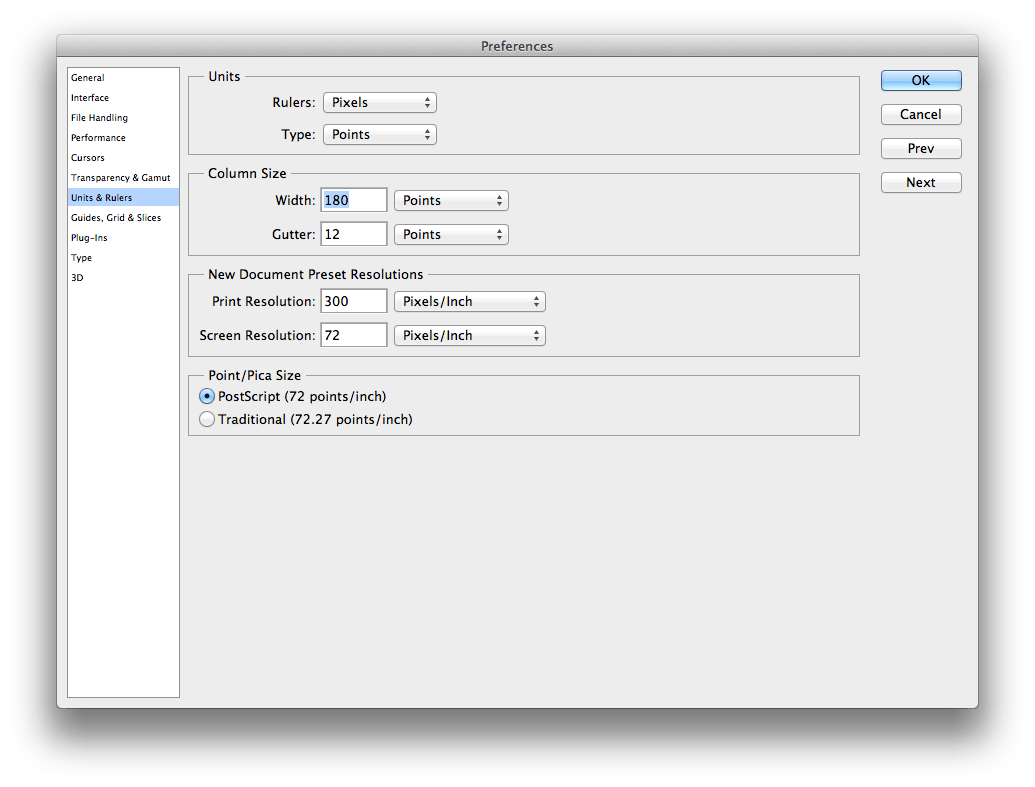
change your workspace to pixels 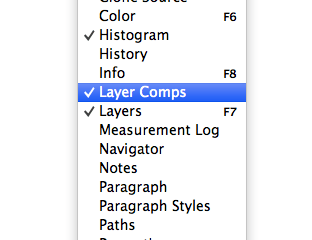
Layer Comps is found in the Window Panel 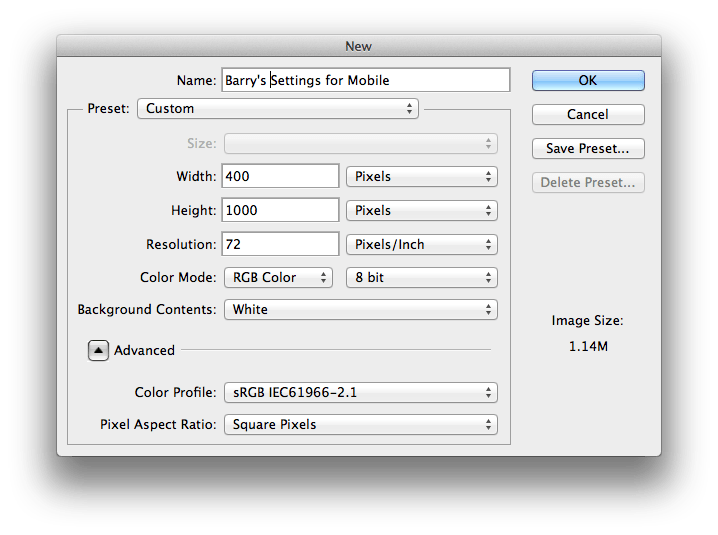
Settings for Mobile, with margins. Aim for 320px wide. Barry said to make the canvas bigger than the website. Plenty of margin. Same with mobile, and shooting for 320px wide isn’t a bad thing. For hover states in photoshop comp land, find an arrow from Google search and size it to actual size in relation to the photoshop document.
He talked about the layer comps feature in some detail. A good thing about that is the toggle. You can switch different states of the page (different pages within the site, hover states, etc.) with a use of a toggle vs. having to turn on and off each layer group.
For photoshop comps, design the desktop first then take those layers and put it into a new mobile sized document (see above) and resize/restructure the elements. Barry says that you don’t have to put everything on the mobile document (lest it be 5000px long) but if there’s a thing that needs to be expressed, like a login page, that’s a good strategy.
And, don’t forget to zoom out. PSDs save the way you’re looking at it, so when sending off files to clients, make sure that you are looking at the webpage mock-up in a normal way before saving and closing it.
(Export: File=> Scripts => Export Layer Comps)
Links:
Adobe Photoshop * Layer comps.
GuideGuide.
Ode to the Option Key: 30+ Cool Option Key Shortcuts in Photoshop | Design Shack. (The class oohed and ahh-ed a little when Barry resized an image using the shift and option key!)