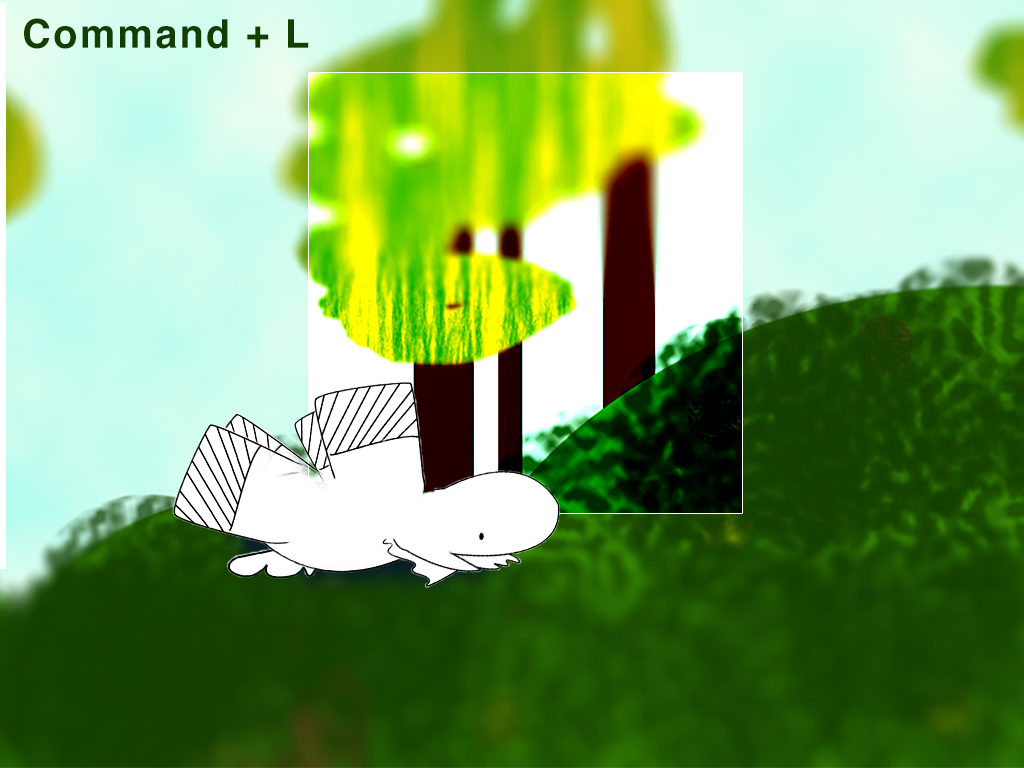
Working on a Mr.Yoks Project. I saw this tweet, which led to this link and I thought it was at first, a pairing of famous quotes and their Adobe Photoshop counterparts. For example: “There are many people who reach their conclusions about life like schoolboys; they cheat their master by copying the answer out of a book without having worked out the sum for themselves.” Obviously related to Selections. (But, it wasn’t. Though I do plan on making a series of something about that at some point.) So, with that, I thought I’d give this animation I have been working on some further direction. (I’ve been using Photoshop to create stills and then putting it into Premier Pro.) Photoshop shortcuts guide meets children’s picture dictionary. It’s not complete by any means, but check out my progress.
I’m working on designing a product with some friends of mine. We might end up starting a company and actually producing it for the masses. So, I can’t really post much about the design process, lest I reveal all of our delicious details about the product. But, I can certainly say how humbling it is. How scary it is, and how it makes me feel as a designer.
I went into the project thinking I was going to be “the designer” but one of my friends is a budding creative. She wants to do some of it, too. How can I work with someone that hasn’t spent a year being torn apart by design teachers?
We are currently using dropbox to cloud-store our files. I put screenshots in there of what I’ve been doing. She asked me to put the native files in the drop box, too.
In my classes, I’ve been taught that when you give the client editable files, you lose control. They start to make horrendous changes to the style that you lovingly molded. They move things around and when it comes back to you, you’re left with a frankenstein baby. And I didn’t want to feel that way. I asked my other collaborator if it was wrong to want to keep the files and have people just tell me what to do, but he said that people are visual and it’s easier to play around with the layout instead of verbally communicating it. He said that if I started holding back now that it would not be helpful as part of a team and moving forward.
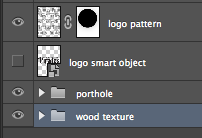
Screenshot of named layers in Photoshop
I want to support the team, the company, the product in the way that I know how: graphic design. It is with the spirit of support that I organized the files so that they all can tinker with it (by “organize” I mean grouping layers and naming them clearly). Together we can build something better than separately, but I am bracing myself. I’m trying to divorce myself from my designs and look at them as the team’s assets.
I put an instructions document that we can all edit so that we can be clear on why I used the software programs that I did. (I don’t want to layout the whole thing in Adobe Illustrator) and when we make changes, we can document them there. I think that’s a start.
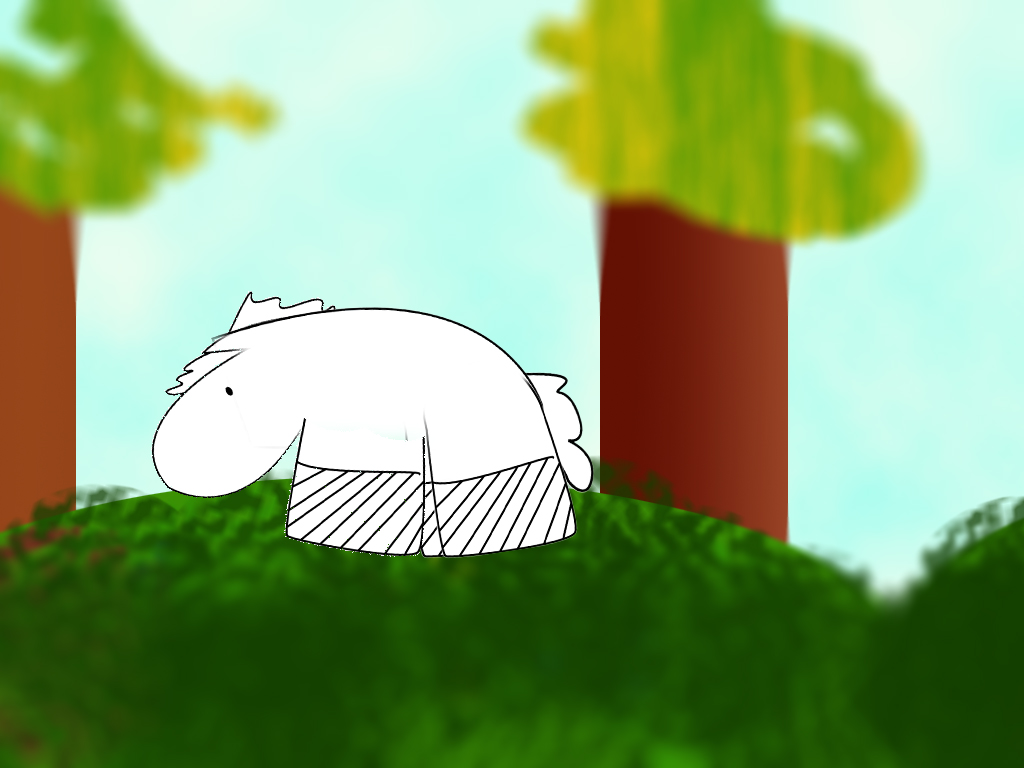
A Mr.Yoks Project. Today, I started on an animation (Not completely unlike this one that I did with cut paper). I mostly wanted to see if I had the patience for frame-by-frame animation. I also wanted to see a baby horse dance. I made this goofy looking background in Photoshop. I used a “tilt-shift” treatment on the background. I think it gives it a soft naive look. I like it. I have the horse’s limbs on separate layers that makes and I move him around like a puppet. I made the background really wide so he’d have plenty of room to run around. The vid is nowhere near done.
My newest client is currently using a Template at Yahoo Web Hosting. It’s typographic limitations, stock-photo images and unimaginative swashes makes it look like it hasn’t had enough attention.
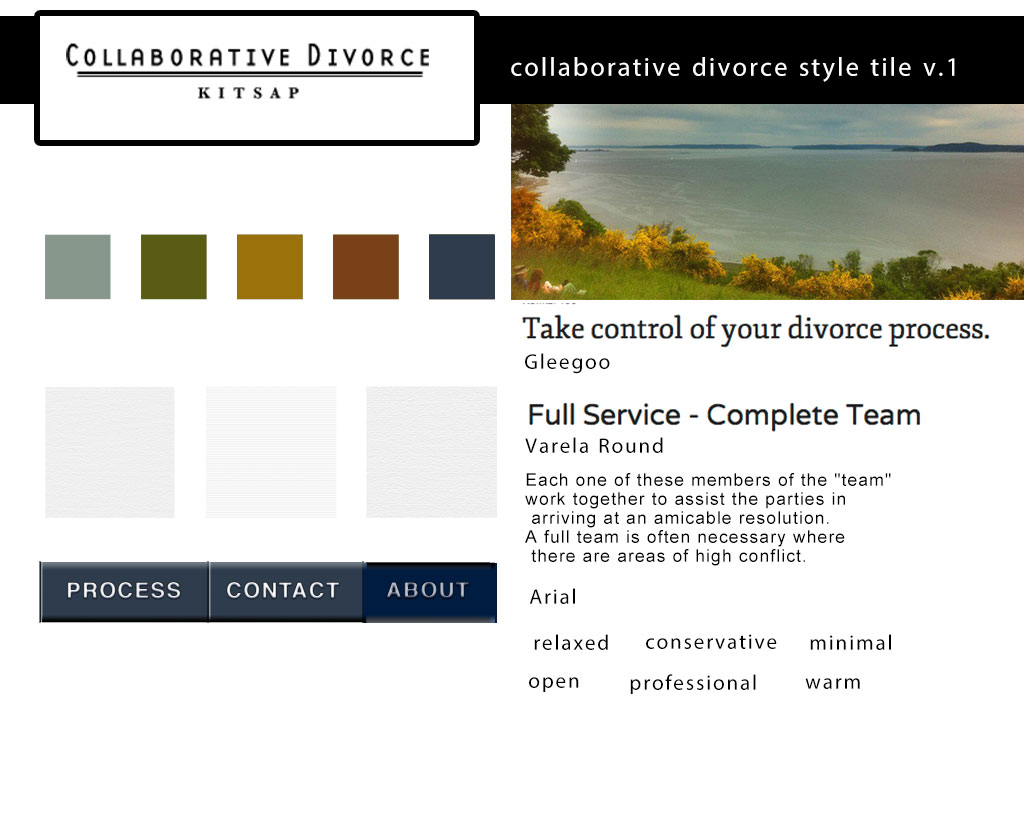
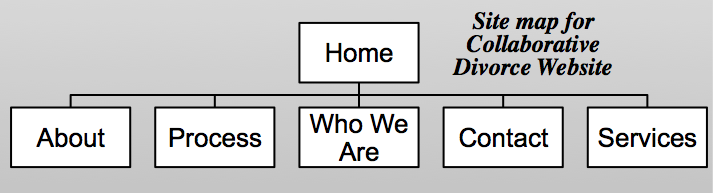
The website is for a Collaborative Divorce service, so I want it to look friendly, warm and professional, a solace for the maritally troubled, hence the warm color palate. I found this great photograph of the Puget Sound in my photographer-friend’s library. He’s allowed me to use it. I created the logo, as well. I used a modern typeface for the main part to convey a sense of “no stuffy-legal-b.s.” that a serif-ed font might convey. I used Baskerville to connote a sense of professionalism and history for the location word “Kitsap” (as in Kitsap County). The textures in the style tiles are really subtle (as they should be considering I got them from Subtle Patterns). They are very conservative– linen, paper and white paperboard.
Ignore the corny details about how to make it look like notebook paper, and you’ve got a very simple tutorial about how to make a crinkled texture. Quick and easy! It’s amazing how many interesting affects can be achieved by using different layer modes.
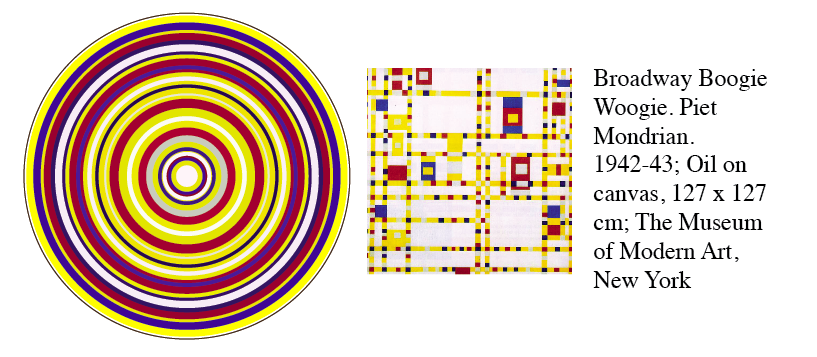
I spent my morning creating “art-rings.” I started out with the idea that I was going to make some circular stickers and I was browsing famous color palates to help with my color choices and then I just got carried away making these concentric circles of my favorite artist’s work. Creating is like that sometimes. I just have to do it. It doesn’t really make sense or mean much to me. It’s like the work was put there, in the blender of my mind and this came through. Here’s the rest of them. artrings
This is a great tutorial. This is an easy effect to achieve and it’s really fun to look at. It’s really trendy right now, so soak up the fun before it’s overdone!
I highly recommend you carefully select your photo and add little tweaks to this process. This is a good article about that.
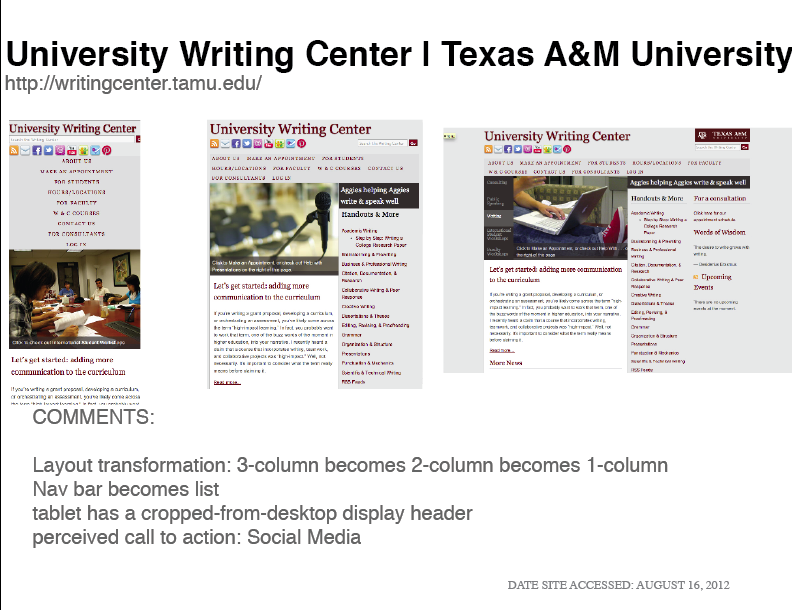
Screen shots of responsive web design. Research summer 2012 education.
As my last assignment in Web Design Bootcamp, we are to take a snapshot of Responsive Websites in the Summer of 2012. (What is Responsive? I love this article that answers that question.)
This assignment put forth by Erik Fadiman is one of those tests where it seems the only solution is to call the test unfair and consider it a test of character. No test should be as unfair as this. It’s 2012 and he wants us to find responsive websites and take notes on what their doing. These are precious needles in the haystack of the internet. Things I love and things that I thought would be responsive are not. And many things that are mobile-adapted are separate websites. A good solution, but not the most adaptable. Good design should be imperceptible. One should be able to go to any website on any web-enabled device. End of story. I can’t remember if a site has a separate mobile site or not. And I’m certainly not going to be roaming around on their lame website looking for the link. (Maybe if they’re nice, they’ll put it in the left upper corner or something.)
Mediaqueri.es is a good place to start looking at responsive websites. The links are all in one place and they are not really organized, so you get a really general visual survey. It seems that to have a responsive website right now, you have to be in the industries of web design or news media or be just getting on to the “internet” scene. –Or music festivals and conferences. It seems very practical because it is at concerts and such where you need mobile information.– Lucky for people that have held out. They skipped the mandatory renovations that every website will have to go through to stay relevant.
For my research, I decided to collect screenshots of school/university sites. Karine Joly writes about how difficult it is to update a school website because of funding and staff limitations and the best solution is Responsive Web Design because it anticipates the future and all of the various mobile devices we are destined to be using.
I noticed that a few websites used a responsive jquery slideshow like the kind I learned how to code in Web Design Bootcamp. It is a great way to add interest and color to a text heavy medium. It was interesting to note the different ways the navigation bar transformed into blocks, lists and menus.
Here’s my design research_education (a web-view pdf) Can you spot the other trendy tricks the web designers used?



 Kismet Arts Tangent