Kismet Arts Tangent
Art Collective
-
Sa mapp presentationView more PowerPoint from basementcat(above: the slides for my presentation for Seattle Art Museum’s app development– what I have so far)I’m currently at the task flow stage, right up to the point where I start wireframing. I learned from Tim last thursday that Site Maps don’t have to show the interconnecting windows, that they’ll all be apparent in the wireframe. I thought that was a huge relief because it’s a huge struggle for me to get these site maps to read simply. There’s so much information I want to ad. I think every good diagram should stand on its own, but in the case of site maps, it’s a supplement to how you explain the intricacies of user experience. All of the options.In the world of web design, a complicated site map, is not so complicated when you use it because you don’t see it all at once. I think the ruler of the universe has a very complicated site map, one for each user. If anyone wants that job, definitely start with your research.
-

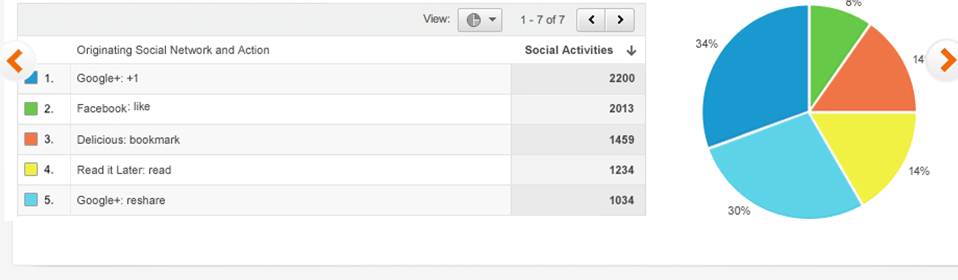
Above: Google Analytics example (it’s free, sign up for your site!)It sounds intimidating, but metrics just refers to measuring stuff and getting that from your website just takes a little bit of code that you plant like a wire in an FBI agent’s jacket. Once inserted, it remains unnoticed by the user. (Google analytics is a free way to get this code and then proceed to track the information it collects.) This will get demographics, information about when, how and where people are coming in and out of your website and from where. This is a great way to see if people are not going through a process you’re trying to get them to go through, like the task flow for purchasing something. We’ve all been there where it is way too many clicks to get to a payment plan and you can get this thing somewhere else, so you do.
I like this because you can start to see patterns. You can give your audience something they want based on what they have liked in the past (if you produce stuff regularly.) That’s the kicker. Tim showed us his site metrics, but it reflected mostly the students going to it for syllabus information.
A site like the one you are currently looking at (Katablog) is regularly producing but producing different content. I might be able to deduce that my readers are more interested in what I’ve painted recently, rather than what I’ve learned about typography. Or that they like ones with video. Perhaps it’s a novelty factor and it fluctuates. It’s a feedback loop of adjustment and measurement and then some more adjustment. -
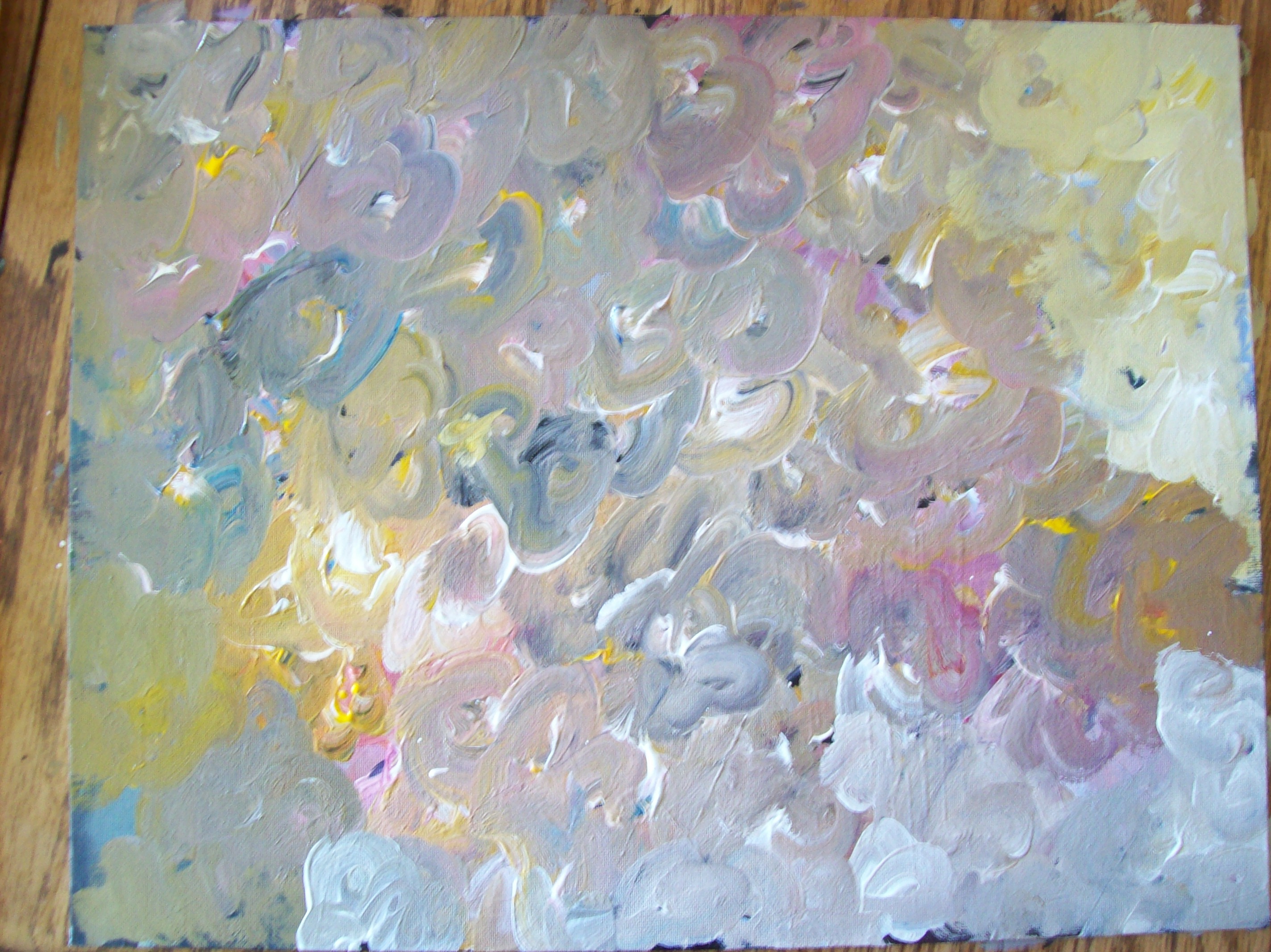
Music: ditto, ditto! by DoKashiteru. I got the music for this video from http://dig.ccmixter.org/ It is licensed under creative commons.I’m always fascinated when I watch someone work. I thought I’d combine my loves, painting and video, into this. Let me show you how I made this painting.
As for making the video, this is my first painting video.
I used a lo-res Kodak Share camera and mounted it to the chandelier in my dining room to get the aerial view. That’s why it’s a bit shaky. I didn’t know what I was getting, so that’s why the framing is off. It was definitely a learning experience.
-
We haven’t had many lectures in the UI/UX class I’m currently taking. We’ve talked about some industry standards–rollovers are dead because mobile apps and the rise of the touchscreen– and some trends in design when skinning (designing the facade of a website). For example, say you’re Morpheus of the Web and you’re offering a user a red button or a blue button. Sure, red grabs attention, but it also means “stop!” where as blue is more serene looking, but in some cultures considered to be sad.
There are skinning priorities being firstly adherence to the brand. I think that comes from the fact that there is so much stuff out there that people forget what they’re doing most of the time and a strong brand link is a good way to bring them back to focus. Imagine you’re switching between tabs in your internet browswer (I know some people that have twenty-some tabs open usually) and you see a website but you don’t remember what exactly it belongs to. Brand colors, textures and styles help the user instantly recall why he or she is at the site in the first place without having to read the text on the page.
And a second priority is hierarchy. What should the user look at first? What’s important? A big question us students have had in this class was “when is it okay to bevel?” In Jason’s photoshop class, he would create an element then apply some corny filters, add a dropshadow and when he wanted to make something look as he said “deliciously awful” he would bevel it. In design, trends come and go as software companies add new features. The industry has grown tired of the beveled button, but before you know it, the style comes back and recedes again. A rule of thumb is to use gradients, bevels and the like as a tool to create hierarchy. As the ol’ saying goes, “if everyone is special, then no one is.” So, keep the bells and whistles to the things that truly merit them and you and your user will get along just fine.
A huge part of UI/UX is being part of a team. And a huge part of being part of a team is communication. So far, we’ve done a lot of presenting our findings and designs to the rest of the class, explaining the methodology, user profiles, tasks, wireframes and final screens. Answering the question “why did you do x this way?” with “I don’t know” is signing your death warrant when it comes to design.
Employers (and the team members you’ll be assigned to work with) care about your ability to carry through a process like this. They care about how well you can explain your thinking. I’ve been reminding myself to always summarize the project before I start presenting on a new step in the project. I like the idea that people will be coming in and out of your team and have to be caught up to speed. It makes me feel like a federal bureau investigator and I need to get my operatives up to speed so they can help me better. I think for the rest of my career, I’m going to be thinking I am running all of these secret operations that involve a team of specialists that pull a trigger at my command.
Design is becoming something of a component of a larger endeavor, a team of people that require your cooperation and expertise. As creative scholar Jonah Lehrer writes in his book Imagine: How Creativity Works, our creative projects are no longer the source of a single genius, but a collaboration of specialists bring their talents together for a fresh synthesis. Let us be better communicators of our ideas. Do not be afraid to present something half-baked because someone might present a pocket-sized gas torch. That is a thing that constantly surprises me. The phenomenon when I off-handedly comment, “wouldn’t it be nice if (insert random, way-too-specific device) existed?” and someone says that they have one at their house.
We live in an age where the problems we must solve are getting harder– we’ve picked all the low-hanging fruit. Now must pull together to create something truly engaging.
-
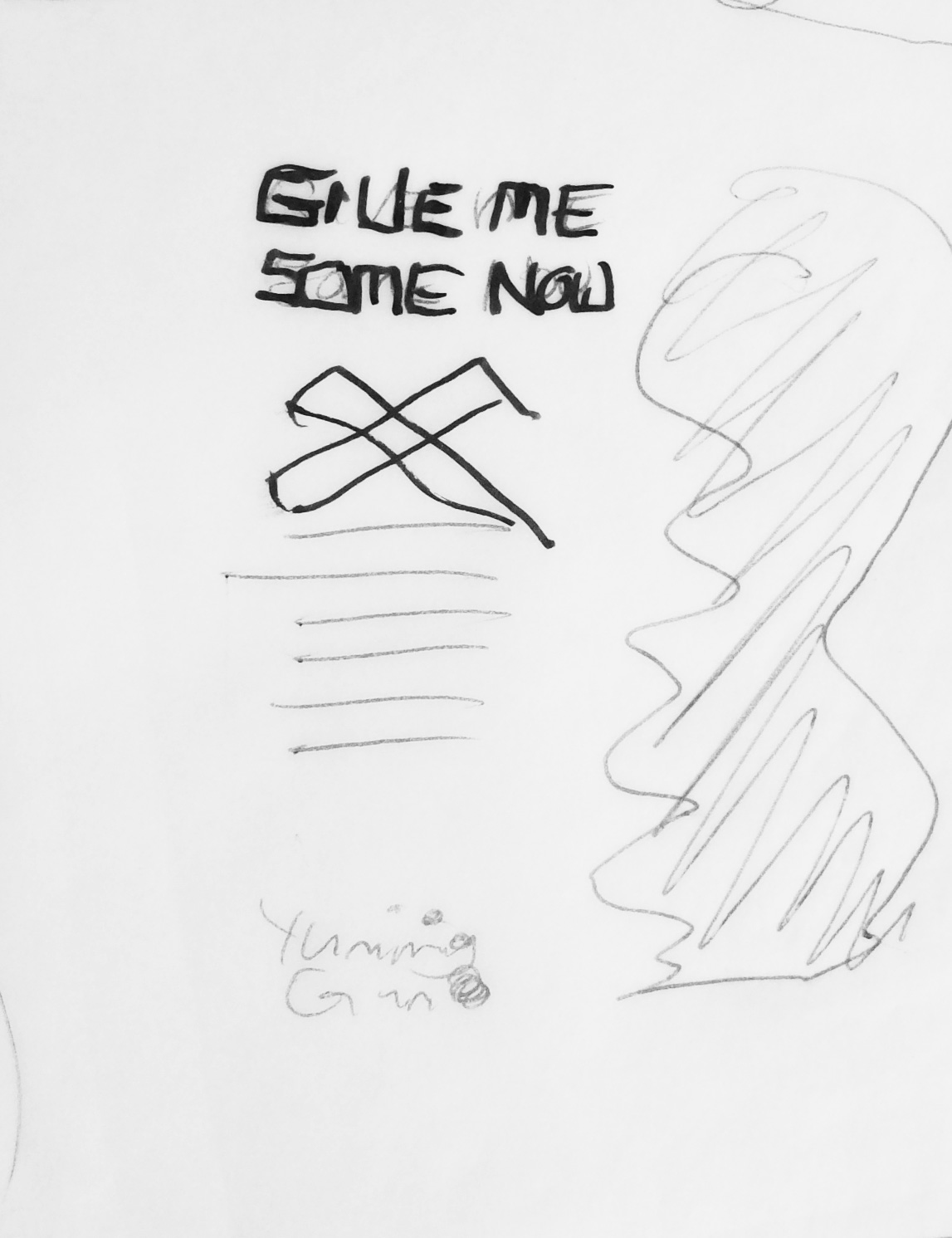
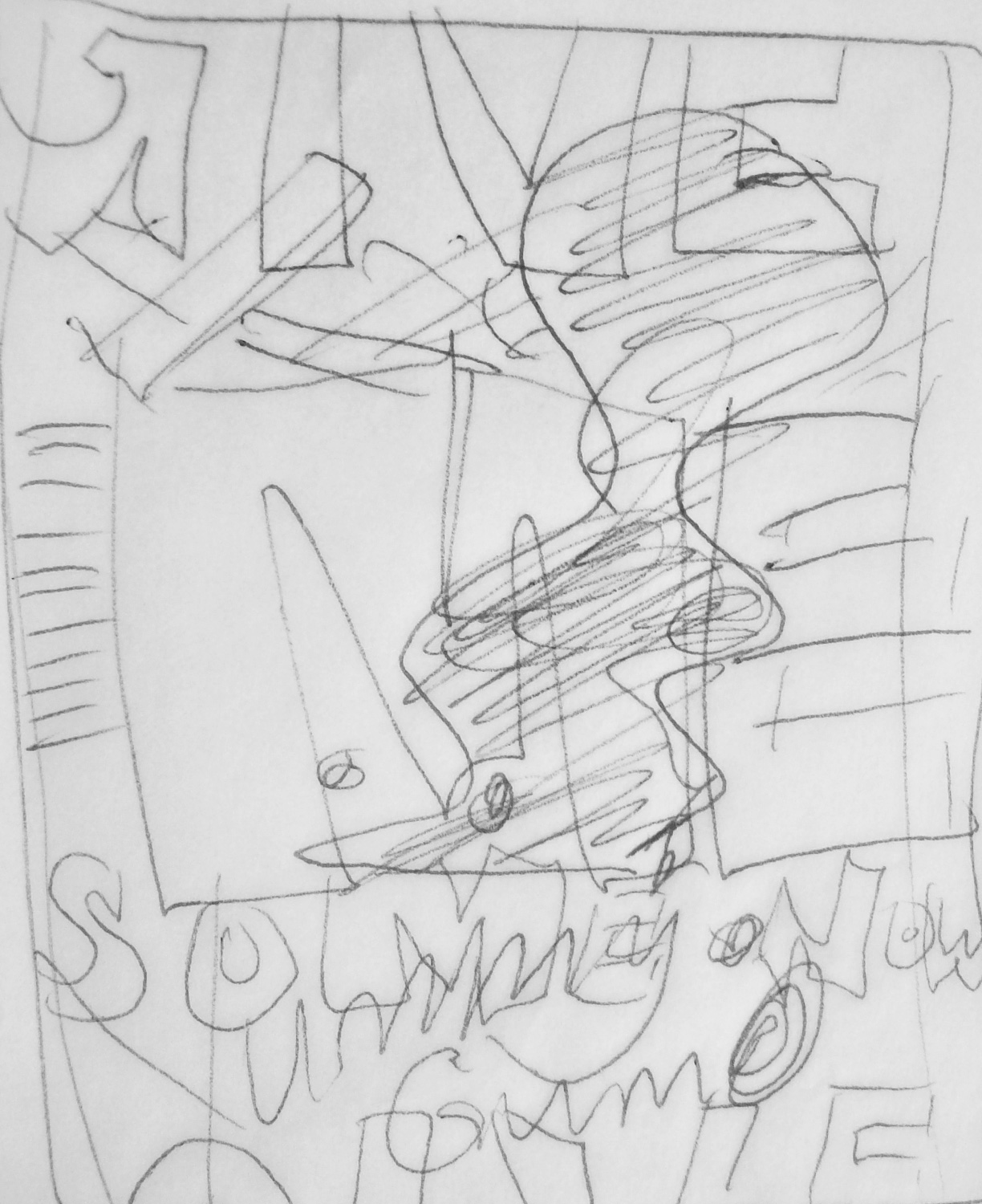
Jason required this ad for bubblegum to be sketched out in three versions 1) formal and adhering to the grid 2) an execution as he calls it “breaking the grid.” Truly and utterly breaking, I showed him ten other sketches with over-sized overlapping and cropped headline type and he said, that’s good, but more. (3 is a combination of what works in both, which I haven’t analysed yet.) His intention was to push us designers beyond what kinds of mess we are comfortable with, until things are illegible and jumbled as if “it’s been mixed in a bucket and spilled out.” I haven’t sketched enough to see the value in it. I’m grateful for these mandatory sketch sessions. They make me a believer in the necessary steps of ideation. Thumbnails help simplify the problem and keep you on track when taking the work to the computer.
-
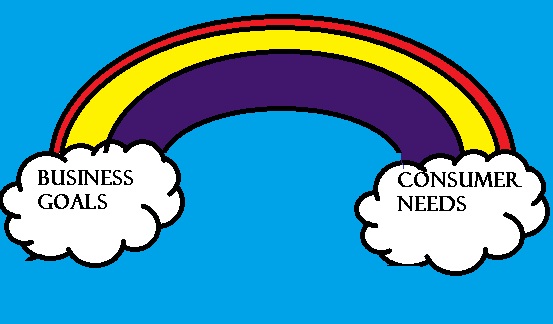
(Above: a recreated slide from Laura’s presentation last thursday)
Tim brought in a usability researcher who spoke to the class for over an hour about the process, pains and purpose of market research. Laura (that was her name) emphasized how usability testing measures many factors that go into considerations for designing with the user in mind. These tests tracked the time on the task, the flow of the task (how many steps it took and how easy it was to take them), the usefulness of the task and whether the content and features were even wanted. That’s good to know if your customers don’t care about what you’re trying to feed them. She gave the advice that when testing the prototype, whether it be a paper print out of a wireframe, or a working application, don’t lead the user. Be an impartial observer because as the designer, you know too much to be a measurable piece of data in your information collecting.
She outlined the steps of development: Plan, Research, Design, Adapt and Measure. This is a fluid back and forth cycling through the process a few times until you have this thing that serves a purpose efficiently (that’s quickly and thoroughly) whilst delivering on the promise. Anything that you sell to someone has a promise, a real benefit. Get this and x will happen. If you miss this target, you are not a designer and just a sad misguided pony that should go back to the meadow you came from and stop posing as a hip and savvy techno-guru.
Actually, Laura didn’t mention anything about ponies, but she started and ended her presentation on a rainbow (as seen above). She asserted that when you align the business goals and the consumer needs (meeting their expectations with your product) then you have harmony. (Rainbow in this case=harmony– rainbows can mean so many things!) I was surprised that she made this whole presentation in PowerPoint. Here on the fifth floor, (Macs reign surpreme) it was refreshing to see that the rest of the world continues to run smoothly using their Microsoft products.
She mentioned how there are some start-ups that have little money to invest in their usability testing and often let loose whatever they have on to the market and continue to develop features to add on later. As designers we need to be flexible, open to facts and not our instincts and mostly not make people feel stupid, thinking that they don’t know how to use the web application and are therefore useless in the new era of technology. It’s up to us to empower people, make them feel at home in this burgeoning world of cyber-user experience.
-
Last Friday, I presented this (read: my team presented this) to Jill and Chris (among other materials, refined logo design and tee shirt ideas) and they seemed to be excited by our progress and the polishing of our style guide.
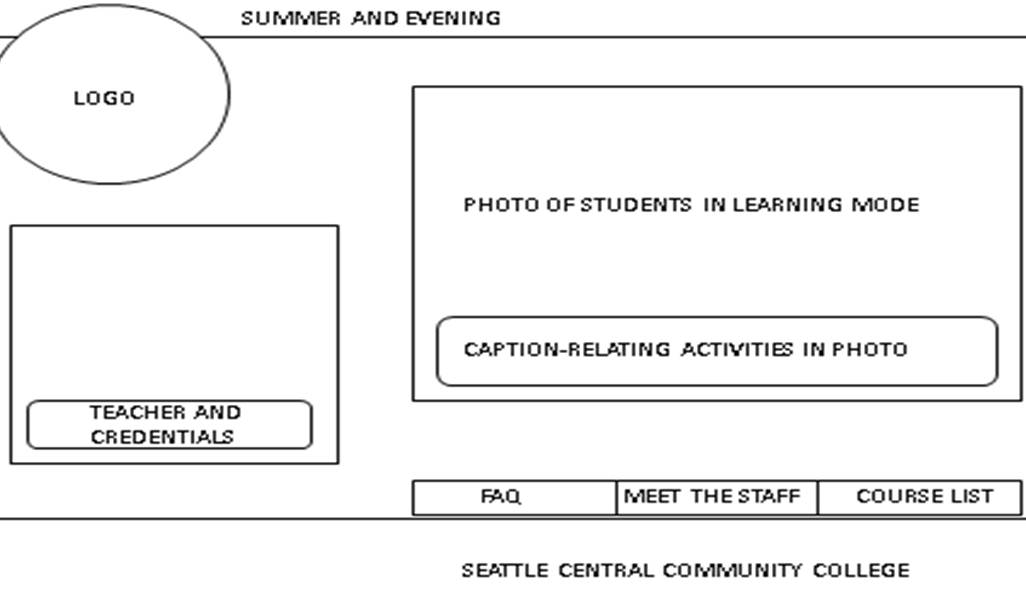
For this wireframe, they had some quickfix tasks, relocating the nav bar to the top section of the page and emphasizing that it’s Seattle Central Creative Academy and not community college.
Secondly, they asked me questions about what happens when the user clicks on the different nav buttons. I was stumped for a moment. (I try to look prepared by making up something on the spot.) They looked confused when I said that the smaller box fills with the content of the previously clicked item, so at any given moment you can see what page you were last, like a rotating wheel of content. I immediately saw the ridiculousness of that and when they asked me again to clarify, I said that the smaller box is the detail of the larger list of things to click on. Essentially, a built-in pop up window. I tried to fight a little to keep the positioning of the boxes to line up with the smaller window to the logo and the larger to the nav bar, but Jill and Chris emphasized that people read right to left and top to bottom. This little fact dictates how all web is designed forever. People will always read that way because we keep showing them that way. Industry Standards. A consideration that holds high priority for UI/UX.
When you make a wireframe, you’re not presenting a graphic design, you are presenting a system. A world of considerations have to be anticipated. A wireframe of a homepage is a window leading to everything a user might consider wanting from your company. You must anticipate their wants, needs, instincts and most importantly their expectations.
When you present a wireframe for a homepage, you have to always welcome them. (Another critique of my design was that it lacked an official greeting, orienting the user to the purpose of the organization.) The “about” has to be on the homepage. A quick summary of the main idea. If your user has to click to know the main thing about your organization, you’ve already lost them. I’ve heard this in other critiques:” so your user must click…” Early on in the process, you want to offer lots of content. If you find yourself with more options after clicking through a couple of things, reconsider putting the options on the homepage so the user can get to them quicker. User-centered design. User-centered design. It can’t be said enough.
-
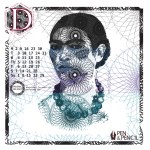
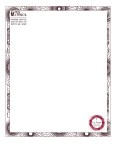
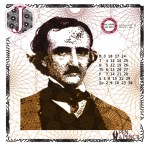
My finished materials from last weeks’ assignment. Three calendar months (Jan, Jun and Dec 2013), business card front and back, letterhead and No.10 envelope. When presenting this to the class, one of my classmates inquired as to how I had done it. I explained the photoshop steps (making illustrator vector spirograph patterns of different densities then using an artistic filter and clipping masks on a photograph). I really like the idea of making something that puzzles people for a second. Looking at something and deconstructing the process is something that continues to increase for me as I learn new techniques. The power of software is underestimated. What looks complicated is something eased by computers. I’m excited to get into things that use various programs and multiple filters and tools. Creating things that haven’t been seen before is something I strive to do.